
 Zoe Nora
More than 70% of online viewers abandon a video almost immediately when audio quality is poor. This startling statistic shows why clear, professional sound supports successful digital storytelling. Voiceover (VO) is recorded speech layered over visual or audio content while the speaker remains off-screen.
With a high-quality audio recording, creators can explain complex messages, direct attention, and create strong emotions. Documentaries, advertisements, and podcasts all benefit from effective narration that strengthens brands and improves access for everyone.
Mastering this craft requires strong scripts, skilled performance, and technical precision. Balance editing and mixing so your message reaches listeners clearly. To improve your setup, explore our top microphone picks for every budget for professional voice clarity.
Key Takeaways
- High-quality audio is essential for keeping viewer retention rates high.
- This technique allows creators to guide the audience and add emotional depth to visual media.
- Professional results require a combination of skilled performance and technical editing.
- Choosing the right equipment is the first step toward achieving a polished sound.
- Clear narration significantly improves the accessibility and impact of your brand storytelling.
Voiceover is recorded speech added without showing the speaker
Voiceover adds recorded speech while the speaker stays hidden. This narration track links visual elements and adds context that images alone may miss.
An unseen voice can guide viewers through complex information or emotional journeys. For a product demonstration or travel documentary, it clarifies details and sets a mood without showing a talking head.
Voiceover appears in many formats, including explainers, e-learning modules, and social media videos. It turns raw footage into a clear story and points viewers toward key details at the right moment. A well-crafted narration track keeps viewers engaged and informed throughout the experience.
| Media Type | Primary Goal | Voiceover Style |
|---|---|---|
| Documentaries | Provide historical context | Authoritative and calm |
| Product Demos | Explain key features | Energetic and clear |
| E-Learning | Facilitate active learning | Friendly and paced |
| Social Videos | Grab quick attention | Punchy and direct |
Where voiceover fits into video and podcast productions
Voiceover links visuals with audience understanding in effective media projects. It adds context that images cannot show, keeping the message clear and engaging throughout the experience.
Narration that guides a video
Narration forms the essential backbone for many video formats, including tutorials, explainers, and documentaries. It links visual action to meaning, so viewers can follow complex ideas without feeling lost. A skilled narrator turns raw footage into a clear story that connects with the audience.
Intros, transitions, and sponsor messages in podcasts
In podcasts, voiceover provides structure and keeps listeners focused. Professional intros set the tone, while smooth transitions guide listeners between show segments. These recordings also deliver sponsor messages, making ads feel like a natural part of the show, not an interruption.
Character voices and spoken commentary
Beyond simple narration, voice acting brings personality and emotion to creative projects. Whether you develop an animated series or branded advertisement, unique character voices create a distinct identity. We also use this approach for spoken commentary, adding depth to storytelling.
For international audiences, dubbing improves access and understanding. It replaces original dialogue with localized speech, helping content reach people across languages and cultures. This flexibility makes voiceover a vital tool for modern creators.
How voiceover differs from dialogue, dubbing, and ADR
Voiceover and dubbing may sound similar, but they use different methods and serve different goals. Knowing these differences helps you keep audio projects at a high standard. Read our guide on ADR vs voiceover vs dubbing to learn more and keep your production on track.
Voiceover versus on-camera dialogue
On-camera dialogue shows the speaker delivering lines in real time. The actor’s body and facial expressions help convey emotion, while voiceover records separately and centers on vocal delivery.
Voiceover versus dubbing
dubbing replaces a film or video’s original spoken language with a new language. It requires precise timing that matches the actors’ lip movements. Unlike standard voiceover, which often narrates or comments, dubbing needs strong voice acting to preserve the original performance’s intent.
“The art of the voice is not just about speaking; it is about breathing life into a character or a story when the audience cannot see the source of the sound.”
Voiceover versus ADR
ADR, or Automated Dialogue Replacement, fixes sound during post-production. It replaces on-set dialogue affected by background noise or technical flaws. Voiceover supports storytelling, while ADR is a corrective measure that matches the existing picture exactly.
Effective voice acting needs different preparation for each method. Whether you narrate a documentary or fix a dialogue line, knowing your technique helps create a professional final mix.
How a voiceover project moves from script to final mix
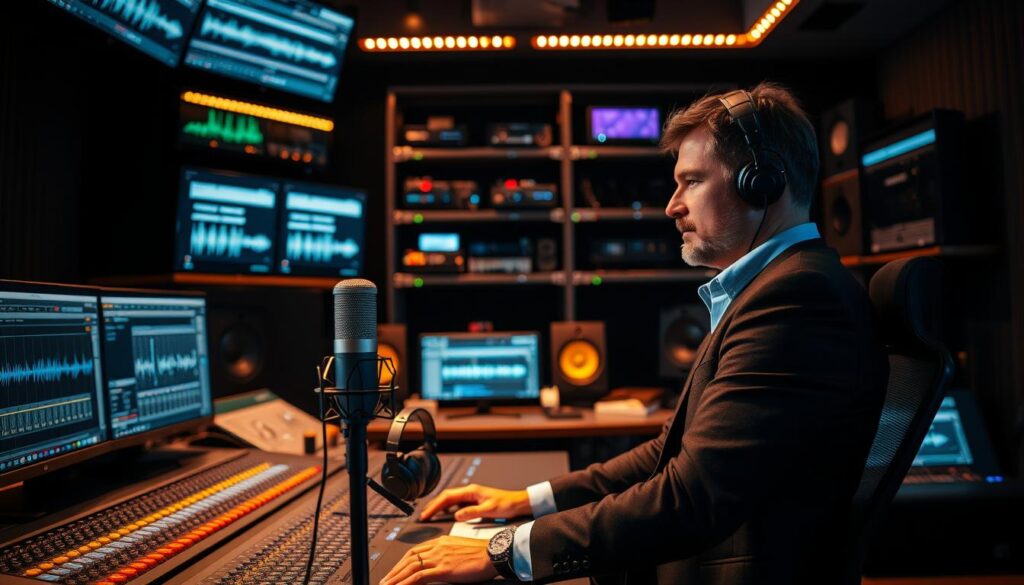
We see voiceover production as a journey from a simple script to a polished audio experience. Clear steps guide each creative choice from start to finish. Proper audio post-production keeps the final output engaging and professional for its intended audience.
Writing and approving the script
Before recording, we finalize the script to match the creative brief and brand voice. We check that the content matches the visuals and fits the required duration. We review script timing so spoken words fit each allotted time slot.
Recording the performance
After approval, we capture the voice actor’s performance. We use a clean, quiet space so the raw audio has no background interference. The talent’s delivery brings the project’s emotional intent to life.
Editing the audio
After recording, we clean up the audio. We remove mistakes, distracting breaths, and unwanted mouth noises for a smooth flow. This work keeps listeners focused on the message instead of technical flaws.
Mixing the voice with music and sound effects
The final step blends the voiceover with music and sound effects into one clear soundscape. We adjust levels so the voice stays clear and prominent throughout the piece. Effective audio post-production balances the narrative with background elements for a professional result.
“The magic of a great voiceover happens when the technical precision of the mix disappears, leaving only the story to connect with the listener.”
| Production Stage | Primary Goal | Key Focus |
|---|---|---|
| Scripting | Alignment | Brand voice and script timing |
| Recording | Performance | Clarity and emotion |
| Editing | Refinement | Removing errors and pacing |
| Mixing | Integration | Balancing music and sound |
How to write voiceover scripts that sound natural
Writing for the ear takes a different approach than writing for the eye. A polished document may look perfect on screen, yet sound stiff or robotic aloud.
Focus on conversational flow to keep listeners engaged. Active voice and simple, direct language make your message personal and accessible.
Use conversational language and clear pacing
The best scripts sound like one person talking to another. Use short sentences so the speaker can breathe naturally between thoughts.
Always read your draft aloud before you finalize it. If you stumble over a phrase, your audience may feel the same friction.
Remove unnecessary words for a clean narration track. Deliver one clear idea per beat so your message stays easy to follow.
Match the script to visuals and timing
Effective script timing connects your audio with visual content. Make sure your words match on-screen demonstrations and important scene changes.
When your video has a quick cut, your script should add a natural pause or tone shift. This coordination keeps audio connected to the imagery.
Map out your script timing early in the process. Sync your words with visual cues to create a seamless experience for viewers. This guides them through your story without confusion.
Recording choices that shape voiceover quality
Professional audio quality starts before you press the record button. Your workspace and tools shape the project’s final sound. Focusing on audio recording basics helps voiceovers sound crisp, clear, and engaging.
Building a reliable home recording setup
A reliable setup starts with connecting your gear to the computer. USB microphones offer beginners a simple, plug-and-play option, while XLR microphones provide flexibility and professional-grade sound. Headphones help us monitor the signal in real time and catch mouth clicks or background noise.
Consistency creates a reliable workflow. A dedicated space keeps our settings the same from one session to the next. This habit saves time and keeps our audio recording quality uniform across project segments.
Choosing a microphone and recording space
Choosing a condenser or dynamic microphone depends largely on your environment. Condenser mics capture great detail but also pick up unwanted room reflections. Dynamic mics work better in untreated spaces because they focus on the nearby sound source.
Room treatment matters as much as the hardware. Soft furnishings like blankets, rugs, or acoustic foam can greatly reduce echoes. Proper microphone technique, including steady distance and a pop filter, further improves voice clarity.
| Microphone Type | Best For | Environment | Connection |
|---|---|---|---|
| Dynamic | Podcasts/Broadcast | Untreated Rooms | XLR |
| Condenser | Studio Vocals | Soundproofed Rooms | XLR/USB |
| USB Mic | Quick Projects | Home Office | USB |
Directing the performance remotely or in person
Even with great gear, the performance needs careful guidance. Whether directing talent in person or remotely, clear communication remains essential. Specific notes about pacing and tone help voice actors deliver the right emotion within the first few takes.
Effective direction means listening for subtle details that might escape notice during a busy session. Multiple takes of key lines provide options during editing. Mastering this microphone technique and direction process helps capture performances that resonate with audiences.
How to edit voiceover for clear, balanced audio
Turning raw voice recordings into professional audio takes a careful audio post-production workflow. Even strong performances may include small flaws that need correction before the final export. This clear process helps listeners enjoy clean, engaging sound.
Remove noise, mistakes, and distracting pauses
The first step cleans the raw audio file by removing background noise and static. We cut long, unnatural pauses and accidental mouth clicks that may distract listeners. Removing these errors creates a tighter, more professional flow and keeps listeners focused on the message.
We also reduce heavy breaths that sound jarring in the final mix. Some natural breathing keeps speech human, but excessive noise should be reduced. This detail separates amateur recordings from high-quality productions.
Match timing to video or podcast segments
After cleaning the audio, we align its pacing with the visual or narrative structure. For video voiceovers, we adjust timing so key words match the right visual cues. Precision is vital for keeping viewers interested throughout the segment.
For podcasts, we focus on delivery rhythm. We may speed up or slow down phrases to match the surrounding content’s energy. This timing makes the voiceover feel natural, not like an afterthought.
Balance voiceover with music and sound effects
Mixing is the final stage, when we blend the voice with background music and sound effects. The voice must remain the dominant element, especially on mobile speakers or earbuds. Music that is too loud makes narration hard to understand and harms the user experience.
We aim to meet professional broadcast standards by keeping volume levels consistent throughout the project. Best practice is to export a high-quality 48 kHz, 24-bit mono WAV master file. Then create smaller, compressed files for each platform while meeting industry broadcast standards for clarity and impact.
When to record your own voiceover or hire a voice actor
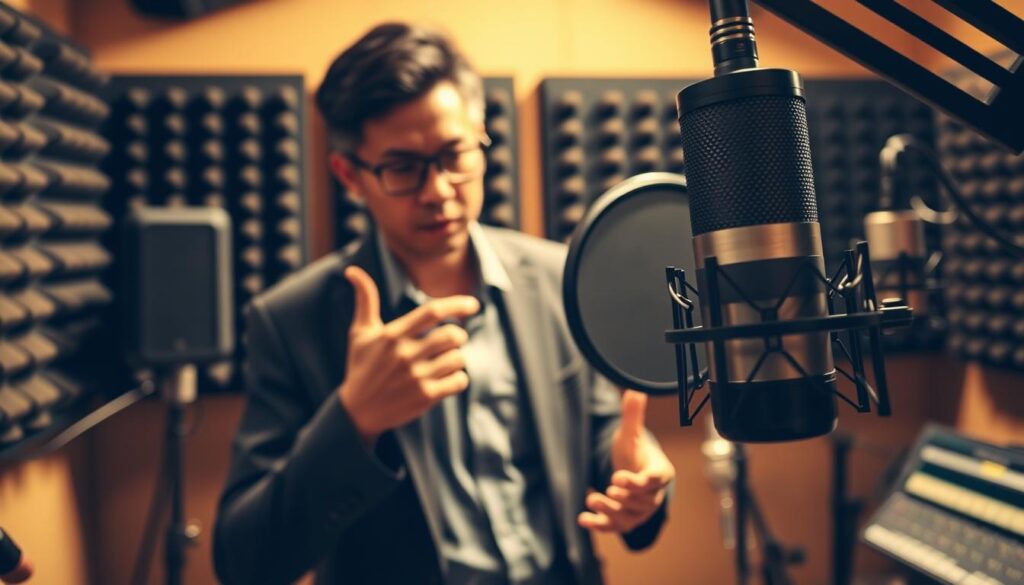
Your choice depends on your brand goals and technical skills. Some projects benefit from a creator’s personal touch, while others need a professional’s polish. Strong microphone technique matters whoever performs the script.
Signs your own voice fits the project
Recording your own voice often works best for informal educational content or daily vlogs. Your natural delivery can build a stronger connection with your audience. You can also make quick revisions without waiting for outside files.
“Authenticity is the currency of the modern creator economy; sometimes, the most imperfect voice is the one that resonates the loudest.”
If you record yourself, learn basic microphone technique to keep your audio clear and professional. Keep the right distance from the mic and maintain steady volume levels. In-house production saves time and money when your content needs frequent updates.
When professional voice talent makes sense
Professional voice actors bring strong emotional nuance and vocal control. They handle complex scripts, branded explainers, and high-stakes advertisements with care. Hiring a pro makes sense when you need a specific tone or polished, cinematic sound.
AI-generated speech is another option, but it often lacks a human performer’s warmth. A human actor remains the gold standard for character voices and dramatic range. Actors can take real-time direction, helping the final work match your creative vision.
| Factor | DIY Recording | Professional Talent | AI Voice Tools |
|---|---|---|---|
| Cost | Low | High | Moderate |
| Turnaround | Immediate | Days | Instant |
| Emotional Depth | Personal | Expert | Limited |
| Control | Total | Collaborative | Automated |
Conclusion
Mastering spoken word content changes how audiences connect with your brand. Effective Voiceover (VO) needs more than a high-end microphone or a well-written script. It also requires audience engagement, natural delivery, and precise technical execution.
Prioritize clear communication and consistent quality, whether you record your own tracks, hire professional talent, or use AI tools. Your final output must meet professional broadcast standards for listener retention. A polished mix balances the human voice with music and sound effects.
Refine your recording environment and editing workflow. These small adjustments build trust and authority with viewers or listeners. Your commitment to quality Voiceover (VO) will distinguish your content in a crowded digital landscape.
Apply these principles today so your media meets industry broadcast standards and resonates with your target audience.