
 Zoe Nora
Did you know over 70% of modern homeowners struggle to sync audio across their homes? For years, getting a unified sound needed complex wiring and pro help. Now, multi-room streaming makes enjoying music easy and simple.
Today, high-quality audio is easy to get with just a few clicks. Our guide shows you how to set up the perfect sound in your home. With the right gear, you can have a seamless listening experience everywhere.
Whether you love tech or just enjoy music, setting up multi-room streaming is easy. We’ll show you how to set it up right for the best sound and reliability.
Key Takeaways
- Understand the shift from wired systems to modern wireless audio solutions.
- Learn how to select compatible equipment for your specific home layout.
- Discover the benefits of a unified sound environment for daily living.
- Follow our expert configuration tips to ensure a stable connection.
- Simplify your home audio setup without needing professional technical help.
What is Multi-room Streaming?
Getting to know multi-room audio is key to creating your perfect sound system. It lets you enjoy top-notch sound in every room of your house at the same time.
Definition and Overview
This setup is all about linking devices like speakers, amplifiers, and AV receivers. They work together for a seamless sound experience in your home. By connecting these, you make your media easily accessible everywhere.
How it Works
This streaming technology uses your home Wi-Fi to send audio signals. You control it all from a central spot, like a phone, tablet, or computer. The sound goes wirelessly to different areas, so your tunes follow you.
Benefits of Multi-room Streaming
The main perk is being able to move around your home without sound interruptions. You can start a song in the kitchen and finish it in the living room without skipping a beat. This streaming technology is a game-changer for music fans.
| Feature | Traditional Audio | Multi-room Audio |
|---|---|---|
| Connectivity | Wired/Local | Wi-Fi/Networked |
| Control | Manual/Physical | App/Voice/Central |
| Flexibility | Single Room | Whole Home |
| Syncing | Not Applicable | Perfectly Synchronized |
Essential Equipment for Multi-room Streaming
The quality of your hardware and network is key to a great audio setup. For a top-notch multi-room audio experience, choose components that work well together. This ensures your music flows smoothly from room to room.
Streaming Devices and Speakers
The heart of your setup is the devices that play your music. Look for ones that support high-resolution streaming for the best sound. A modern multi-room speaker system has different parts for each room in your home.
Here are some devices to consider:
- Wireless speakers: Great for small spaces like bedrooms or home offices.
- Soundbars: Enhance TV sound and play music too.
- Streaming amplifiers: Connect your wired speakers to a digital network.
Network Requirements
Your system needs a fast and stable internet connection. Streaming to multiple zones requires a strong broadband. Choose a high-speed fiber or cable connection to avoid playback issues.
Consistency is key for streaming high-quality files across rooms. Low network bandwidth can cause lag or dropouts. Make sure your router can handle many connections without slowing down.
Setting Up Your Wi-Fi
Where you place your Wi-Fi hub is crucial for a reliable wireless multi-room audio setup. Put your router in a central spot, away from walls and metal objects. This helps keep your signal strong.
If your home is big, think about a mesh Wi-Fi system. It extends coverage to every corner, ensuring your speakers stay in sync. Optimizing your network layout keeps your music flowing smoothly, no matter where you are.
Top Multi-room Streaming Services
Starting your journey to seamless home audio means picking a platform that fits your lifestyle and budget. The right platform is key for a multi-room music system. Each brand offers unique features that change how you enjoy your media.
Looking for a reliable setup? Check out the best multi-room wireless speaker system options. These platforms make syncing audio across your home easy.
Sonos
Sonos is a top pick for its wide range of multi-room wireless speakers. They offer everything from portable speakers to high-end home theater systems. This means there’s a device for every room.
Start with the Roam 2 for $180. The ecosystem is known for its stability and ease of use.
“The best audio systems are those that disappear into the background, leaving only the music to fill the space.”
Google Chromecast Audio
Google offers a cost-effective way to add smart audio to your home network. These small devices can turn any speaker into a smart, connected unit.
This is great for those with high-quality audio gear. It lets you add streaming capabilities without replacing your current speakers. It’s a flexible way to build a multi-room music system.
Amazon Music HD
Amazon Music HD offers a high-fidelity streaming experience. It works well with smart home devices. It’s perfect for those who value sound quality and want to stream lossless audio.
Amazon’s cloud infrastructure keeps your music in sync across all multi-room wireless speakers. This service is great for those in the Alexa ecosystem.
Understanding Audio Formats
Choosing the right file format is key when building a top-notch sound system. It greatly affects how you hear music in every room. Knowing how digital data turns into sound is crucial for whole-home audio streaming.
Lossless vs. Compressed Formats
Digital music often uses compression to save space. But this can mean losing some audio details. Formats like MP3 or AAC cut out parts of the sound that might be hard to notice.
Lossless formats like FLAC or ALAC keep the original sound quality. By picking lossless files, your system can play back every detail of the music as intended. This means no loss of clarity or depth.
Importance of Quality in Streaming
To get the best from your whole-home audio streaming setup, choose high-resolution content. Systems like those using the BluOS app support services like Qobuz and Amazon Music HD.
Using these services lets your system perform at its best. High-fidelity audio is vital for those who want the highest quality sound in every room. Investing in quality sources is the last step to a truly immersive whole-home audio streaming experience.
Setting Up a Multi-room Streaming System
Turning your home into a concert hall starts with the right hardware setup. First, map out your space for optimal sound coverage in every room. A well-planned multi-room speaker system makes moving from the kitchen to the living area smooth.
Planning Your Layout
Identify the main listening areas in your home. For big rooms, using Denon Home speakers as a stereo pair can widen the sound. In smaller rooms, one unit can still provide clarity and depth to fill the space.
“The secret to great sound is not just the equipment, but how you position it within the unique architecture of your home.” — Audio Engineering Monthly
Connecting Devices
With your hardware set up, connect each unit to your network. Most makers offer a mobile app to make this easy. These apps help find and connect your multi-room wireless speakers smoothly.
Make sure your Wi-Fi is strong everywhere you plan to put a device. If you have dead zones, a mesh network can help keep your connection stable. This is key to avoid audio dropouts.
Testing Your Setup
After setting up, test if your system works right. Use the app to group your multi-room wireless speakers for synchronized audio. Test at different volumes to catch any issues.
| Setup Phase | Primary Goal | Key Action |
|---|---|---|
| Planning | Coverage | Positioning speakers |
| Connection | Integration | App-based pairing |
| Testing | Synchronization | Grouping zones |
By following these steps, you can create a strong multi-room speaker system for high-quality audio at home. Taking the time to fine-tune your setup means your multi-room wireless speakers will always perform their best.
Controlling Your Multi-room System
Managing your home audio setup is key for a great listening experience. Whether you’re hosting a big party or just relaxing, controlling your multi-room music system is crucial. It makes sure everyone enjoys the music.
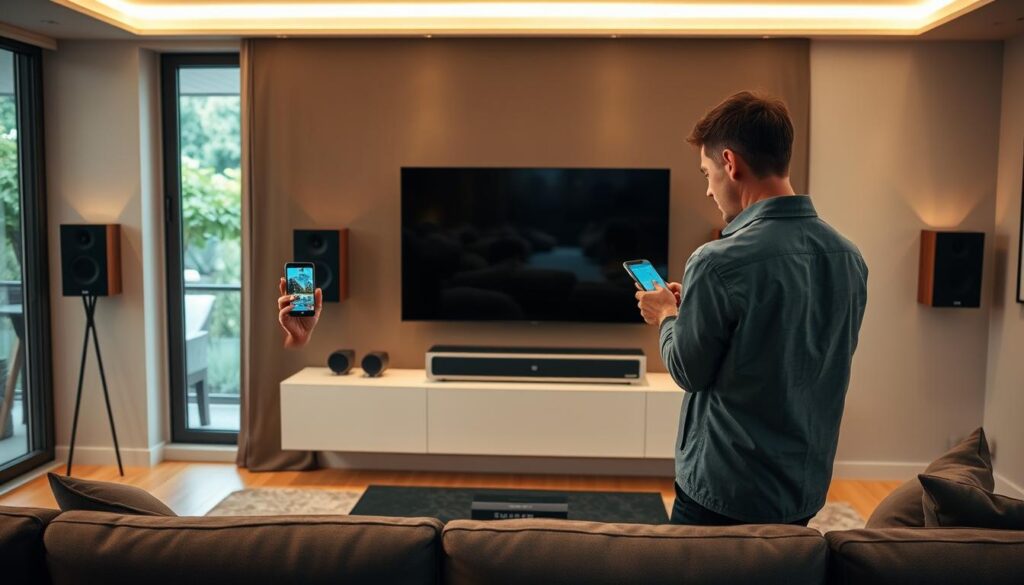
Mobile Apps vs. Voice Control
Most systems use apps for control, available on phones, PCs, and Macs. These apps are the main way to start streaming services and control zones.
If you like not using your hands, many systems offer seamless voice control integration. This lets you change the volume or skip songs without touching your device.
Customizing Your Experience
Customization is a big plus of modern multi-room music systems. You can rename zones to fit your home, like “Kitchen” or “Master Bedroom.”
Many apps also let you adjust sound settings. You can fine-tune the bass and treble for each room. This ensures the sound fits your space perfectly.
Grouping Devices
The real strength of this tech is playing the same music everywhere. You can group devices to play the same song in your whole home. This is great for parties or big events.
Or, you can play different songs in different rooms. This way, everyone can listen to what they want. Managing your multi-room music system this way makes sure everyone is happy.
Troubleshooting Common Issues
Keeping your multi-room sound system running smoothly takes some effort. Even the best systems can have problems. But, with a smart approach, we can fix these issues fast.
Connectivity Problems
Most connection troubles come from weak Wi-Fi or interference. If your speakers keep cutting out, try moving your router to the center of your home. A stronger signal is key for uninterrupted sound in every room.
Using a wired Ethernet connection for your main hub can also help. It makes your multi-room sound system more stable and less prone to drops.
A/V Sync Issues
Audio might seem delayed between speakers sometimes. This usually happens when your network is busy. Try stopping other big downloads to see if it helps.
Most apps let you adjust the latency settings. This ensures your sound is perfectly in sync across your home.
Software Updates
Keeping your system’s firmware up to date is crucial. Manufacturers often release updates to fix issues and boost security. Always follow their instructions during big updates to avoid problems.
| Issue Type | Common Cause | Recommended Fix |
|---|---|---|
| Connection Drop | Weak Wi-Fi Signal | Reposition Router |
| Audio Lag | Network Congestion | Limit Background Data |
| Device Mismatch | Outdated Firmware | Run System Update |
| Sync Delay | Grouping Error | Re-group Speakers |
Integrating Smart Home Devices
Connecting your audio system with smart home tech makes your home seamless. By linking your multi-room sound system to a central hub, you control your home with one interface. This turns speakers into a network that meets your needs all day.
Compatibility with Home Assistants
Today’s audio gear works with Amazon Alexa, Google Assistant, and Apple Siri. These assistants link your music to other smart devices. Choosing compatible hardware ensures smooth communication between devices.
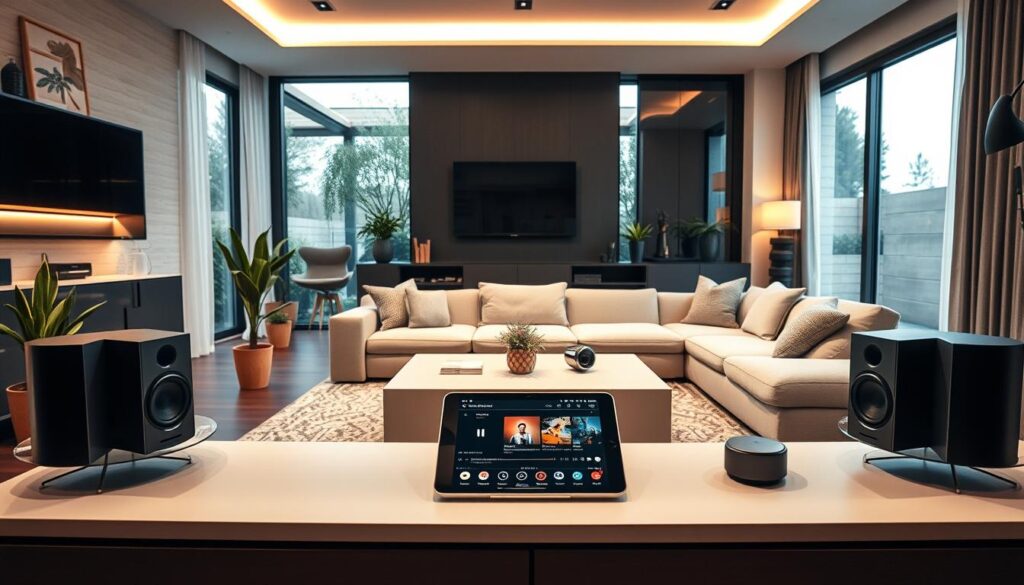
Being compatible means you can control your multi-room sound system with voice commands. You don’t need to switch apps to change the music or volume in another room. This makes your daily life easier.
Voice Command Features
Voice control makes listening hands-free. For example, Google Nest Audio speakers let you play music, skip tracks, or adjust volume with voice commands. You can even ask to move music to another room as you move around.
- Hands-free control for effortless playback.
- Cross-device communication to manage lights and temperature.
- Instant feedback from your smart assistant.
Creating Routines
Automation is key in a modern multi-room sound system. You can set up routines that do many things with one command. For instance, a “Welcome Home” routine can dim lights, adjust the thermostat, and play your favorite jazz in the living room.
“The true power of a smart home lies in the ability of devices to work together to anticipate the needs of the user.”
These routines save time and create the perfect mood for any event. By linking your audio to your smart home, you make your house smarter and more enjoyable.
Enhancing Your Listening Experience
You can turn your living space into a concert hall with a few simple steps. Adjust your whole-home audio streaming setup to improve your listening. While the hardware is key, how you use it makes all the difference.
Room Calibration Techniques
Every room has its own sound characteristics. These can either enhance or detract from your listening experience. Use built-in calibration tools in modern apps to fine-tune your sound for your space.
- Clear clutter from surfaces near speakers to reduce unwanted sound reflections.
- Use software-based room correction to balance bass response in larger spaces.
- Position speakers at ear level to ensure crisp, clear audio delivery throughout the room.
Selecting the Right Content
The quality of your whole-home audio streaming depends on the content you choose. Opt for high-resolution audio files or lossless streaming for the best sound.
Streaming high-fidelity content reveals more details in music. Investing time in selecting superior audio sources greatly enhances your listening experience.
Creating Playlists
Organizing your music into playlists helps set the mood for any event. Whether it’s a dinner party or unwinding after work, a well-organized playlist keeps the music flowing.
Devices like the Bluesound Pulse M offer proximity-sensing, capacitive-touch controls. These let you adjust volume or skip tracks with a simple gesture. This creates a tactile and satisfying way to manage your whole-home audio streaming in real-time. By combining smart organization with intuitive controls, you create a personalized listening space that’s both sophisticated and easy to use.
Future of Multi-room Streaming
We’re seeing big changes in how we enjoy sound at home. The world of streaming technology is moving fast, away from old, hard-to-use systems. Now, we’re moving toward designs that are easy for users and last a long time.
Manufacturers are now using open standards to solve the problem of constant platform changes. This means your audio system will stay up-to-date for years. Looking into the latest multi-room streaming options can help you get ready for these changes.
Emerging Trends
The big trend now is modular systems. Users want systems that work with different brands, not just one. This lets you create a unique sound in your home.
Also, wireless multi-room audio is getting better with mesh networking. This makes your music play smoothly in every room. We think this will keep getting better as more brands use universal protocols.
Innovations to Watch
Keep an eye on software-defined audio platforms. They let you update your system easily without changing hardware. This makes your equipment last longer.
AI-driven room calibration is another exciting area. It adjusts to your space in real-time. As these systems open up, you’ll have more options for third-party hardware. Home audio is becoming more flexible, stable, and accessible for everyone.
| Feature | Legacy Systems | Future Systems |
|---|---|---|
| Compatibility | Closed Ecosystems | Open Standards |
| Updates | Hardware Overhauls | Software Patches |
| Stability | Frequent Drops | Mesh Reliability |
| Customization | Limited Options | Modular Design |
Conclusion: Enjoying Music Everywhere
Creating a seamless listening environment changes how you interact with your favorite media. You gain the power to fill every corner of your residence with high-quality sound. This sound moves with you throughout the day.
The Power of Modular Growth
Multi-room streaming provides a flexible path toward a perfect home setup. You can start with just two Sonos speakers or a simple Google Chromecast Audio bridge. This lets you test the waters without a huge upfront investment.
Building Your Connected Future
Modern technology makes high-fidelity audio accessible for every household. You deserve a home that responds to your needs and elevates your daily routines. We invite you to begin your journey into multi-room audio today. Your path to a fully connected and immersive listening experience starts with a single device.