
 Zoe Nora
Computer speakers have become an essential component for anyone looking to elevate their audio experience, whether for gaming, music, or movie watching. These devices not only provide sound but also influence the way we perceive audio quality. With various types of speakers available, each boasting distinct sound profiles, the choice can significantly impact your auditory experience. From compact desktop speakers to robust sound systems, understanding the nuances of speaker placement and selection is key to achieving that perfect sound.
In today’s digital age, the evolution of computer speakers reflects the latest technological advancements, offering features that enhance audio fidelity and user experience. As we delve into the world of computer speakers, we will explore their impact on sound quality, key features to look for when purchasing, and the future trends that shape how we enjoy audio content.
The Impact of Computer Speakers on Audio Quality
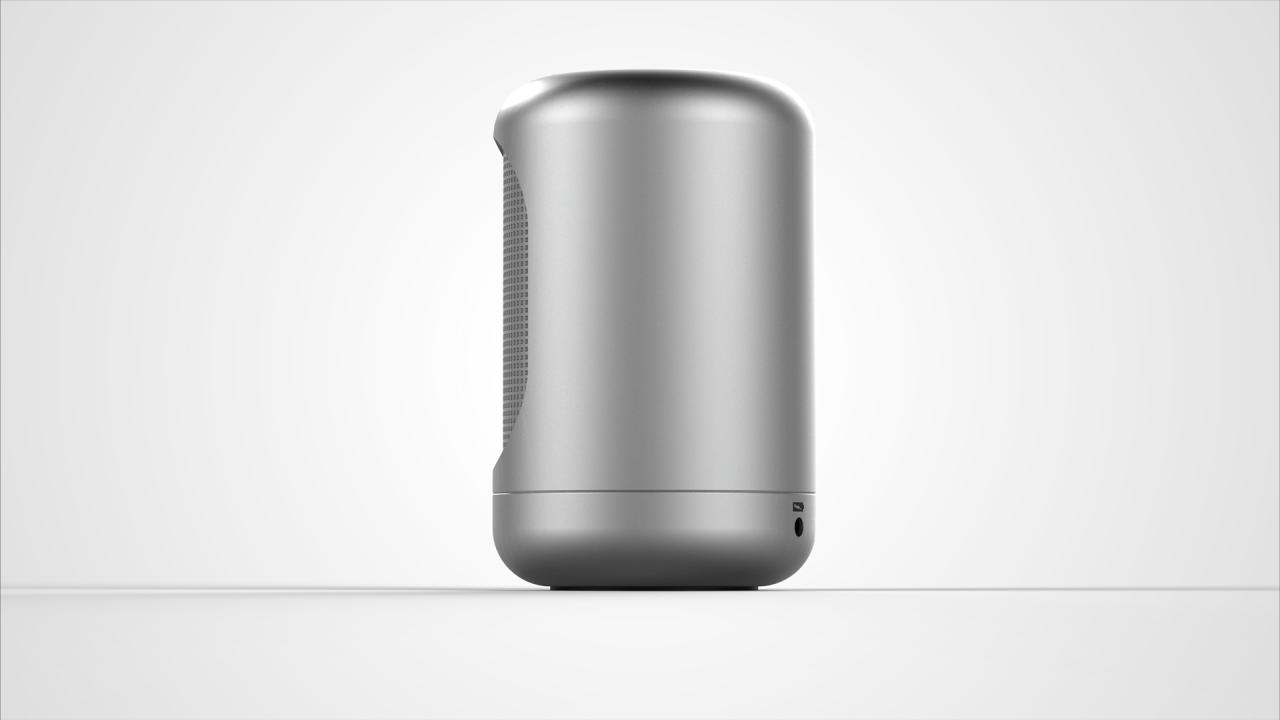
Computer speakers play a crucial role in the overall audio experience of various tasks, from gaming to music production and video conferencing. The quality of sound reproduction can either enhance the user’s enjoyment or detract from it significantly. High-quality speakers can produce crisp highs, balanced mids, and deep lows, creating an immersive sound environment. In contrast, lower-quality speakers may result in muddled audio, making it difficult to appreciate nuances in music or dialogue in films. The choice of speaker type can greatly influence the sound profile and the overall auditory experience.
Different types of computer speakers exhibit distinct sound profiles, catering to varied preferences and requirements. For instance, traditional 2.0 speakers offer a basic stereo sound that is sufficient for everyday tasks such as web browsing or casual gaming. These speakers typically provide a decent soundstage but may lack the low-frequency response that enhances music and gaming experiences. An example of this would be the Logitech Z313 system, which delivers clear audio but may not meet the expectations of audiophiles seeking richer bass and clarity.
On the other hand, 2.1 speaker systems, which include a subwoofer, significantly enhance audio quality by providing deeper bass and a fuller sound. Products like the Creative Pebble Plus are popular choices for users seeking an upgrade without breaking the bank. These systems expand the audio spectrum, making them ideal for music lovers and gamers who require impactful sound effects.
High-end options like studio monitors, such as the KRK Rokit series, are designed for more professional audio applications. These speakers offer exceptional clarity and precision, making them indispensable for music production and sound engineering. They provide a flat frequency response, ensuring that the audio being produced is true to its source, which is vital for mixing and mastering tracks.
The placement of speakers also plays a pivotal role in optimizing sound quality. Proper positioning can enhance the stereo image and provide a more immersive listening experience. Ideally, speakers should be placed at ear level, forming an equilateral triangle with the listener’s position. This setup allows for balanced sound distribution and minimizes reflections that can distort audio. For instance, placing speakers too close to walls can result in boomy bass and muddled mids, while positioning them too far apart can lead to a disjointed soundstage. Users should experiment with speaker placement to find the sweet spot that provides the best audio quality for their specific environment.
Key Features to Look for When Purchasing Computer Speakers
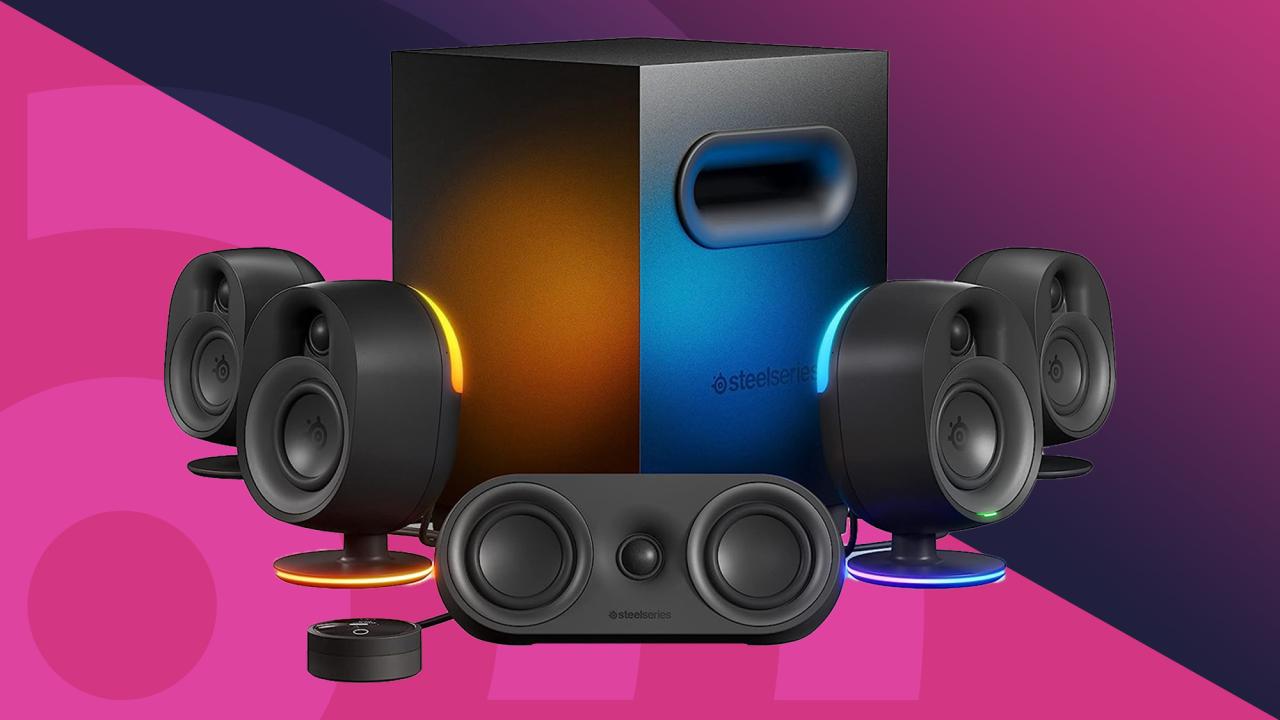
When shopping for computer speakers, numerous features play a crucial role in determining their performance and overall user experience. Understanding these features will help consumers make informed decisions, ensuring they choose speakers that meet their specific needs and preferences. Below are key features to consider while selecting the best computer speakers for your setup.
Sound Quality
Sound quality is the most vital feature to evaluate when purchasing computer speakers. This encompasses clarity, bass response, and overall audio balance. High-fidelity sound allows for an immersive experience, whether you’re gaming, watching movies, or listening to music.
- Clarity: Clear sound prevents distortion, making dialogues in films and nuances in music more discernible.
- Bass Response: Speakers that handle low frequencies well add depth to music and create a more engaging audio experience.
- Audio Balance: A well-balanced speaker ensures no frequency range overpowers another, leading to a more natural listening experience.
Connectivity Options
The connectivity options available in speakers dictate how easily they can integrate with your devices. Consider both wired and wireless connections to ensure compatibility with your setup.
- Wired Connections: Look for speakers with standard 3.5mm audio jacks, USB connections, and optical inputs for reliable quality.
- Bluetooth and Wi-Fi: Wireless connectivity allows for a clutter-free setup, enabling easy pairing with multiple devices.
- Multi-Device Pairing: Some models allow connection to several devices simultaneously, which enhances versatility.
Size and Design
The physical size and design of computer speakers can significantly impact their placement and aesthetic appeal. Choosing the right size ensures they fit well in your workspace.
- Compact Models: Ideal for smaller desks, these speakers can still deliver impressive sound without taking up too much space.
- Floor-standing Speakers: Suitable for larger setups, they typically offer better sound dynamics but require more room.
- Aesthetic Design: A visually appealing design can complement your computer setup, adding an element of style.
Power Output
The power output of speakers, measured in watts, directly affects their loudness and clarity at higher volumes. Higher wattage usually means better performance in larger spaces.
- Low Power Output: Suitable for smaller rooms or personal use, these speakers may struggle to fill large areas with sound.
- High Power Output: Ideal for home theaters or gaming setups, providing deep bass and clear sound even at high volumes.
- RMS vs. Peak Power: RMS (Root Mean Square) provides a realistic measure of continuous power, whereas peak power indicates maximum capability during short bursts.
Additional Features
Other features can enhance the speaker experience, including remote control, built-in equalizers, and sound modes.
- Remote Control: Convenient for adjusting settings from a distance, especially during movie or gaming sessions.
- Built-in Equalizer: Allows users to customize audio settings based on personal preference or specific content types.
- Sound Modes: Options like “movie,” “music,” or “gaming” can optimize settings for different audio experiences.
The Evolution of Computer Speakers Over the Last Decade
Over the past decade, the landscape of computer speakers has undergone remarkable transformations driven by technological advancements, design innovations, and user demands. From basic sound output devices to sophisticated audio systems, computer speakers have evolved to deliver an immersive audio experience that complements the digital lifestyle. This evolution reflects broader trends in technology and design that cater to both functionality and aesthetic appeal.
The shift from analog to digital technology has been pivotal in redefining how computer speakers operate and perform. Traditional analog speakers relied on electrical signals to produce sound, which limited their capabilities in terms of sound quality, connectivity, and versatility. The advent of digital technology introduced features such as digital signal processing (DSP), which enhances audio quality by optimizing sound output based on the content being played. This technology enables speakers to accurately reproduce a wide range of frequencies, resulting in clearer, richer sound.
Moreover, the integration of Bluetooth technology has revolutionized speaker connectivity. Users can now enjoy wireless audio streaming from various devices without the hassle of tangled wires. This increased flexibility has made Bluetooth speakers a popular choice among consumers, allowing them to connect effortlessly to laptops, smartphones, and tablets. Additionally, advancements in battery technology have enabled portable speakers to offer longer playtime, catering to the growing demand for on-the-go audio solutions.
Design Aesthetics and Functionality
The design of computer speakers has also significantly evolved, reflecting changing consumer preferences and lifestyles. Modern speakers are not only functional but also serve as stylish accessories that complement home or office decor. Manufacturers are increasingly focusing on creating sleek, minimalist designs that blend seamlessly into their environments. This trend is evident in the rise of compact speakers that offer powerful sound without occupying much space.
To illustrate this evolution, consider the following aspects of design and functionality improvements:
- Form Factor: The compact and elegant designs of contemporary computer speakers have replaced bulky models, making them more appealing for users who prefer aesthetics alongside performance.
- Materials: The use of premium materials such as wood, metal, and high-quality plastics has become commonplace, enhancing both the visual appeal and sound quality of speakers.
- Smart Features: Many modern speakers incorporate smart technology, enabling voice control and integration with home automation systems. This functionality adds convenience and enhances the user experience.
- Sound Customization: Advanced equalization options and customizable sound profiles allow users to tailor audio output to their preferences, making the listening experience more personalized.
Furthermore, the importance of sustainability is becoming more prominent in the design of computer speakers. Manufacturers are increasingly adopting eco-friendly practices, using recyclable materials, and reducing their carbon footprint during production. This shift not only appeals to environmentally conscious consumers but also positions companies as responsible entities in the tech industry.
In summary, the evolution of computer speakers over the last decade showcases a vibrant blend of technological advancements and design innovations. The transition from analog to digital technology has significantly enhanced sound quality and connectivity options, while the aesthetic evolution mirrors the changing tastes of consumers who seek both performance and style in their audio equipment. As technology continues to advance, the future of computer speakers promises even more exciting developments that will redefine the listening experience.
The Role of Computer Speakers in Gaming and Multimedia Experiences
In the realm of gaming and multimedia, audio quality transcends mere sound; it becomes an integral element that shapes the overall experience. Gamers demand high-fidelity audio equipment that enhances their immersion and engagement with the virtual worlds they explore. The role of computer speakers in this context is pivotal, as they provide the auditory landscape necessary for a fully immersive experience. Unlike general users, gamers seek out specific features and capabilities in their audio setups to meet the dynamic demands of gameplay.
The expectations gamers have for audio equipment are defined by various factors, including sound fidelity, surround sound capabilities, and connectivity options. Gamers often gravitate towards speakers that not only deliver clear and crisp audio but also reproduce deep bass sounds accurately, which is essential for action-packed gaming moments. Moreover, many gamers prefer surround sound systems that can create a spatial awareness of the game environment. This is particularly important in first-person shooters and role-playing games, where sound cues can indicate approaching enemies or environmental changes.
Audio Design and Immersion in Gaming
Sound design in games plays a crucial role in enhancing the player’s immersion and gameplay experience. High-quality audio can intensify emotions, build tension, and convey narrative elements that visual elements alone cannot achieve. For instance, a well-designed soundscape can transport players into a different world, allowing them to feel the ambiance of their surroundings, whether it’s the distant roar of a dragon or the subtle rustle of leaves in a forest.
Key elements of sound design that contribute to immersion include:
- Directional Audio: This allows players to hear sounds coming from specific directions, enhancing their situational awareness within the game.
- Dynamic Range: A broad dynamic range ensures that soft sounds are as impactful as loud explosions, creating a more realistic auditory experience.
- Environmental Sounds: Incorporating ambient sounds that reflect the game’s setting adds depth and realism, making players feel as if they are truly present in the world.
- Voice Acting: Quality voiceovers provide character depth and relatability, further drawing players into the narrative.
Comparing speaker setups favored by gamers to those preferred by general users reveals significant distinctions. Gamers often opt for multi-speaker systems or soundbars designed for surround sound experiences, enhancing their audio immersion. In contrast, general users may prefer simpler setups, such as stereo speakers or compact desktop speakers, that suffice for everyday tasks like music playback, video conferencing, and casual media consumption.
In essence, the choice of computer speakers reflects the specific audio demands of the user. Gamers require robust and immersive sound experiences that cater to the nuances of interactive gameplay, while general users prioritize convenience and versatility in their audio setups. The evolution of audio technology continues to bridge the gap between these two groups, offering innovative solutions that cater to the diverse needs of all users.
How to Set Up Computer Speakers for Various Uses
Setting up computer speakers can enhance your experience whether you’re gaming, listening to music, or attending virtual meetings. Proper configuration is crucial to getting the best sound quality and ensuring a seamless user experience across different activities. Below, you’ll find a detailed guide to setting up speakers for various uses along with troubleshooting tips for common issues.
Configuration for Different Uses
The setup of your computer speakers can vary significantly based on your intended use. This table Artikels the necessary configurations for gaming, music playback, and virtual meetings, ensuring your audio is tailored to each situation.
| Use Case | Speaker Configuration | Additional Settings |
|---|---|---|
| Gaming | Connect surround sound speakers, or use high-quality stereo headphones. | Ensure audio settings are optimized for low latency and surround sound effects. |
| Music | Use high-fidelity stereo speakers with a subwoofer for bass. | Adjust equalizer settings to enhance vocal clarity and bass response. |
| Virtual Meetings | Utilize a clear-sounding headset or USB speakers for better voice clarity. | Check microphone settings to ensure optimal sound input and feedback suppression. |
To set up your speakers for these uses, follow these specific steps:
1. Choose the Right Connection: Depending on your speakers, connect them using USB, 3.5mm audio jack, or Bluetooth.
2. Adjust Sound Settings: Access your computer’s sound settings to fine-tune your speaker setup.
3. Test the Sound: Play audio or test via sound settings to ensure the speakers are working correctly.
Troubleshooting Tips
Occasionally, you may encounter issues with your speaker setup. Here are some common troubleshooting tips to resolve them effectively:
– Check Connections: Ensure all cables are securely connected to the correct ports. Loose connections can result in poor sound quality or no sound at all.
– Volume Levels: Verify that the volume on both your speakers and within your operating system is turned up appropriately.
– Sound Drivers: Update or reinstall audio drivers if you experience any sound issues; outdated drivers can cause compatibility problems.
– Output Device: Confirm that the correct output device is selected in your sound settings, especially when multiple audio devices are connected.
By paying attention to these configurations and troubleshooting steps, you can achieve an optimal audio experience tailored to your specific needs.
Popular Brands and Models of Computer Speakers in the Market
In the realm of computer speakers, numerous brands stand out for their quality, performance, and popularity among users. Understanding the strengths and weaknesses of these brands and their flagship models helps consumers make informed decisions. Below, we will explore some of the most recognized brands in the market, highlighting their flagship models to provide a comprehensive overview.
Leading Brands and Their Flagship Models
Several brands have established themselves as leaders in the computer speaker market, each offering unique features and capabilities. Here are four noteworthy brands along with their flagship models:
-
Logitech – Logitech Z623
The Logitech Z623 is a powerful 2.1 speaker system that delivers THX-certified sound quality. Its strengths lie in its deep bass and overall clarity, making it ideal for gaming and movies. However, some users report that the bass can be overwhelming for music listening.
“The bass on these speakers is impressive, but can sometimes drown out the mids and highs.” – User Review
-
Razer – Razer Nommo Chroma
The Razer Nommo Chroma speakers are designed for gamers, featuring customizable RGB lighting and immersive audio. The downside is their higher price point, which may not appeal to casual users.
“The lighting is a great touch, and the sound is crystal clear, but they’re a bit pricey for non-gamers.” – User Review
-
Bose – Bose Companion 2 Series III
Known for its premium sound quality, the Bose Companion 2 Series III offers clear audio and a sleek design. While they excel in sound reproduction, some users feel the volume levels are insufficient compared to more powerful models.
“Bose delivers excellent sound, but I wish they could get a bit louder.” – User Review
-
Creative – Creative Pebble Plus
The Creative Pebble Plus is a budget-friendly option that does not compromise on sound quality. It has a compact design and produces well-balanced audio. However, the lack of advanced features may deter some users looking for more functionality.
“For the price, these speakers are fantastic! They sound great, but don’t expect any fancy features.” – User Review
Comparison of Key Specifications and Prices
Understanding the specifications and pricing of these models can help consumers compare and choose wisely. Below is a comparison chart featuring key details:
| Brand | Model | Audio Configuration | Power Output | Price |
|---|---|---|---|---|
| Logitech | Z623 | 2.1 | 200W | $149.99 |
| Razer | Nommo Chroma | 2.0 | 60W | $149.99 |
| Bose | Companion 2 Series III | 2.0 | 50W | $99.00 |
| Creative | Pebble Plus | 2.0 | 8W | $49.99 |
Maintenance Tips for Prolonging the Life of Your Computer Speakers
Maintaining your computer speakers is crucial for ensuring they deliver optimal sound quality over time. Proper care not only enhances performance but also extends the lifespan of your audio equipment. By following a few simple maintenance practices, you can keep your speakers sounding great, while avoiding costly replacements or repairs.
Regular cleaning and careful handling significantly impact the performance of your speakers. Dust and debris can accumulate on the speaker grills and surface, which may muffle sound or even cause damage. Additionally, rough handling can lead to physical damage or internal issues. Therefore, taking the time to maintain your speakers properly is essential for longevity and sound quality.
Speaker Care Guidelines
To help you maintain your speakers effectively, here are some dos and don’ts that Artikel best practices for care and upkeep. Adhering to these guidelines can help prevent damage and ensure your speakers remain in peak condition.
Dos:
- Regularly dust your speakers using a microfiber cloth to prevent dust buildup.
- Keep your speakers away from direct sunlight or extreme temperature changes to avoid warping.
- Ensure proper ventilation around your speakers to prevent overheating during extended use.
- Use a surge protector to safeguard against electrical surges that could damage your speakers.
- Check and secure cables regularly to prevent accidental disconnections or damage.
Don’ts:
- Don’t use abrasive cleaners or cloths that could scratch surfaces or damage finishes.
- Avoid placing heavy objects on top of your speakers, as this can lead to physical damage.
- Refrain from exposing your speakers to moisture, as this can cause electrical issues.
- Don’t ignore unusual sounds or distortions; address issues promptly to prevent further damage.
- Avoid running speakers at maximum volume for extended periods, as this can strain the components over time.
By following these maintenance tips, you can enjoy high-quality sound from your speakers for many years to come. Remember, a little care goes a long way in preserving your audio equipment.
The Future of Computer Speakers
As technology evolves at a rapid pace, computer speakers are not left behind. The future of audio output devices is being shaped by innovative trends that promise to enhance user experience and redefine how we interact with sound. With a shift towards smarter, more integrated systems, the landscape of computer speakers is set for significant transformations.
Advancements in sound quality and connectivity are at the forefront of these innovations. The emergence of wireless technology, particularly Bluetooth and Wi-Fi, has allowed for greater flexibility in speaker placement and usage. Furthermore, the integration of high-resolution audio formats is enhancing the listening experience, offering users crisp and clearer sound than ever before. Brands are now focusing on producing speakers that not only sound good but also look aesthetically pleasing, with designs that complement modern computer setups.
Smart Technology Integration
The integration of smart technology in computer speakers is revolutionizing the way users interact with their audio systems. Smart speakers, such as those featuring voice assistants like Amazon Alexa or Google Assistant, have become increasingly popular. These devices allow users to control their music, manage tasks, and access information through voice commands, making audio interaction more seamless.
The potential impact of this integration includes:
- Enhanced User Control: Users can easily switch between audio sources, adjust volume, or even control smart home devices with simple voice commands.
- Personalized Audio Experiences: Smart algorithms can analyze user preferences and tailor sound settings to enhance the listening experience based on individual taste.
- Multi-Room Audio Solutions: Smart speakers can connect across various rooms, allowing users to sync music or audio playback throughout their homes effortlessly.
With the rise of smart technology, the demand for features like compatibility with IoT devices is also increasing. Users are looking for speakers that can integrate with their existing smart home ecosystems, further influencing design and functionality.
Anticipated Changes in User Preferences
As user preferences evolve, manufacturers are adapting to meet the expectations of consumers looking for more than just sound quality in their speakers.
Key shifts in user preferences include:
- Focus on Sustainability: There is a growing trend towards eco-friendly products. Consumers are increasingly interested in speakers made from sustainable materials and those that promote energy efficiency.
- Customization Options: Users are leaning towards speakers that offer customizable sound profiles and aesthetic features, allowing them to tailor their devices to their unique styles.
- Portable and Versatile Designs: With an increase in remote work and mobile gaming, compact and portable speaker designs are becoming essential for users who prioritize convenience and versatility.
As these trends continue to shape the market, it is evident that the future of computer speakers will not only focus on sound quality but also on how well these devices can integrate into users’ lives, making them indispensable companions for work, entertainment, and connectivity.
Wrap-Up
In summary, computer speakers play a pivotal role in how we experience sound on our devices, influencing everything from gaming immersion to the enjoyment of music. As technology continues to advance, we see a trend towards smarter, more user-friendly speakers that cater to diverse needs. Whether you’re a casual user or a dedicated gamer, understanding the various features and options available will empower you to make informed choices that elevate your audio experience to new heights.
FAQ Section
What type of computer speakers are best for gaming?
Speakers with surround sound capabilities and low latency are ideal for gaming, as they enhance immersion and responsiveness.
How important is speaker placement?
Speaker placement is crucial; positioning them at ear level and at the right distance can significantly improve sound quality and clarity.
Can I use my computer speakers for TV as well?
Yes, many computer speakers can be connected to a TV, provided they have the appropriate input options.
How do I clean my computer speakers?
Use a soft cloth to dust them off, and for deeper cleaning, slightly dampen the cloth with water or a mild cleaning solution, avoiding any moisture in the speaker ports.
What features should I prioritize when buying speakers?
Important features include sound quality, connectivity options, size, design, and additional functionalities like Bluetooth compatibility.