
 Zoe Nora
Human hearing processes sound in three dimensions, but most TV speakers produce flat, two-channel audio. Better hardware can create an immersive home theater experience that puts you inside the action.
A surround sound system with a 9.1 configuration adds two height channels to a traditional layout. These channels create a vertical audio layer, so rain seems to fall above you and helicopters pass overhead.
This level of sound needs careful planning. We explain the main parts, including front, center, and height channels. You will learn home theater speaker placement for balanced sound at every seat. Then, calibrate your 9.1 home theater setup for professional-grade results.
Key Takeaways
- Understand how height channels transform standard audio into a 3D soundscape.
- Learn the core components needed for a high-end audio configuration.
- Master the art of speaker positioning for optimal room coverage.
- Discover how to calibrate your equipment for perfect balance.
- Troubleshoot common audio issues to maintain peak performance.
Understanding 9.1 Home Theater Systems
Upgrading your media room makes the 9.1 configuration a strong choice for enthusiasts. A successful home audio system installation needs careful planning, so each speaker supports one clear, powerful soundstage. With more channels than traditional systems, you can place audio objects with pinpoint accuracy.
What Makes a 9.1 Setup Unique?
The main difference between 9.1 and older 5.1 or 7.1 formats is the added height and depth. Standard 7.1 systems focus on horizontal surround, while a 9.1 speaker configuration fills gaps in your room’s acoustic field. It creates a more seamless transition as sounds move across your listening area.
These added dimensions reduce the “dead zones” often found in smaller setups. Sounds feel more natural, from a subtle rustle of leaves to the intense roar of an action sequence. This detail separates a basic television setup from a true cinematic experience.
Key Components of a 9.1 System
To build this system, understand each component’s role. The foundation is your bed-layer speakers, which handle primary surround information at ear level. Height channels complement them by projecting sound from above and adding a vertical layer.
The subwoofer provides the “.1” in the 9.1 designation and delivers deep, resonant bass. A high-quality receiver acts as the system’s brain, processing signals and sending power to each speaker. The table below shows how these configurations differ in complexity and performance.
| System Type | Bed-Layer Channels | Height/Depth Channels | Subwoofer |
|---|---|---|---|
| 5.1 System | 5 | 0 | 1 |
| 7.1 System | 7 | 0 | 1 |
| 9.1 System | 7 | 2 | 1 |
Benefits of Surround Sound
An advanced setup offers clear benefits for movie lovers and gamers. Its main benefit is immersive surround sound that fully wraps around the listener. You hear clearer dialogue because the dedicated center channel stays separate from complex background effects.
The wider soundstage also creates a more realistic sense of space. When a director places a sound in a room corner, your system delivers that exact location. This precision keeps your home theater ready for total entertainment and relaxation.
Choosing the Right Speakers
We believe a great home theater starts with smart audio equipment selection and placement. An immersive surround sound setup needs quality hardware and precise speaker geometry. When gear suits the room, you can enjoy a professional cinematic experience at home.
Types of Speakers for 9.1 Setups
A strong 9.1 system uses several speaker designs to fill your room with sound. Tower speakers suit front channels, with deep bass and a wide soundstage. Bookshelf speakers work well for side and rear surrounds, while in-wall or on-wall models keep modern spaces neat.
For height channels, choose elevation speakers that bounce sound off the ceiling or in-ceiling units for direct effects. Mixing these 9.1 speakers helps represent every frequency accurately. Consistency in timbre across all channels supports smooth audio transitions as sounds move around the room.
Placement Tips for Optimal Sound
Proper speaker placement helps unlock your audio system’s full potential. Place the front left and right speakers at a 45- to 60-degree angle from your main listening position. Keep the center speaker aligned with your screen to anchor dialogue to the action.
Keep surround and rear channels near ear height for clear sound. Toe-in adjustments angle speakers toward the listener and can improve high-frequency response. Position height channels to create a dome of sound around the seating area.
Matching Speakers to Your Room
Choosing room-matched speakers means considering your room’s size and construction. Larger rooms often need floor-standing towers to move enough air, while smaller spaces suit compact bookshelf or in-wall designs. Also consider seating distance, because speakers placed too far away may lose impact.
Ceiling height strongly affects how you configure height channels. Vaulted or unusually high ceilings may need more powerful drivers to send sound to your ears. Tailoring your surround sound setup to your room’s limits ensures balanced, powerful performance whenever you press play.
Selecting the Ideal Receiver
The heart of any high-end home cinema installation is its AV receiver, which manages signal flow. This device acts as the central brain, processing complex audio signals and powering your speaker array. Choose carefully so your 9.1 channel receiver meets modern media demands with ease.
Features to Look for in a Receiver
When comparing AV receiver features, prioritize processing power and connectivity. Your system needs support for the latest Dolby audio formats for true cinematic immersion. Choose a unit with room correction software to match sound to your floor plan.
Speaker impedance compatibility is another key factor. Your receiver should deliver stable power to all nine channels during intense action scenes. Here are essential technical specifications to consider:
| Feature | Why It Matters | Performance Impact |
|---|---|---|
| HDMI 2.1 | Supports 4K/120Hz | High |
| Room Correction | Adjusts for acoustics | High |
| Power Output | Drives large speakers | Medium |
Recommended Brands for 9.1 Receivers
Choose a brand for reliability and upgrade flexibility, not just price. We recommend manufacturers with intuitive setup software and regular firmware updates. These features help your system stay current as industry standards change.
“The quality of your audio experience is only as good as the processor driving the signal through your speakers.”
Top-tier brands often stand out through their own sound-processing engines. When shopping, consider these manufacturer features:
- Reliability: Look for brands with a proven track record in thermal management.
- Software Ecosystem: Ensure the interface is user-friendly for complex configurations.
- Upgrade Path: Check if the unit supports future-proofing through modular hardware or software patches.
Your choice should match your room size and speaker sensitivity. These technical priorities create a lasting foundation for professional home cinema installation.
Acoustics and Room Setup
Your room is the most important part of your audio system. It often decides how well your speakers perform. Even expensive gear struggles when echoes or muddy sound fill the space. Focus on the room so every audio detail reaches your ears with crystal clarity.
Importance of Room Acoustics
Effective room acoustics are vital for a high-quality Dolby Atmos home theater. Hard surfaces, such as glass or bare walls, reflect sound and smear the audio image. Control these reflections to hear each sound effect in the precise place its creators intended.
Proper bass management also prevents low frequencies from sounding boomy or uneven. We recommend placing two subwoofers on opposing walls to smooth response across your seating area. This method helps remove the “dead zones” that often affect single-subwoofer setups in challenging rooms.
Tips for Soundproofing Your Space
It is essential to separate acoustic treatment from home theater soundproofing. Acoustic treatment uses rugs, curtains, and panels to control reflections inside the room. Soundproofing focuses on stopping sound from entering or leaving through walls, floors, and ceilings.
To improve internal sound quality, place thick rugs on hardwood floors and heavy curtains over windows. These simple additions absorb high-frequency energy and reduce harsh echoes. For a more professional touch, install acoustic panels at primary reflection points on your side walls.
To limit noise transfer, consider structural improvements, such as adding mass to walls or using specialized door seals. These steps require more effort, but they provide a truly immersive experience by isolating your theater from the house. Always remember that a quiet room lets you enjoy a wider dynamic range without disturbing others.
Source Equipment for 9.1 Systems
Choosing the right source equipment builds a truly immersive 9.1 home theater experience. Speakers produce the sound, but your digital audio sources shape its richness and depth. Professional home theater design services often stress that signal quality matters as much as room acoustic treatment.
Best Audio Sources for Surround Sound
To use a 9.1 system fully, choose hardware that supports high-bitrate audio formats. Blu-ray surround sound remains the gold standard for fans who want uncompressed Dolby TrueHD or DTS-HD Master Audio tracks.
- Blu-ray Players: Offer the highest fidelity and support for lossless audio.
- Media Servers: Allow for high-resolution file playback with massive storage capacity.
- Game Consoles: Provide versatile options for both gaming and movie playback.
“The quality of your source material dictates the ceiling of your system’s performance, regardless of how many speakers you have installed.”
Streaming Services for High-Quality Audio
Modern entertainment depends on high-quality audio streaming, but compressed formats have limits. Most streaming platforms use lossy compression, so your receiver must upmix the signal across all nine channels.
| Source Type | Audio Quality | Channel Support |
|---|---|---|
| Blu-ray Disc | Lossless | Native 7.1/9.1 |
| Streaming | Compressed | Upmixed |
| Media Server | Lossless/High-Res | Native/Upmixed |
Choose a streaming device with high-bandwidth connections for stable data delivery. Your receiver’s upmixing technology, such as Dolby Surround or DTS Neural:X, expands stereo or 5.1 content across all 9.1 speakers.
Connecting Your 9.1 System
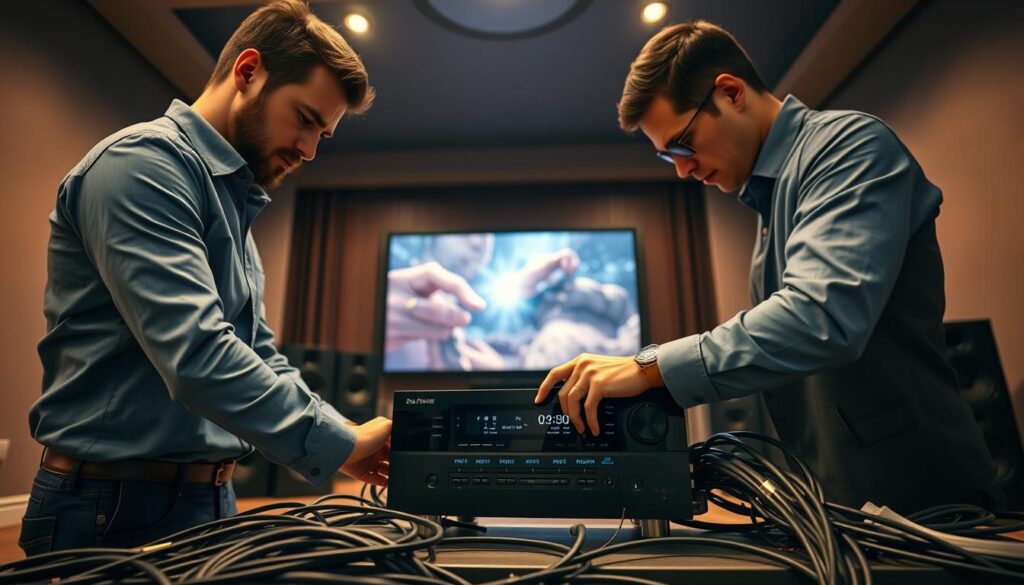
Proper connectivity forms the backbone of any professional AV installation. Keep every signal path clear for the best audio performance throughout your home theater. Organizing inputs and outputs prevents signal loss and future frustration.
Cable Types and Connections
High-quality HDMI cables carry high-definition video and lossless audio from source devices to the receiver. Use certified cables to support the bandwidth needed for modern surround sound formats. Label both cable ends to make future maintenance or troubleshooting easier.
Good speaker wire management improves safety and appearance. Use in-wall routing, raceways, or floor runners to hide wires while keeping them accessible. If you hide speaker wire behind drywall, ensure it is rated for in-wall use to meet local building codes.
| Connection Type | Primary Use | Signal Quality |
|---|---|---|
| HDMI | Video & Audio | Excellent |
| Speaker Wire | Amplified Audio | High |
| Subwoofer Cable | LFE Channel | High |
| Optical/Coaxial | Digital Audio | Good |
Setting Up Wireless Options
Many modern systems offer wireless surround sound for rear speakers or subwoofers, reducing clutter. These options add convenience, but consider possible latency and signal interference. Check that your receiver supports the wireless protocol required by your speakers.
Wireless components still need reliable power, so plan outlet placement carefully. If dropouts occur, move the wireless transmitter away from electronic devices such as routers. Consistency in signal strength supports a smooth, immersive cinematic experience.
Calibration for the Best Sound
Proper calibration turns separate speakers into one clear soundstage. When you invest in custom home entertainment systems, you expect premium audio that fills your room with clarity and depth. But your room can add problems that distort sound unless you address them.
Calibration connects your hardware to your room’s dimensions. Adjusting each component helps sound reach your ears at the right time and volume.
Why Calibration is Essential
Every room has acoustic traits that change how sound waves travel. Without home theater calibration, reflections and uneven distances can make speakers sound muddy or disconnected. Calibration corrects these issues and keeps every channel balanced.
Speaker distance settings are one of the most important adjustments. Since your seat is rarely centered between every speaker, nearby sound arrives sooner. These delay settings align the sound and create a seamless transition across the room.
Tools for Calibrating Your Setup
Modern receivers often include advanced room correction software and a dedicated microphone. These automated systems analyze frequency response and reflections, then apply precise equalization. They offer an excellent starting point, but check the results with your own ears.
Test your setup with familiar movie dialogue, high-fidelity music, and demanding low-frequency effects. If bass feels too strong or dialogue sounds thin, adjust channel levels and crossover points manually. These changes can refine the final output.
| Calibration Method | Primary Benefit | Ease of Use |
|---|---|---|
| Automated Software | Fast room analysis | High |
| Manual EQ | Custom sound tuning | Low |
| SPL Meter | Precise level matching | Medium |
| Distance Delay | Time alignment | Medium |
The goal is a balanced soundstage that feels natural and immersive. Tweak the settings until the audio feels perfectly tailored to your personal preferences. Extra time during this final phase can improve your long-term enjoyment.
Enhancing Your Home Theater Experience
Creating a professional-grade cinema takes more than high-end speakers; it also requires comfort and atmosphere. After calibrating your audio system, improve the room so it feels like a true escape. A home theater setup expert knows the right environment can turn every movie night into a premium event.
Lighting Tips for Cinematic Feel
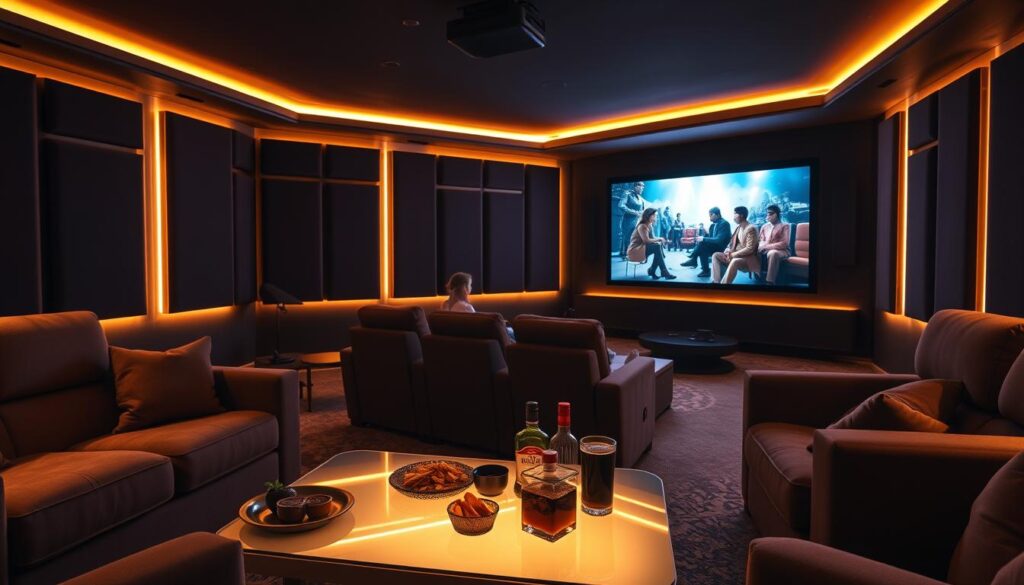
Effective cinematic lighting reduces eye strain and keeps your focus on the screen. Install dimmable LED strips or wall sconces for soft, indirect light. This setup limits reflections and keeps the room from feeling like a dark cave.
Consider blackout curtains or acoustic panels with light-absorbing fabric to block outside glare. For safety, add low-level pathway lighting along the floor. It helps you move around without bright overhead lights that could ruin the mood.
Seating Arrangement for Maximum Comfort
Your theater seating arrangement shapes the entire viewing experience. Calculate the ideal viewing distance from your screen size for a comfortable field of view. Proper sightlines matter, especially with multiple seating rows.
When placing recliners, identify the primary listening position first. Use this spot to set speaker angles and complete audio calibration. Prioritizing the primary listening position keeps sound balanced and immersive for the most important seat.
To refine your space, check out these home theater design tips for the ultimate viewing. A well-planned theater seating arrangement supports speaker coverage, so every guest enjoys clear audio from any seat. Remember that cinematic lighting and comfortable furniture create a space you will never want to leave.
Troubleshooting Common Issues
A perfect cinematic soundscape takes patience and careful attention. Even the best equipment can face challenges during initial setup.
Resolving Common Audio Hurdles
We often need 9.1 troubleshooting when sound feels thin or channels seem silent. Check receiver menus to ensure every speaker is active and correctly mapped. Make sure cable connections are secure and speaker polarity matches across all units.
If bass sounds weak or dialogue sounds muffled, adjust crossover settings in the Denon or Marantz receiver interface. These receiver setup errors often come from incorrect distance measurements or phase mismatches. Running room correction software again often fixes these imbalances.
Refining Your Surround Sound Experience
Physical room limits, such as back-wall seating or asymmetrical layouts, require creative solutions. Move speakers slightly to offset uneven walls instead of abandoning your configuration. These small changes prevent common surround sound problems and keep audio crisp.
Time spent on these home theater upgrades helps your system perform at its peak. Proper placement, high-quality cables, and precise calibration can transform your living room into a professional studio. Enjoy the immersive power of your fully optimized audio setup every time you press play.