
 Zoe Nora
Did you know that viewers are 70% more likely to leave a video because of bad sound than bad video? Good audio is key for professional content, but many creators face issues like hiss or muffled voices. Just buying a wireless microphone isn’t enough to get great results.
To get studio-quality sound, you need to know your gear and the setting well. We think that learning how to set up your audio is the best way to improve your production. By using these expert tips, you can make sure your sound is clear and consistent for every project.
Consistency is key when recording. Whether it’s a vlog or a formal interview, small changes in placement and gain levels can make a big difference. Let us show you how to improve your sound and keep your audience engaged.
Key Takeaways
- Prioritize audio quality to keep your audience engaged and reduce viewer drop-off.
- Proper placement of your recording device is more important than the price of the hardware.
- Always perform a test recording to check for distortion and background noise before starting.
- Adjust your gain levels carefully to ensure a balanced and clear signal.
- Use wind protection and environmental sound dampening to improve overall clarity.
Understanding Wireless Microphones
To get professional-grade sound, we need to understand wireless microphones. Whether you’re recording a podcast or filming live, knowing your gear is key.
A wireless microphone system has three main parts: the transmitter, receiver, and microphone. These work together to send audio to your device without cables.
How Do Wireless Microphones Work?
The microphone picks up sound waves and turns them into an electrical signal. This signal goes to a transmitter, which changes it into a radio frequency (RF) wave.
The receiver catches this RF wave and turns it back into an electrical signal. This signal then goes to your camera, mixer, or computer for recording. A professional wireless microphone keeps this signal clear and free from interference.
Types of Wireless Microphones
Choosing the right pickup pattern is crucial. There are two main types: omnidirectional and directional, or cardioid, microphones.
An omnidirectional lavalier microphone picks up sound from all directions. It’s perfect for interviews to capture the room’s ambiance.
A cardioid or directional microphone focuses on sound from one direction. It’s best for professional wireless microphone setups to isolate a speaker’s voice. Knowing these differences helps us pick the right gear for any recording.
Choosing the Right Wireless Microphone
Choosing the right wireless microphone is key to getting professional sound. It matters whether you’re making videos or performing live. Your choice affects every part of your work. By knowing what you need, you can find a wireless microphone system that improves your sound.
Factors to Consider
Start by looking at the frequency range and build quality. A good wireless microphone system works well in busy places. Check out wireless microphone reviews to see how they do in real life.
Also, think about your budget. You can find an affordable wireless microphone for simple tasks. But, for professional work, you might need to spend more for better quality and durability.
Popular Brands in the Market
Choosing a top wireless microphone brand means you get better support and lasting gear. Brands like Shure, Sennheiser, and Rode are known for their quality. They offer reliable equipment that many pros rely on.
What’s the best wireless microphone for you? It depends on your needs, like recording outside or in a studio. Here’s a table to help you compare different types.
| System Type | Best Use Case | Key Advantage | Price Range |
|---|---|---|---|
| Lavalier | Interviews | Discreet size | Moderate |
| Handheld | Live Events | Durability | Variable |
| Shotgun | Film/Video | Directional focus | High |
| Plug-on | Field Reporting | Versatility | High |
Setting Up Your Wireless Microphone
Getting crisp audio starts with setting up your wireless microphone right. Organizing your gear helps avoid common problems. A well-organized setup is key for capturing top-notch sound.
Essential Equipment You Need
First, gather all the parts you need for your setup. You’ll need a wireless microphone, a receiver, and cables. Also, have fresh batteries ready. Keep spare batteries handy to avoid power issues.
Remember to include mounting tools like clips and windscreens. These protect your gear from damage. A good carrying case keeps everything organized and ready to go.
Tips for Proper Placement
Where you place your wireless microphone is crucial for clear sound. Aim for six to eight inches from the speaker’s mouth. This distance helps capture a natural sound without harsh noises.
For lavalier mics, watch out for clothing noise. Use a small loop to keep the cable still. This trick cuts down on editing time.
Also, keep the transmitter in sight of the receiver. This keeps the signal strong. Follow these tips for professional audio in your recordings.
Frequency Management for Optimal Performance
Mastering frequency management keeps your wireless microphone system clear of noise and dropouts. The airwaves around you are crucial when using wireless gear. Proper signal coordination can make or break your production.
Importance of Frequency Selection
Choosing the right frequency band is key to avoiding interference from devices like Wi-Fi routers or phones. A wireless microphone system needs a clear path for audio transmission. If devices fight for the same space, your signal will suffer.
Always keep an eye on your signal strength indicators. They show how well your connection is doing. If the signal wavers, it’s time to find a cleaner channel for consistent audio quality.
Common Frequency Ranges Explained
Most pro gear works in VHF and UHF bands. UHF is the top choice for wireless microphones because it has better range and fewer blockages. Digital systems, like those in the 2.4 GHz band, are also popular worldwide.
Knowing these ranges helps you choose wisely when expanding your wireless microphone system. While 2.4 GHz is handy, it can get crowded in cities. Always check local laws to use your gear legally and without interference.
Minimizing Interference Issues
Even the best gear can struggle when invisible waves clash in a crowded room. Using a wireless microphone means broadcasting data through the air. This makes your signal vulnerable to external disruptions.
Understanding how to protect your audio stream is vital for a professional result. By identifying potential hazards early, you can prevent audio dropouts before they happen.
Environmental Factors to Consider
Physical obstacles often act as silent enemies to your signal strength. Large metal objects, concrete walls, and even dense crowds can absorb or reflect radio waves. This leads to a weak connection.
Other electronic devices also play a significant role in signal degradation. Items like Wi-Fi routers, LED light ballasts, and mobile phones can create unwanted noise. This noise competes with your wireless microphone frequency.
“The most reliable way to ensure a clean signal is to maintain a clear line of sight between the transmitter and the receiver at all times.”
Solutions to Common Interference Problems
Managing your space effectively is the first step toward success. If you encounter issues, try these practical steps to stabilize your audio:
- Perform a frequency scan: Most modern systems allow you to scan for open channels that are free from local traffic.
- Optimize antenna placement: Keep your antennas away from metal surfaces and ensure they are positioned in a “V” shape for better reception.
- Increase distance: Move your receiver away from other digital equipment to reduce the risk of electromagnetic interference.
Consistency is key when you operate a wireless microphone in complex environments. By staying proactive and adjusting your setup based on the specific needs of your location, you will achieve the clear, crisp sound your audience expects.
Maintaining Your Wireless Microphone
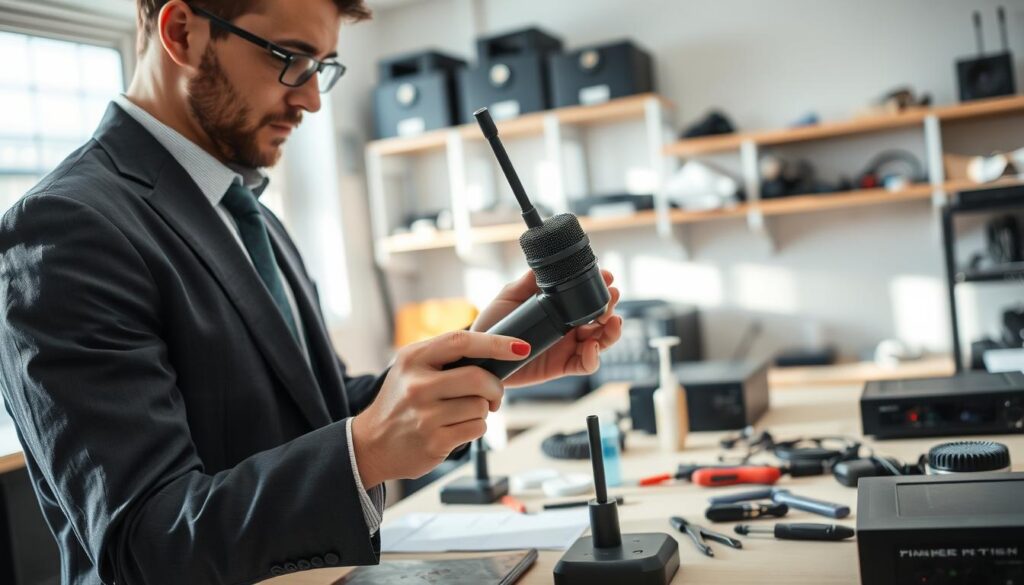
Keeping your wireless microphone in top shape is key for professional audio. We invest in quality gear to ensure it works perfectly every time. A quick clean and check can save you from last-minute issues.
Cleaning and Care Tips
Dust, sweat, and oils can harm your equipment. Use a soft, dry microfiber cloth to clean your transmitter and receiver. Stay away from harsh chemicals to avoid damage.
Store your wireless microphone in a cool, dry spot when not in use. Moisture harms electronics, so a padded case with silica gel is a good idea. In humid places, add a moisture-absorbing pouch for extra protection.
Battery Management Best Practices
Battery problems are a common cause of audio drops. Remove batteries from your wireless microphone for extended storage. This prevents corrosion and damage.
Use fresh, quality batteries for steady power. Check your battery life during sound checks to avoid issues. Always have a spare set ready to avoid interruptions.
| Maintenance Task | Frequency | Why It Matters |
|---|---|---|
| Wipe down exterior | After every use | Prevents oil and dust buildup |
| Check battery contacts | Monthly | Ensures reliable power flow |
| Remove batteries | During storage | Prevents corrosion damage |
| Inspect cables | Before every gig | Avoids signal loss or noise |
Testing Your Setup Before Use
Before you start, make sure your signal chain is working right. A quick check can prevent big problems later. Always test your wireless microphone carefully to avoid technical issues.
Performing Sound Checks
Sound checks are more than just talking into the mic. Walk around the recording area to find any dead spots or interference. Consistency is key for a good test.
“Preparation is the only way to guarantee that your message is heard exactly as you intended.”
Use this table to keep track of your pre-recording checklist. It helps make sure you don’t miss anything important.
| Task | Status | Priority |
|---|---|---|
| Battery Check | Full Charge | High |
| Frequency Scan | Clear | High |
| Range Test | Verified | Medium |
Adjusting Levels for Clarity
After checking the connection, work on your gain staging. You want your wireless microphone to pick up audio that’s loud but not too loud. Always check your levels with headphones to avoid distortion.
If the signal is too quiet, boosting it later can add noise. If it’s too loud, it will ruin your recording. Finding the perfect balance is key to professional audio.
By calibrating your equipment, you ensure your wireless microphone captures clear audio every time. These small steps are crucial for a successful recording.
Best Practices for Recording Audio
Recording top-notch audio with a wireless microphone needs careful planning. Getting studio-quality sound depends on managing your recording space and settings well. Focus on these key areas to keep your voice clear in every recording.
Techniques for Capturing Clear Sound
For better audio, keep the wireless microphone close to the speaker’s mouth. This helps get a strong signal and less background noise. It also cuts down on unwanted sounds from the room.
Setting the right gain levels is crucial for quality audio. Make sure the loudest parts of the speech don’t clip. This keeps your recording clean and free from distortion.
Dealing with Background Noise
Background noise can ruin a good recording. Choose a quiet location for recording. Use soft furnishings like carpets and curtains to absorb sound.
If you can’t pick a quiet spot, use directional mics or low-cut filters. These tools help focus on the speaker’s voice and block out background sounds. Here’s how different places affect your recording.
| Environment Type | Acoustic Quality | Noise Level | Recommended Action |
|---|---|---|---|
| Small Office | Good | Low | Use soft rugs |
| Large Hall | Poor | High | Move mic closer |
| Outdoor Space | Variable | High | Use wind protection |
| Home Studio | Excellent | Very Low | Standard setup |
Success with a wireless microphone starts with preparation. Test your levels and control your environment. This sets up a professional base for any project. Try out these tips to find what works best for you.
Troubleshooting Common Problems
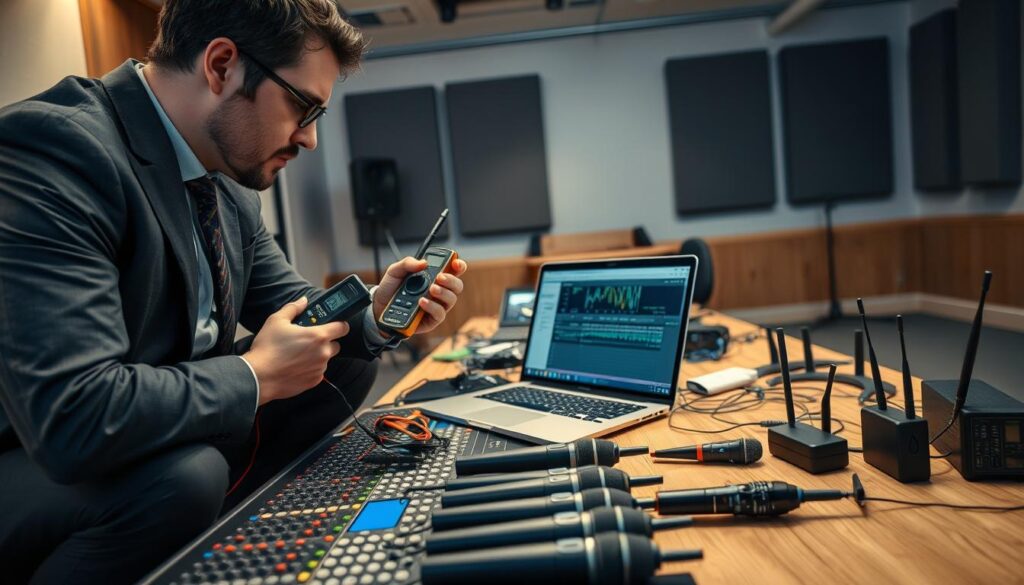
Even the most reliable wireless microphone system can face unexpected issues during a production. These problems are often simple and can be fixed quickly. By knowing how to diagnose them, you can keep your audio professional and consistent.
Audio Dropouts and Solutions
Audio dropouts happen when the signal path is blocked. Make sure there’s a clear line-of-sight between your devices. If you see signal loss, check your antennas. Make sure they’re not blocked by metal or large crowds.
Low battery power in your wireless microphone can also cause dropouts. Always check your power levels before recording. If problems continue, try changing the frequency channel to avoid interference.
Distortion or Poor Sound Quality Fixes
Distortion occurs when the input gain is too high. Adjust your wireless microphone system so levels peak without clipping. Proper gain management ensures clean, crisp audio.
Static or buzzing might mean interference from nearby electronics. Move your receiver away from Wi-Fi routers and computers. Consistent monitoring with headphones helps catch these issues early.
Wireless Microphones on Different Platforms
The right wireless microphone setup changes with the platform you use. It’s important to adapt your gear for the best audio quality. Whether in a studio or a big crowd, knowing your equipment is key.
For Podcasting and Streaming
For podcasting, focus on consistent audio quality. Choose a system that connects well to your computer or audio interface. Clear, noise-free audio keeps your audience interested.
Many prefer lavalier systems for video podcasts because they allow movement. Test your gain levels before going live to avoid audio issues. Place the mic near your chest for balanced sound.
For Live Events and Presentations
For live events, you need a different setup than studio work. You must handle larger spaces and possible interference. A reliable wireless microphone for performances needs a long range and strong signal.
For multiple speakers, use a multi-channel receiver system. This lets you monitor each speaker separately. Make sure your batteries are charged, as live events can’t afford power failures.
| Platform | Primary Focus | Key Equipment Need |
|---|---|---|
| Podcasting | Audio Clarity | Stable Digital Signal |
| Live Events | Range & Reliability | Multi-Channel Receiver |
| Performances | Dynamic Range | High-Quality Transmitters |
Choosing the right wireless microphone for events or wireless microphone for performances boosts your production. Tailor your setup to meet your platform’s needs for a smooth experience.
Enhancing Your Setup with Accessories
Your audio quality can soar with the right accessories. A wireless microphone is the base, but add-ons bring flexibility for pro results. Customizing your kit helps beat environmental challenges and keeps your voice clear.
Recommended Accessories
For a solid system, get a few key items. A top-notch deadcat or foam windscreen is key for outdoor shoots to block wind noise. Also, shock mounts are crucial to stop handling noise from reaching your wireless microphone capsule.
- External Antennas: These keep your signal strong in crowded areas.
- High-Quality XLR Cables: Long-lasting cables prevent signal loss between your receiver and recording device.
- Hard-Shell Carrying Cases: Keeping your gear safe during transport is vital.
How Accessories Improve Audio Quality
Accessories do more than add convenience; they enhance the sound quality. A dedicated shock mount, for example, keeps your wireless microphone away from vibrations. This leads to a cleaner sound that needs less editing later.
“The difference between a good recording and a great one often lies in the small, thoughtful details of your setup.”
Specialized antennas also help your wireless microphone stay connected to the receiver. This stability is key in areas with lots of radio frequency interference. With the right tools, your audio stays consistent, reliable, and pro, no matter where you record.
Staying Updated with Technological Advancements
The world of audio production is always changing. Digital tools get better and better. Companies like Shure and Sennheiser are working hard to make sound clearer and signals stronger for everyone.
Recent Innovations in Wireless Microphones
Today’s microphones have cool new features. They use advanced encryption and can find the best frequency on their own. This makes setting up easier than before.
These microphones now have less delay and last longer on battery. This lets creators spend more time on their work, not fixing technical problems.
The Future of Wireless Audio Technology
We’re looking forward to even more tech in wireless mics. They might use artificial intelligence to block out background noise. The new devices will probably be smaller but still deliver top-notch sound.
Getting a good wireless mic now means you’re ready for the future. Keep trying out new equipment to keep your audio sharp. Share your experiences to help others pick the right tools for their projects.