
 Zoe Nora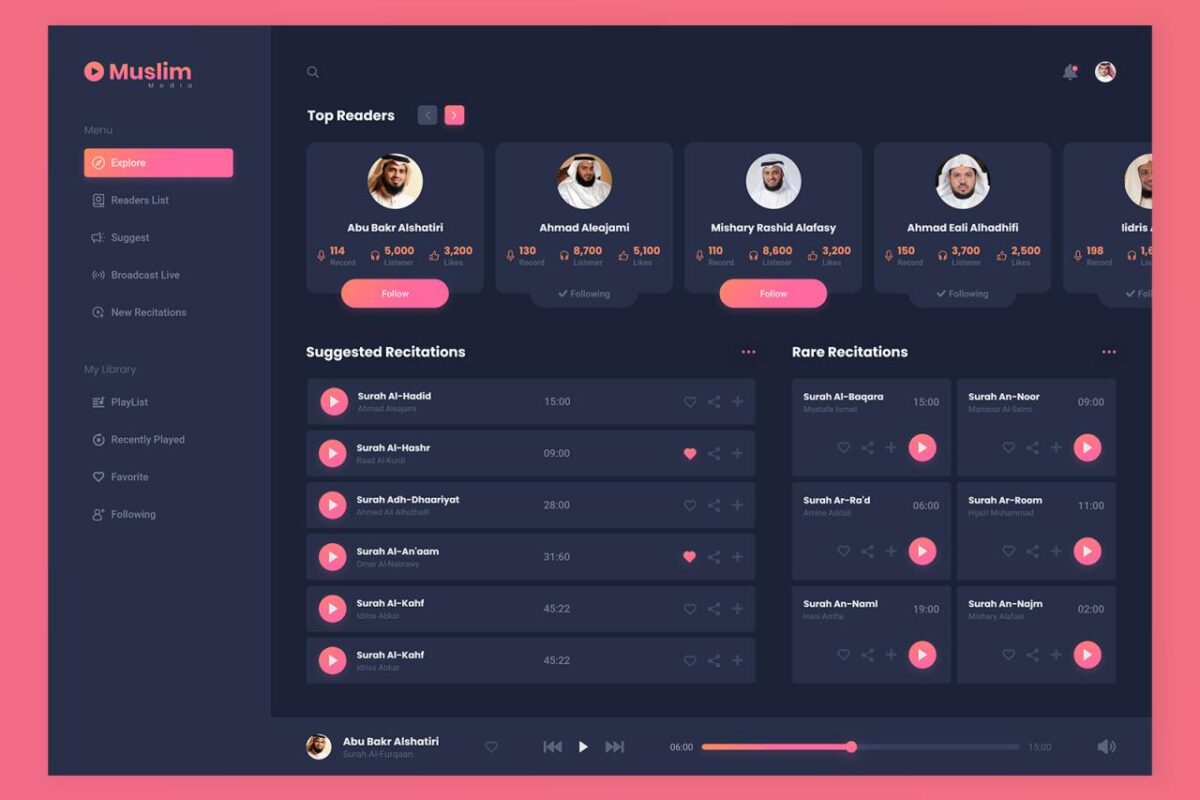
Media players have transformed the way we consume digital content, evolving from rudimentary software to sophisticated applications that cater to various formats and streaming needs.
This exploration delves into the rich history of media players, tracing their development from early versions to the modern interfaces we use today. With advancements in technology, media players not only enhance the viewing experience but also adapt to the changing landscape of digital consumption, including the integration of streaming services and new interactive features.
Understanding the History and Evolution of Media Players
The journey of media players has been a fascinating evolution, marking significant technological advancements over several decades. From their humble beginnings, media players have transformed from simple software programs into sophisticated applications capable of handling a variety of multimedia formats. This evolution has not only changed how we consume media but has also shaped the technology landscape as we know it today.
In the early days of computing, media players were basic tools primarily designed to play audio files. Programs like Winamp, released in 1997, revolutionized how we listened to music on our computers, introducing features such as customizable skins and playlists. As the internet began to take off, the need for more versatile media players grew. The transition from analog to digital formats led to significant changes. Newer players began supporting various file types, including MP3, WAV, and later, video formats like AVI and MPEG.
Technological Advancements in Media Player Evolution
Several key technological advancements have played a crucial role in the transformation of media players. The shift from CD and cassette tapes to digital downloads and streaming services is one of the most significant changes. This transition was facilitated by the development of faster internet connections and advances in data compression algorithms, which allowed for quicker downloads and more efficient streaming.
The introduction of the DirectShow framework by Microsoft in 1996 allowed developers to create media applications that could seamlessly integrate audio and video playback. Furthermore, the rise of open-source media players, like VLC Media Player, made it possible for users to play almost any format without the need for additional codecs. The growth of mobile technology also contributed significantly to media players, with the emergence of applications for smartphones that enabled on-the-go access to vast libraries of content.
Key milestones in the history of media players have significantly impacted their functionality, shaping user experiences and expectations. Some notable milestones include:
- 2000s: Rise of Streaming Services: Platforms like YouTube and Spotify changed the landscape of media consumption, allowing users instant access to vast libraries of content without the need for physical media.
- 2010: HTML5 Video: The introduction of HTML5 allowed for native video playback in web browsers, eliminating the need for third-party plugins like Flash.
- 2020s: Integration of AI: Modern media players now incorporate AI to create personalized experiences, suggesting content based on user preferences and viewing history.
The evolution of media players reflects broader technological trends and consumer demands for more accessible and versatile ways to engage with multimedia content. As technology continues to advance, it is evident that media players will evolve further, adapting to new formats and user experiences.
Analyzing Different Types of Media Players Available in the Market
In today’s digital age, media players have become essential tools for users to enjoy various forms of media, whether it be audio, video, or streaming content. The market is saturated with different types of media players, each catering to diverse user needs and preferences. Understanding the available options can help users choose the right player for their specific requirements.
Media players can be broadly categorized into three main types: software-based, hardware-based, and web-based options. Software-based media players are applications installed on devices, allowing for local playback of media files. Examples of popular software-based players include VLC Media Player, Windows Media Player, and iTunes. These players support various file formats and often come equipped with additional functionality like playlists and equalizers.
Hardware-based media players are standalone devices designed solely for media playback, such as Blu-ray players, digital streaming devices like Roku or Apple TV, and gaming consoles. They typically offer superior performance and connectivity options, such as HDMI outputs, but may have limitations in terms of file format support compared to their software counterparts.
Web-based media players operate through browsers and do not require installation. Examples include platforms like YouTube, Spotify, and Netflix, which stream media content directly from the internet. These options are highly convenient but rely on stable internet connections and may have restrictions based on region or subscription models.
Comparing Features of Popular Media Players
Comparing features of well-known media players helps highlight their unique functionalities. Each player has its strengths and weaknesses, catering to different types of users.
– VLC Media Player: Known for its versatility and support for a wide array of file formats, VLC is open-source and free to use. It features advanced playback options, including video filters and subtitle synchronization, appealing to users who prioritize customization.
– Windows Media Player: Built into Windows operating systems, this player offers seamless integration with Windows features and a user-friendly interface. It supports common media formats but may struggle with less popular file types, making it less versatile than VLC.
– iTunes: Primarily designed for macOS and iOS devices, iTunes is tightly integrated with the Apple ecosystem. It excels in managing music libraries and synchronizing media across devices, but its video playback capabilities are less robust compared to VLC.
The following table organizes and details the specifications of different media players:
| Media Player | Type | Supported Formats | Unique Features |
|---|---|---|---|
| VLC Media Player | Software | Most audio/video formats | Open-source, extensive customization options |
| Windows Media Player | Software | Common audio/video formats | Integration with Windows OS, simple interface |
| iTunes | Software | MP3, AAC, MOV, etc. | Media library management, device synchronization |
| Roku | Hardware | Streaming formats (via apps) | Wide app selection, user-friendly interface |
| Apple TV | Hardware | Streaming formats (via apps) | Integration with Apple ecosystem, AirPlay support |
| YouTube | Web-based | Streaming formats | User-generated content, social features |
| Spotify | Web-based | Streaming audio | Music library, playlist sharing |
Exploring the Core Features and Functionalities of Media Players
Media players play a crucial role in how we consume audio and video content, making the experience seamless and enjoyable. Their core features significantly enhance user engagement and satisfaction across various platforms, from personal computers to mobile devices. Understanding these features can help users maximize their enjoyment of multimedia, regardless of their level of tech-savviness.
One of the essential features of media players is their support for multiple playback formats. Users encounter a wide variety of file types, such as MP3, WAV, MP4, AVI, and more. A versatile media player can handle these formats efficiently, ensuring that users can play their favorite songs, videos, and podcasts without the hassle of converting files. Additionally, robust subtitle support is vital, especially for non-native speakers or those with hearing impairments. Media players often allow users to customize subtitle settings, such as font size and color, thereby promoting inclusivity.
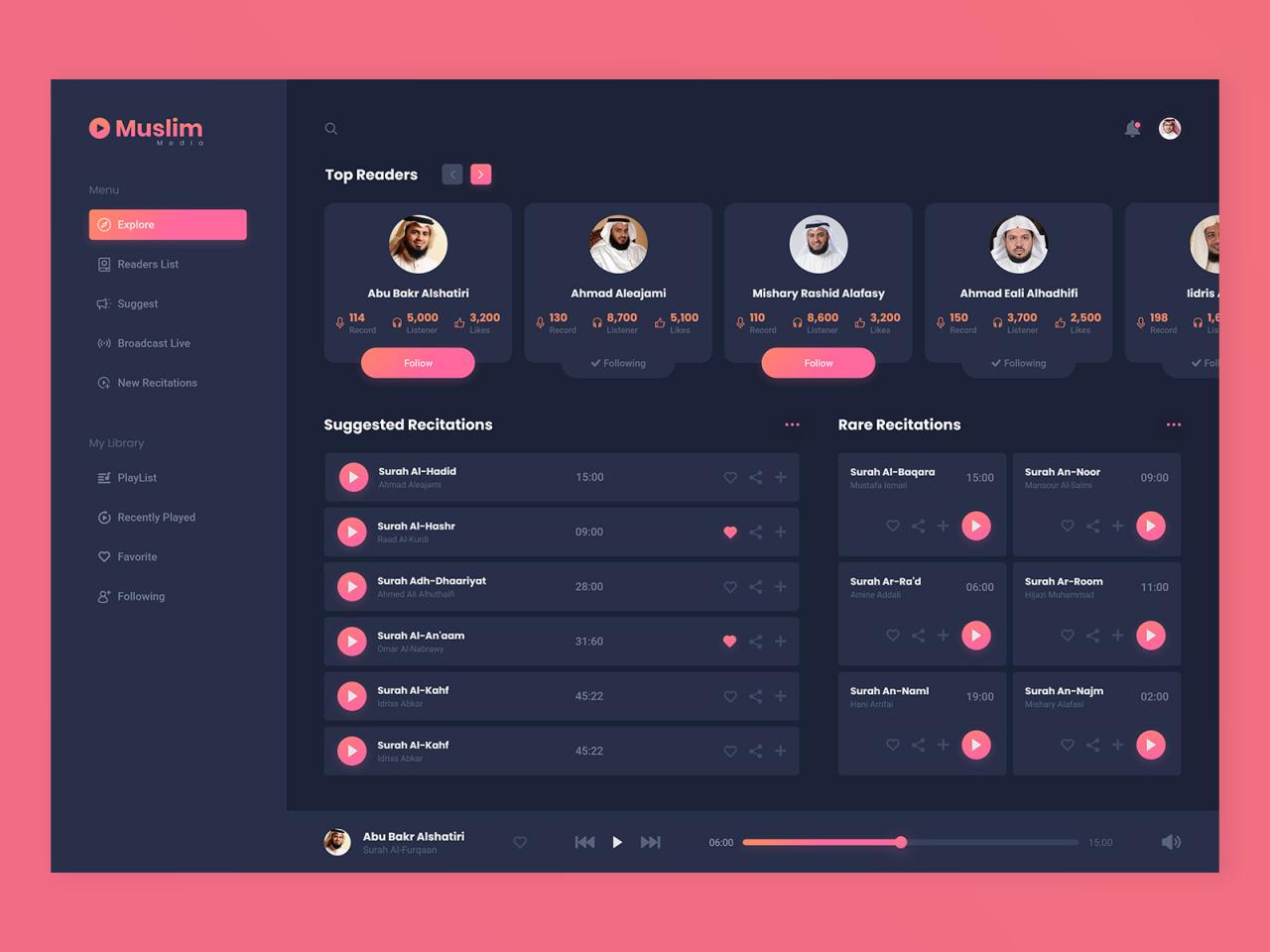
User interfaces (UIs) also play a significant role in enhancing user experience. A well-designed UI allows for easy navigation, enabling users to quickly access their favorite content. Features such as playlists, search bars, and recommendations can further enrich user interactions. Modern media players often incorporate intuitive controls, allowing users to play, pause, rewind, and fast-forward with ease, which can significantly reduce frustration during playback.
Additional Functionalities of Modern Media Players
In addition to the aforementioned core features, modern media players come with a myriad of functionalities that cater to diverse user needs. These enhancements are designed to not only improve the functionality of the media player but also to create a more personalized and engaging experience. Below are some noteworthy functionalities that are commonly offered:
These features not only streamline the media consumption process but also cater to varying user preferences:
- Streaming Capabilities: Many media players offer integrated streaming services, allowing users to access a vast library of content without downloading files. This feature is particularly popular for music and video streaming platforms.
- Customizable User Interfaces: Users can often change themes, layouts, and even skins to personalize their media experience, reflecting individual tastes and preferences.
- Playback Speed Controls: Users can adjust the playback speed for both audio and video content, which is useful for educational purposes or personal preference.
- Cross-Platform Synchronization: Some media players allow users to sync their playlists and settings across different devices, making it convenient to enjoy content anywhere.
- Equalizer Settings: Audio enhancement tools like equalizers provide users the ability to modify sound profiles tailored to their listening preferences.
- Cloud Storage Integration: Users can save their media libraries on cloud platforms, facilitating easy access to their content across devices without significant storage concerns.
- Social Sharing Features: Some media players integrate social media sharing options, enabling users to share their favorite tracks or videos effortlessly with friends and followers.
“The combination of versatile playback formats, subtitle support, and user-friendly interfaces elevate media players from simple tools to essential companions for modern media consumption.”
These functionalities reflect the ongoing evolution of media players, catering to diverse audiences and enhancing the overall experience for users worldwide. By incorporating these features, media players continue to adapt in an ever-changing digital landscape, ensuring accessibility and enjoyment for all.
Investigating Media Player Compatibility with Various File Formats
Understanding media player compatibility with various file formats is crucial for ensuring seamless playback experiences. As users switch between different media types, the necessity for a media player that can handle multiple file formats becomes increasingly important. Compatibility not only dictates the types of files one can play but also affects the overall performance and quality of the playback experience.
File format compatibility is significant because it enables users to access a wide range of audio and video files without the need for additional software or conversions. Different media players support various formats, and these include popular types like MP3, AAC, WAV, AVI, MP4, and MKV. Each file format has its specifications, which can influence how the media is compressed, stored, and played back. For example, MP3 is widely used for audio due to its efficient compression, while formats like WAV are preferred for high-quality audio as they retain more detail by being uncompressed.
Playback quality and performance can vary markedly depending on the media player and the file format being utilized. For instance, a player may struggle to efficiently decode high-bitrate formats on older hardware, leading to stuttering or audio drops. Conversely, a player optimized for specific formats may provide a better experience with those formats while lacking support for others. Furthermore, some formats like FLAC (which is lossless) can offer superior sound quality compared to compressed formats but may require more processing power and storage space.
To illustrate the compatibility landscape, the following table categorizes common media file formats alongside the media players known to support them:
| Media File Format | Supported Media Players |
|---|---|
| MP3 | VLC, Windows Media Player, iTunes, QuickTime |
| AAC | iTunes, VLC, Android Media Player |
| WAV | Windows Media Player, VLC, iTunes |
| AVI | VLC, Windows Media Player, MPC-HC |
| MP4 | VLC, Windows Media Player, iTunes, QuickTime |
| MKV | VLC, Kodi, MPC-HC |
Examining the Role of Streaming Services and Their Impact on Media Players

The landscape of media consumption has undergone a seismic shift with the rise of streaming services like Netflix, Hulu, and Disney+. These platforms have not only changed how viewers access content but have also necessitated significant adaptations in media players themselves. As traditional physical media, such as DVDs and Blu-rays, become less prevalent, streaming services have become the primary method for consuming entertainment, leading to a reimagining of media player functionalities.
Streaming services have led to extensive changes in the functionalities and design of media players. Traditionally, media players were designed primarily for playback of physical media or digital files stored locally. However, the integration of streaming services has transformed these devices into multifunctional hubs capable of accessing vast libraries of content online. For instance, devices like Roku and Amazon Fire TV have built-in capabilities for accessing multiple streaming platforms, creating a seamless user experience. This shift also includes features like voice control, personalized recommendations, and user interfaces designed to streamline navigation between different services.
Integration of Streaming Services into Media Players
The integration of streaming services into media players provides a wealth of opportunities and enhancements for users. This integration is vital for ensuring that users can easily access their favorite content among the plethora of available options. Here are some notable examples and features that highlight this trend:
– Unified Interface: Modern media players offer a centralized dashboard that allows users to access and search for content across different streaming platforms. This eliminates the need to switch between apps, enhancing user convenience.
– Voice Control and Smart Features: Many media players now incorporate voice assistants, enabling users to control playback, search for titles, and manage settings hands-free. For instance, devices like Apple TV allow users to use Siri for seamless interaction.
– Personalized Recommendations: Media players often leverage algorithms to suggest content based on viewing habits. This user-centric approach enhances engagement by making it easier for viewers to discover new shows and movies tailored to their tastes.
“The significance of user-centric design in modern media players cannot be overstated; it shapes the way users interact with their content, making the viewing experience more intuitive and enjoyable.”
As streaming services continue to evolve, so too will the media players that support them. The ongoing innovation in device functionality and design reflects the need for a user-friendly experience that prioritizes accessibility and ease of use, cementing the role of streaming services as a cornerstone of modern media consumption.
Evaluating Security and Privacy Concerns Associated with Media Players
As media players become increasingly popular for streaming content, it’s essential to consider the security and privacy implications associated with their use. Users often overlook these concerns while enjoying their favorite movies, shows, or music, but understanding the risks can help safeguard personal information and maintain a secure environment. Media players can pose several security threats, from data breaches to invasive tracking mechanisms that can exploit user habits.
The primary security risks associated with media players include malware embedded in downloaded applications, vulnerabilities in outdated software, and unsecured network connections. For instance, some media players may allow users to download third-party plugins or codecs that might contain malware, leading to unauthorized access to sensitive data. Furthermore, many media players are equipped with internet connectivity features, making them potential targets for cyber-attacks, especially if they lack adequate security protocols. Users’ private data, including viewing habits and personal information, can be collected and sold to third-party advertisers without their consent.
Best Practices for Protecting Privacy
To mitigate the risks associated with using media players, users should adopt several best practices for enhancing their privacy. Awareness of these practices can significantly reduce vulnerabilities and prevent unwanted data exposure.
- Regularly update the media player software to ensure that the latest security patches are applied, eliminating vulnerabilities that could be exploited by malicious actors.
- Utilize a Virtual Private Network (VPN) to encrypt internet traffic, making it more difficult for unauthorized parties to track online activities.
- Limit the use of third-party applications and plugins, as these can introduce security risks. Stick to official app stores and verified sources when downloading new software.
- Review and adjust privacy settings within the media player. Disabling features like data sharing and personalized advertising can help protect personal information.
- Be cautious about granting permissions to applications. Only provide necessary access to features like the camera or microphone if absolutely needed for the functionality of the media player.
Security Features to Look for in Reliable Media Players
When selecting a media player, users should prioritize security features that enhance data protection and privacy. Being informed of these features can guide users to make safer choices in their media consumption.
- End-to-end encryption ensures that data transmitted between the media player and streaming services remains secure from interception.
- Two-factor authentication adds an extra layer of security by requiring a secondary verification method, such as a code sent to a mobile device, when logging into accounts.
- Regular security updates from the developers indicate that the media player is actively maintained, reducing exposure to known vulnerabilities.
- Built-in ad blockers can prevent intrusive advertisements, which may track user behavior and collect data without consent.
- Compliance with privacy regulations, such as GDPR, ensures that the media player adheres to established data protection standards, safeguarding user information.
“Understanding the security and privacy implications associated with media players is crucial for protecting personal information in an increasingly digital world.”
Understanding the Future Trends in Media Player Technology
As media consumption continues to evolve at a rapid pace, so too does the technology behind media players. Innovations such as artificial intelligence (AI) and virtual reality (VR) are reshaping how users interact with media. This exploration delves into these emerging trends and their implications for user experiences, as well as the anticipated advancements in media player technology that will define the future.
AI integration in media players is transforming user interaction by offering personalized content recommendations based on viewing habits, preferences, and even mood. For instance, platforms like Netflix and Spotify are already leveraging AI algorithms to suggest shows or music tailored to individual tastes. This not only enhances user experience but also increases engagement by allowing users to discover content they might not have otherwise explored. Additionally, AI-powered voice recognition is becoming increasingly prevalent, allowing for hands-free navigation and control, thus improving accessibility for users with disabilities.
The incorporation of VR compatibility is another significant trend that is reshaping the media consumption landscape. Media players are evolving to support immersive experiences, allowing users to engage with content in a three-dimensional space. For example, platforms like Oculus TV provide a VR environment where users can watch movies, play games, and interact with other users as if they were in the same room. This advancement offers an unprecedented level of immersion, changing the way stories are told and experienced. Furthermore, as VR technology becomes more mainstream, media players that provide a seamless VR experience will likely see increased adoption.
Understanding these trends can help forecast how user interactions with media will evolve. The integration of AI is expected to lead to more intuitive user interfaces, while VR is set to create more engaging and interactive experiences. The collaboration between these technologies could also open doors to new forms of content creation, as creators adapt to the tools and possibilities offered by AI and VR.
To further illustrate the anticipated advancements in media player technology, the table below compares current features with projected future advancements:
| Current Technology | Projected Future Technology |
|---|---|
| Basic content recommendations | Advanced AI-driven personalized suggestions based on real-time data |
| Standard 2D video playback | Immersive 3D VR environments for viewing content |
| Manual navigation | Voice activation and AI-assisted navigation options |
| Limited accessibility features | Comprehensive accessibility options, including adaptive interfaces for all users |
| Traditional content formats (e.g., MP4, MKV) | Support for new interactive formats and experiences (e.g., 360-degree video) |
The future of media player technology is poised for significant transformation, driven by advancements in AI and VR, ultimately enhancing the media consumption experience for users worldwide. The shift towards personalized and immersive content is not just a trend but a reflection of the changing landscape of how we engage with media.
Final Wrap-Up
In conclusion, the journey of media players reflects a dynamic interplay between user needs and technological innovation, indicating a bright future filled with potential advancements. As we embrace new trends like AI and VR, the way we interact with media will continue to evolve, making it an exciting time for both developers and users alike.
Frequently Asked Questions
What is a media player?
A media player is software or hardware that allows users to play audio and video files on their devices.
Can I use a media player offline?
Yes, many media players allow offline playback of downloaded content.
Are media players free?
Some media players are free, while others may require a purchase or subscription for premium features.
What formats do media players typically support?
Media players generally support formats like MP3, MP4, AVI, and MKV, among others.
How do streaming services affect media players?
Streaming services have expanded the functionality of media players, allowing for direct access to content without the need for downloads.
Can I customize my media player?
Yes, many media players offer customization options for user interface, themes, and features.