
 Zoe Nora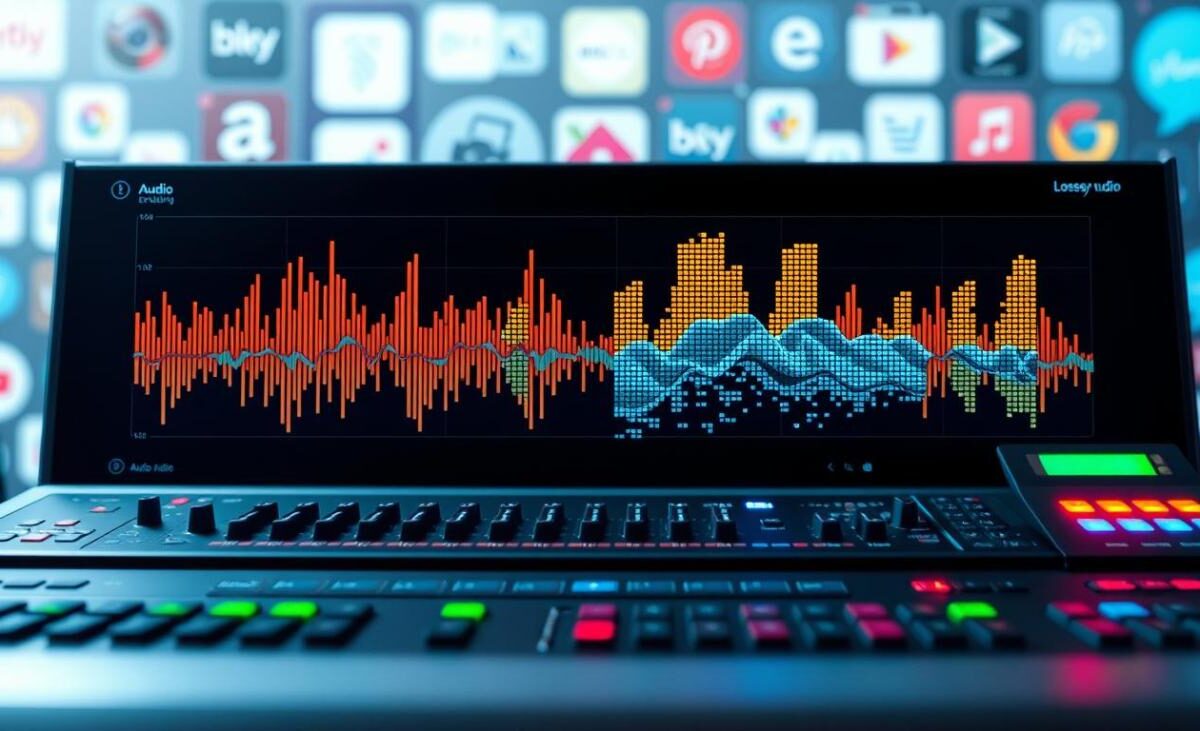
Did you know that over 90% of today’s streamed music is heavily compressed? This process removes much of the original recording to save space.
We often accept this trade-off for convenience, but a superior listening experience reveals more detail.
Lossless audio is a digital format that preserves all information from the studio master. Unlike standard compressed files, it keeps every note true to the artist’s original intent.
Lossless audio delivers richer sound but needs more storage and bandwidth for streaming. Playback devices and listening environments also affect the final result.
True CD-quality sound begins at 16-bit and 44.1 kHz, creating a high standard for digital fidelity. Understanding this lossless standard helps us build better personal music libraries.
Key Takeaways
- Digital music compression often removes audio data to reduce file sizes.
- The format preserves the full integrity of the original studio recording.
- Higher fidelity files demand more bandwidth and storage capacity than standard streams.
- CD-quality audio is defined by a 16-bit depth and 44.1 kHz sample rate.
- Playback hardware and listening conditions significantly impact the perceived sound quality.
How Lossless Audio Preserves the Original Recording
Digital audio stores and retrieves sound without losing a single bit. Lossless compression shrinks files by removing extra data, not actual audio information.
Unlike methods that permanently delete parts of the sound wave, this process perfectly rebuilds the original digital signal during playback. Think of it as a digital zip file for music. Data is packed tightly, then unpacked exactly as before.
The process’s efficiency is measured by the compression ratio. This metric shows how much space we save compared with the uncompressed original file. Music complexity varies from simple acoustic tracks to dense orchestral arrangements, so the compression ratio changes with each recording.
“True high-fidelity audio is not just about the equipment you use, but about the integrity of the data reaching your ears.”
Since no data is discarded, these files remain much larger than files made with lossy methods. We accept this extra storage because it keeps every nuance of the studio master intact for our listening pleasure.
| Format Type | Data Integrity | File Size | Compression Method |
|---|---|---|---|
| Uncompressed | Perfect | Very Large | None |
| Lossless | Perfect | Medium | Redundancy Removal |
| Lossy | Reduced | Small | Data Discarding |
How Lossless Compression Differs From Lossy Compression
When discussing audio quality, we must separate methods that discard data from methods that preserve it. Digital music storage uses clever mathematical tricks to manage file sizes. These methods have two main categories: lossy and lossless.
Knowing these differences helps explain why some streaming services favor certain file types. Casual listeners and audiophiles can see how music packaging changes perceived digital sound.
What Lossy Streaming Removes
The goal of lossy encoding is to reduce file size by removing audio data human ears struggle to hear. This process uses psychoacoustic models to find sounds masked by louder frequencies. By discarding these “unnecessary” bits, files become smaller and easier to stream over mobile networks.
This method is permanently destructive. Once removed, data cannot return during playback. Most streaming services use it for smooth playback when internet connections are unstable.
How Lossless Compression Reconstructs Audio
Lossless compression works like ZIP archives on a computer. It stores existing information more efficiently without losing data. When opened, the file reconstructs the original data perfectly.
The FLAC format is a gold standard for this audio storage. It acts as a container, shrinking files without deleting musical detail. Like PNG images that keep pixel-perfect quality instead of blurry JPEGs, lossless audio keeps every note as the artist intended.
| Feature | Lossy Encoding | Lossless Compression |
|---|---|---|
| Data Integrity | Permanent loss | Perfect reconstruction |
| File Size | Very small | Larger |
| Audio Quality | Reduced | Original studio quality |
| Common Usage | Standard streaming | Audiophile listening |
Which Audio Formats Support Lossless Music Streaming?
To understand high-fidelity audio, examine the formats behind popular streaming platforms. When we choose to experience high-quality sound, the file format helps determine the audio quality we hear. These formats keep audio data intact from the studio to our ears.
FLAC and ALAC
FLAC and ALAC are the most common formats for high-quality streaming. FLAC, or Free Lossless Audio Codec, uses efficient lossless compression without losing audio data. Many services use it to balance sound quality and file size.
The ALAC codec supports Apple Music’s extensive library. It lets Apple users enjoy high-fidelity tracks while staying compatible with their ecosystem. Both formats reduce file size while preserving the original recording perfectly.
WAV and AIFF
WAV and AIFF are uncompressed containers, unlike the formats above. They store audio in its raw, original state and use no lossless compression. These formats offer the highest possible fidelity but often require much more storage space.
Their large files make them less common for mobile streaming over cellular networks. However, they remain popular with audiophiles who value pure sound in local music collections. They provide a direct, bit-perfect copy of the studio master.
Compressed Lossless Formats in Streaming Apps
Streaming apps package audio in different ways to balance quality and performance. Even when a service offers lossless audio, it may use proprietary containers for delivery. The ALAC codec shows how a service can optimize delivery while matching the source exactly.
These apps decode the stream in real time for your device. Your playback device receives the exact data needed for high-fidelity sound. Smart delivery methods support smooth listening across many hardware configurations.
| Format | Compression Type | Primary Use Case |
|---|---|---|
| FLAC | Lossless | General Streaming |
| ALAC | Lossless | Apple Ecosystem |
| WAV | Uncompressed | Studio/Archival |
| AIFF | Uncompressed | Professional Audio |
How Lossless Audio Differs From Hi-Res Audio
While they often appear together in marketing, lossless audio and hi-res audio represent two distinct concepts in digital sound. It is common to confuse these terms, but understanding the difference helps us make better choices for our listening setups.
At its core, lossless audio refers to the compression method used to store a file. When a file is compressed without losing any original data, it is considered lossless. This creates a bit-for-bit copy of the original studio master, as explained in the official guidance on audio quality.
In contrast, hi-res audio describes recordings with sample rates or bit depths above CD standards. While a CD is 16-bit/44.1kHz, hi-res files often reach 24-bit/96kHz or higher. An audio file can be lossless without being hi-res, or it can be both.
“The goal of high-fidelity audio is to bring the listener as close to the original performance as possible, regardless of the specific technical label attached to the file.”
This comparison clarifies these technical distinctions and shows how formats work in practice:
| Feature | Lossless Audio | Hi-Res Audio |
|---|---|---|
| Primary Focus | Data integrity | Resolution/Detail |
| Compression | None or non-destructive | Variable |
| Standard Baseline | CD Quality (16/44.1) | Above CD Quality |
| Hardware Need | Standard DAC | High-end DAC/Amp |
Ultimately, the benefit of these formats depends heavily on your playback equipment. When you stream lossless audio or high-resolution files, you need a capable digital-to-analog converter and high-quality headphones to hear detail. Without the right gear, the technical advantages of these formats may remain largely imperceptible to the human ear.
How Streaming Services Deliver Lossless Music
Every play button starts a system that balances audio quality with network performance. These platforms manage massive libraries and deliver music without unnecessary interruptions. Delivery depends on both server storage and our personal hardware.
Lossless Catalogs and Subscription Tiers
Not every song in a service’s library comes in high fidelity, even with a lossless catalog. Providers use different tiers to manage bandwidth costs and licensing agreements. Subscribing to a premium plan usually unlocks the highest available audio resolution.
Even with a top-tier subscription, access depends on the specific master from the record label. Some older tracks exist only in standard quality, while newer releases often use high-resolution formats. A comprehensive catalog does not guarantee that every track streams in a lossless state.
Streaming Quality Settings and Audio Transcoding
When we listen, the service chooses how to send data based on our connection speed and device settings. Many platforms store master files in the FLAC format because it balances compression and audio integrity. However, the service may adjust the stream in real time to prevent playback stutters.
If our internet connection is unstable, the platform might switch to lossy encoding to keep streaming. This change adapts the data stream without altering the original master file on the server. Understanding these changes explains why audio quality can shift with our network and playback equipment.
Can We Hear a Difference With Lossless Audio?
Hearing a change in sound quality takes more than a premium subscription. lossless audio provides a perfect digital replica of the studio master. However, what you hear depends on several variables.
Your playback equipment may be the most important factor. Basic portable speakers or entry-level earbuds may hide differences between compressed files and high-fidelity tracks. High-end headphones or dedicated studio monitors can reveal subtle details preserved in these files.
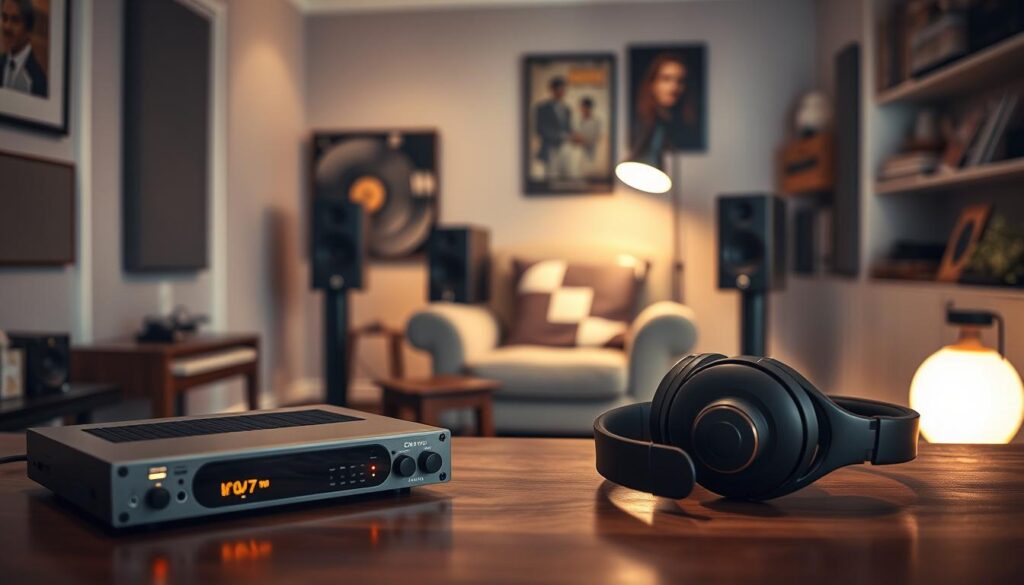
Your listening environment also affects how you perceive sound. Background noise in a busy office or crowded train can mask delicate nuances that lossless compression aims to protect. A quiet, controlled space lets your ears focus on the music’s clarity and depth.
A higher quality format does not automatically make your music louder. Streaming services often use loudness normalization for consistent volume across their entire library. So, a lossless file may not sound more powerful simply because it contains more data.
Finally, hearing ability varies from person to person. Some listeners hear the richer textures and improved spatial imaging of high-fidelity audio, while others may find the difference negligible. Ultimately, this technology offers peace of mind because you hear the music exactly as the artist intended.
How Much Data and Storage Does Lossless Streaming Use?
We often miss the hidden costs of high-quality streaming for mobile data and storage. Lossless audio sounds richer, but it needs much more bandwidth than compressed formats. The compression ratio shows how much data is removed to reduce file size.
At 256 kbps or 320 kbps, standard lossy files stay small and efficient. Standard lossless audio uses 1,411 kbps. This higher bitrate makes your device process and download about four to five times more data per music minute.
The rates below show typical data use and make these differences easier to see. The compression ratio directly affects file size and total data use.
| Quality Level | Average Bitrate | Data Usage (per hour) |
|---|---|---|
| Standard Lossy | 256 kbps | ~115 MB |
| High-Quality Lossy | 320 kbps | ~144 MB |
| Lossless | 1,411 kbps | ~635 MB |
If your mobile data plan is limited, lossless music can quickly use your monthly allowance. We recommend always checking app settings so high-fidelity tracks stream only over Wi-Fi. Adjusting your compression ratio settings for mobile networks helps save data for home use.
Storage space also matters, especially when you download albums for offline listening. One high-resolution album can use several hundred megabytes, filling devices with limited capacity quickly. Managing your offline library helps: choose lower-quality downloads for your commute and keep your device running smoothly.
What We Need to Listen to Lossless Music
To fully appreciate the depth of lossless audio, we must examine the entire signal path from source to ears. Changing one app setting does not ensure that speakers receive the original, uncompressed audio. We need hardware and software that protect the high-resolution file.
Compatible Apps and Playback Devices
First, our streaming app must support lossless files. Some platforms lack this feature, while others require special subscription tiers to unlock their full catalog. Then, a capable Digital-to-Analog Converter (DAC) must process the digital signal.
Many modern smartphones and computers have built-in DACs, but they may mishandle high-bitrate files. For the best results, audiophiles often invest in external DACs to bypass a device’s internal hardware. These dedicated units keep conversion clean and free from interference.
Wired and Wireless Listening
Wired connections offer the most reliable path to a bit-perfect stream. High-quality cables connect our device to an amplifier or powered speakers without data loss. This setup avoids the lossy encoding that may occur during wireless transmission.
“The weakest link in your audio chain will ultimately dictate the quality of the sound you hear, regardless of the source file’s resolution.”
Wireless listening is convenient, but it creates major technical challenges. Most Bluetooth connections compress audio through a narrow channel, causing lossy encoding even when the original file is lossless. Newer codecs perform better, but they still struggle to match a physical wire’s raw, uncompressed data flow.
| Connection Type | Data Integrity | Best Use Case |
|---|---|---|
| Wired (USB/Analog) | Perfect (Bit-perfect) | Critical listening at home |
| Wi-Fi Streaming | High (Lossless) | Multi-room audio systems |
| Standard Bluetooth | Low (Compressed) | Casual mobile listening |
How to Enable Lossless Audio in a Streaming Service
Your music app may hide lossless settings because default options save mobile data. Change these settings to hear each note with greater clarity. Many services offer high-fidelity audio, but you may need to enable it yourself.
Changing Streaming and Download Quality
Open your music app’s settings and find “Audio Quality” or “Playback.” Choose standard, high, or lossless audio. In Apple Music, select the ALAC codec for bit-perfect playback.
Set streaming and download quality separately. With limited storage, stream in high quality and keep downloads at standard quality. Choose the highest lossless option for both, and learn more about how lossless listening arrives on Spotify Premium.
Checking Device and Connection Support
Before saving changes, confirm that your hardware can handle the extra data. High-resolution audio needs a stable connection, especially on cellular networks. A weak signal may make the app transcode audio to prevent buffering.
Also, confirm that your playback device supports the ALAC codec or your service’s format. Modern smartphones often support these files, but some older Bluetooth headphones may compress the signal. This compression can cancel the benefits of lossless audio, so check your wired or wireless device specifications for high-fidelity output.
| Quality Level | Data Usage | Best For |
|---|---|---|
| Standard | Low | Mobile Data Saving |
| High | Medium | General Listening |
| Lossless | High | Audiophile Experience |
| Hi-Res Lossless | Very High | Critical Listening |
Conclusion
Great sound quality needs a balance between technical specifications and personal preference. Lossless audio preserves the original recording because it avoids the data removal used by lossy formats. This fidelity requires more storage space and higher bandwidth for your streaming habits.
CD-quality audio starts at 16-bit and 44.1 kHz. Hi-res audio goes beyond these limits to capture every nuance of the studio master. Your goals for high-fidelity playback should guide your choice.
Begin with a streaming service such as Apple Music, Tidal, or Qobuz that fits your hardware capabilities. Open your app settings and enable the highest quality tier available for your connection. Match high-quality wired headphones or a dedicated DAC to your playback system, so you hear your music library’s full depth.
Experiment with these settings to balance data usage and sonic clarity. Your ears will appreciate the extra effort to optimize your digital audio chain. Enjoy the journey toward a richer, more immersive soundscape.