
 Zoe Nora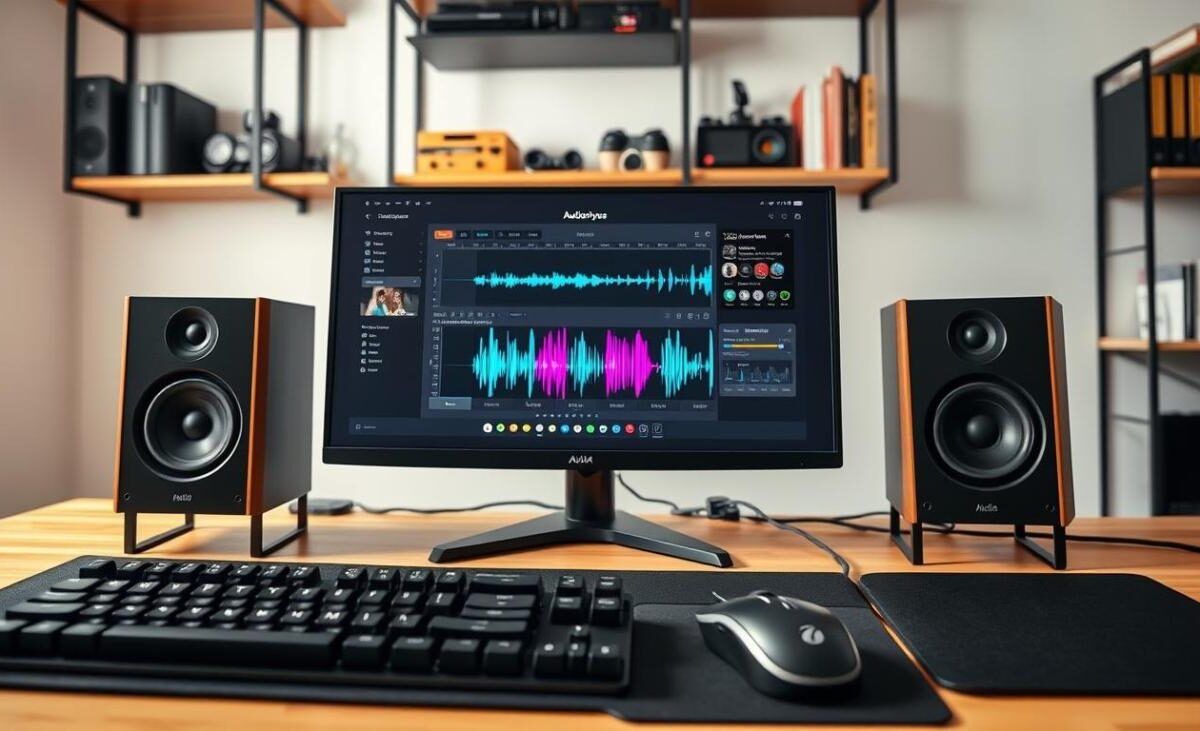
Did you know over 80% of desktop users use the tiny speakers in their monitors or laptops? These speakers are okay for basic alerts but lack the depth for immersive media. Getting computer speakers turns your desk into a high-quality sound area.
Finding the right audio gear can be tough. Whether you’re into gaming, watching movies, or listening to music, there’s a perfect setup for you. Our guide compares key features, connectivity, and affordable brands to help you choose.
Your choice depends on your listening habits and desk space. We’ll show you how to find the best value for your money, balancing performance with your needs.
Key Takeaways
- Internal hardware often lacks the frequency range required for high-quality audio.
- Dedicated desktop units provide a significant upgrade for gaming and media consumption.
- Consider your available desk space before selecting a compact or bookshelf-style system.
- Connectivity options like Bluetooth or USB offer flexibility for modern workstations.
- Prioritize your primary use case to find the best balance between price and performance.
Why Quality Sound Matters in Computer Speakers
Sound is key in our digital world, yet we often settle for poor audio from our devices. High-quality computer speakers are crucial for a good experience. They don’t just make sounds louder; they bring out genuine clarity and balance in every sound.
The Impact of Audio Quality on Your Work
In work settings, clear sound is vital for staying productive. Good speakers make virtual meeting talks clear and easy to follow, even with background noise.
Quality speakers also mean you won’t miss important system alerts or notifications. Investing in better computer speakers cuts down on mental strain from trying to hear faint sounds during long calls.
Enhancing Your Gaming Experience
Gaming is more than just visuals; it needs top-notch audio for spatial awareness. Superior audio lets you pinpoint sounds in games, like footsteps or gunfire.
Systems like the Razer Nommo V2 show how virtual surround sound can give you an edge. This directional precision helps you react quicker to game threats that might be missed with standard speakers.
Enjoying Movies and Music at Their Best
Quality audio brings out the best in your favorite media. Good speakers keep dialogue sharp and musical details clear, with high fidelity.
Using top-notch computer speakers means you get deeper, more controlled bass. This adds depth to movie sounds, unlike the “muddy” sound of cheaper speakers. It lets you hear the artist’s true intent.
| Feature | Standard Audio | High-Quality Audio |
|---|---|---|
| Clarity | Muffled/Distorted | Crisp/Detailed |
| Frequency Range | Limited | Full/Balanced |
| Spatial Imaging | Flat | Immersive/Directional |
| Dialogue | Hard to hear | Clear and distinct |
Types of Computer Speakers Available
Your desk space and listening habits guide you to the right audio hardware. Whether you’re a casual listener or a dedicated gamer, knowing the options helps you find the best computer speakers for you.
Stereo Speakers
Stereo or 2.0 systems have two speakers for a simple audio solution. They’re great for small desks where space is limited. The Creative T100 shows how a small pair can offer clear, balanced sound without extra gear.
2.1 Channel Systems
For deep, resonant bass, choose a 2.1 computer speaker system. It has two satellite speakers and a subwoofer for low sounds. The Razer Nommo V2 is a top choice, making movies and games feel more real.
Soundbar Options
Soundbars are a sleek, low-profile choice. They fit under your monitor, keeping your desk tidy. The Katana SE shows how one unit can deliver great sound while saving space.
Bluetooth Wireless Speakers
Wireless computer speakers cut down on cable clutter. These Bluetooth computer speakers let you place speakers anywhere without wires. They’re convenient but might have slight latency or need battery checks now and then.
The best computer speaker system depends on what you value most. For simplicity, a 2.0 setup is best. For deep bass or a clean desk, 2.1 systems or wireless computer speakers might be better for you.
Key Features to Consider When Buying
Choosing the right audio gear means balancing tech specs with desk space. It’s better to see how devices work in real life than just looking at numbers. Knowing what you need is key, whether you’re upgrading your desk or setting up a gaming station.
Sound Quality and Clarity
Good sound quality is about how a system handles different sounds. Look for a system that gives you clear highs and deep lows. For example, the Creative T100 has great clarity, and the Creative Pebble Pro packs a big sound in a small package.
Don’t just look at the power rating. Focus on driver design and the quality of parts inside. A well-made driver beats a powerful speaker with bad parts.
Size and Design
Your desk space is important when choosing speakers. Make sure the speakers fit well with your monitor and other stuff. A small design is good for tight spaces, keeping your desk clean and your sound immersive.
Connectivity Options
Today’s setups need flexible ways to connect devices. Some like USB for a neat look, while others want Bluetooth for easy wireless use. If you might add more gear later, look for speakers with subwoofer ports or optical inputs for better sound.
Budget Considerations
Finding affordable computer speakers doesn’t mean you have to give up quality. Look for speakers that match your needs and budget. By knowing what you really need, you can avoid spending too much on things you don’t need.
| Feature | Entry-Level | Mid-Range | Premium |
|---|---|---|---|
| Connectivity | AUX Only | USB & Bluetooth | Optical & Wireless |
| Power Source | USB Powered | AC Adapter | Dedicated Amp |
| Best Use | Basic Office | Gaming & Music | Audiophile Setup |
The best computer speakers are those that fit your life and budget. Take your time to think about your desk and what devices you use before you buy.
Top Brands for Computer Speakers
When you start looking for top rated computer speakers, you’ll see some brands pop up a lot. It’s good to know these brands, but don’t forget to check out computer speaker reviews too. This way, you can make sure the speakers meet your needs.
Think about what’s important to you, like warranty, connectivity, and how you listen. Remember, no one brand is the best for everyone. Each brand has its own strengths for different users.
Logitech
Logitech is known for making speakers that work well for both everyday users and gamers. They focus on ease of use and being compatible with many setups. Their speakers are a good mix of price and quality.
Bose
Bose is famous for its high-quality sound and sleek designs. The Bose Companion 2 series is loved for its impressive loudness and clear sound, even though it’s small. These speakers are perfect for those who want great sound without cluttering their desk.
Audioengine
For a top-notch listening experience, Audioengine is the way to go. Their A2+ models are known for their exceptional sound fidelity and durability. These speakers are for those who want to hear every detail in their music and videos.
Creative
Creative has a wide range of speakers, including affordable options. They’re great for those who want good sound without spending a lot. By reading computer speaker reviews, you can find Creative speakers that offer amazing sound for their price.
Choosing the right brand depends on what you need and how you plan to use your speakers. Make sure the brand you pick offers the support and features you need for long-term happiness.
Best Computer Speakers for Gaming
Your gaming setup deserves top-notch audio. Whether you’re exploring vast worlds or tracking enemies, the right sound makes all the difference. Check out the best computer speakers to catch every sound cue.
High-Fidelity Sound Options
For those who value precision, high-fidelity stereo speakers are the way to go. They offer clear, directional sound, helping you find hidden enemies. The Edifier G2000 is a great choice, providing impressive clarity without taking up too much space.
Surround Sound Systems
For a cinematic feel, a 2.1 or 5.1 computer speaker system is a must. These setups include a subwoofer for deep bass during action scenes. The SteelSeries Arena 9 is a top example, filling the room with rich sound.
Wireless Gaming Speakers
Wireless computer speakers are great for keeping your desk tidy. But make sure they have low-latency connections to avoid audio lag. Always check power needs and space for rear-speakers in multi-channel kits.
| Speaker Type | Best For | Key Advantage |
|---|---|---|
| Stereo (2.0) | Competitive Gaming | Precise directional cues |
| 2.1 System | Single-player Immersion | Strong low-end bass impact |
| 5.1 System | Cinematic Experience | True surround sound field |
When picking top rated computer speakers, think about these:
- Latency: Key for fast games.
- Bass Response: Important for immersive games.
- Connectivity: Make sure your PC can handle it.
Best Computer Speakers for Music Lovers
The right computer speakers can turn your desk into a top-notch listening spot. For music lovers, it’s all about sound quality, not just loudness. A good system brings out the best in your favorite songs, making every listen a new adventure.
Audiophile-Grade Speakers
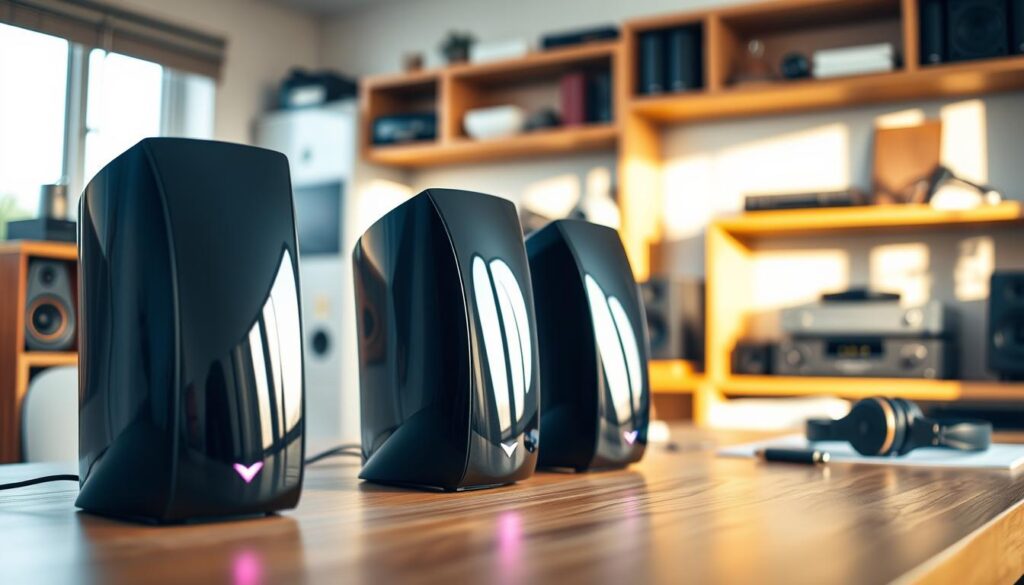
For top-notch sound, try compact studio monitors. The Audioengine A2+ has a warm sound perfect for small desks. Or, pair Genelec 8010A monitors with a PreSonus Eris subwoofer for deep bass and clear sound.
Portable Bluetooth Speakers
Modern Bluetooth computer speakers are great for switching between devices. They stream high-quality audio wirelessly, making setup easy. Just make sure they support high-bitrate codecs to keep your music quality high.
Bookshelf Speaker Recommendations
If you have room, bookshelf speakers offer better sound. They have a natural midrange and a wider soundstage. They’re perfect for long listening sessions, reducing ear fatigue. Choose a pair with solid build for consistent, rich sound over the years.
Best Budget Computer Speakers
Upgrading your computer audio doesn’t have to cost a lot. Many affordable computer speakers offer a big improvement over standard audio. Reading computer speaker reviews helps find models that are great value.
Affordable High-Quality Options
When looking for budget options, focus on clarity and build quality. Look for brands that focus on sound engineering, not just looks. Many entry-level models use smart driver placement for better sound direction.
Choose speakers with a balanced sound. You might not get deep bass, but you’ll get clear highs and mid-tones. This is perfect for video calls, podcasts, and casual listening.
Value for Money Picks
The market has many great value options. For example, the Creative Pebble Pro is around $60 and offers a big improvement over cheaper speakers. It has a better soundstage than many cheaper models.
If you’re spending less than $50, you can still find good speakers. Just remember, they might not be as loud or have as wide a sound range. They work best when placed close to you.
Features to Expect Under $50
Speakers under $50 usually have certain features. They often use USB power, which is easy but limits volume. Expect these characteristics:
- Compact Cabinets: Made to save space on your desk.
- Basic Stereo Separation: Good for general use.
- Analog Inputs: Standard 3.5mm jacks for easy connection.
- Limited Bass: No dedicated subwoofer for deep bass.
Here’s a comparison of what you can expect in this price range:
| Feature | Entry-Level ($20-$50) | Value-Focused ($50+) |
|---|---|---|
| Power Source | USB Only | USB or Wall Adapter |
| Connectivity | AUX Only | AUX and Bluetooth |
| Sound Profile | Mid-range focus | Balanced/Full-range |
Price doesn’t always mean quality. By reading computer speaker reviews, you can find affordable computer speakers that meet your needs without spending a lot.
Premium Computer Speakers for Audiophiles
Getting a top-notch computer speaker system turns your desk into a pro listening spot. Moving up from basic speakers means better sound and lasting quality. These systems are for those who want the best sound every day.
Top-Tier Brands to Consider
Brands like Audioengine lead the way in premium 2.0 setups. For example, the Audioengine A2+ is a favorite among fans, priced around $269. It comes in a glossy finish in various colors to match your desk.
These speakers offer exceptional connectivity, like aptX Bluetooth for clear wireless streaming. They also have RCA outputs for adding subwoofers for better bass. Buying from a trusted brand means your speakers will last a long time.
Customizable Sound Profiles
True audiophiles know sound preferences vary. Many top models let you adjust bass, treble, and tone to fit your taste. This way, your music, movies, and games sound just right to you.
Adjusting these settings helps with room acoustics and desk limitations. This flexibility is key in a high-quality computer speaker system, offering a personal sound experience that basic speakers can’t match.
Design Aesthetics and Build Quality
The look and feel of your speakers matter a lot. Premium speakers have exposed drivers and solid wood cabinets to improve sound. A sturdy build often means a powerful amplifier inside.
Think about extra accessories like isolation stands or subwoofers. They can make your sound clearer by separating the speakers from your desk. Here’s a table showing what to look for in premium audio gear.
| Feature | Standard Speakers | Premium Audiophile System |
|---|---|---|
| Cabinet Material | Plastic | MDF or Solid Wood |
| Connectivity | 3.5mm Aux Only | Bluetooth aptX, USB, RCA |
| Sound Customization | None | EQ/Tonal Balance Controls |
| Build Focus | Portability | Acoustic Precision |
Setup and Placement Tips for Optimal Sound
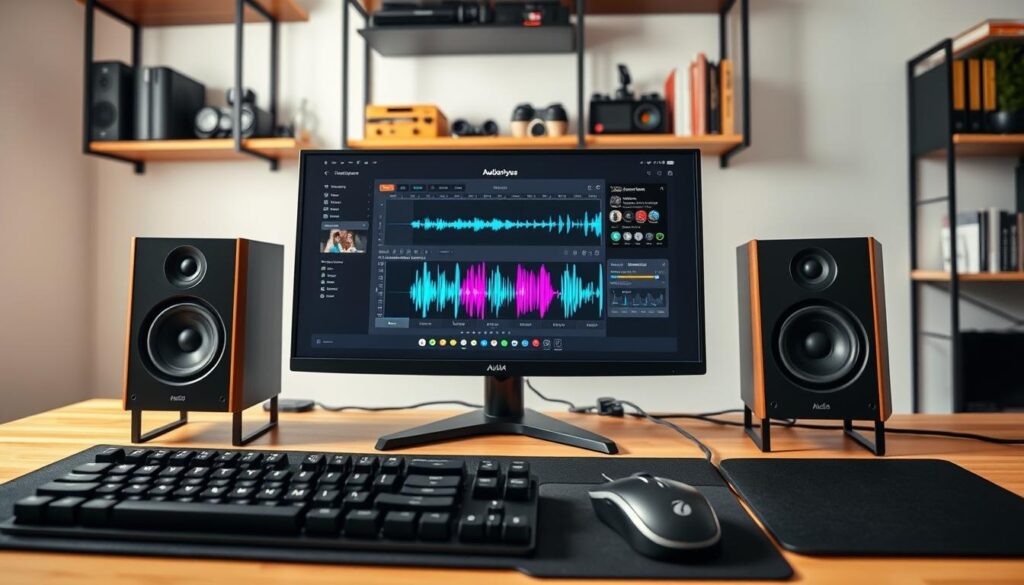
Turning your workspace into a sound paradise starts with smart placement. Even top-notch audio gear sounds off if not set right. A well-thought-out computer speaker setup maximizes your investment.
Finding the Right Position
For a balanced sound, place your speakers the same distance from your listening spot. Aim for an equilateral triangle between speakers and your head. This setup ensures a cohesive soundstage with audio elements centered.
Keep speakers away from walls and corners to avoid bass buildup. If your desk is against a wall, move speakers a few inches forward. Make sure nothing blocks the drivers to preserve high-frequency details.
Understanding Speaker Angles
Most computer speaker setup guides stress vertical alignment. Since desks are often lower, sound might hit your chest instead of ears. Position tweeters or full-range drivers straight at your ears for the best sound.
Using stands like the Onkyo GX-30ARC can lift speakers to ear level. If stands are not an option, tilt speakers up. This tweak ensures high-frequency sounds reach you clearly, enhancing your listening experience.
Adding Isolation Pads for Clarity
Desk vibrations can cloud the sound, affecting low notes. Placing speakers on hard surfaces can make the desk vibrate, causing distortion. Use isolation pads to keep speakers separate from your furniture.
For instance, an Audioengine A2+ foam-wedge lets speakers sit angled while absorbing vibrations. This computer speaker setup method improves mid-range and tightens bass. Isolating your gear lets drivers work as intended.
How to Connect Your Computer Speakers
A smooth computer speaker setup is key for enjoying great sound. Understanding your hardware helps keep your audio clear and reliable for all tasks.
Wired vs. Wireless Connections
Wired or wireless depends on what you need. Wired options like optical or RCA cables give consistent, low-latency audio. They’re perfect for gaming or editing.
Wireless computer speakers make your desk look neat. But, they might have a tiny delay compared to wired connections.
Using USB and AUX Inputs
Most systems use USB or AUX for easy setup. USB is often better because it bypasses the computer’s sound card. This leads to superior clarity.
When buying speakers, look for many input options. For example, the Onkyo GX-30ARC has HDMI ARC for easy display and audio integration. Make sure your speakers match your computer’s ports before you buy.
Troubleshooting Common Connection Issues
If you have no sound, check the basics first. Make sure your speakers are plugged in and the volume is up.
Then, go to your sound settings to pick the right output. If using Bluetooth computer speakers, remove other devices that might be using the signal.
Lastly, check your cables for damage or loose connections. Try a different cable to see if it fixes the issue during your computer speaker setup.
Maintaining Your Computer Speakers
Keeping your audio gear in top shape is key. A simple routine can make sure your computer speaker setup sounds great for years.
Regular Cleaning Tips
Dust and dirt harm your speakers. Use a soft, dry microfiber cloth to clean them often.
Don’t use liquids or harsh chemicals on your speakers. They can damage the inside parts.
- Use a soft brush to clear dust from ventilation ports.
- Keep the driver cones free of buildup to maintain sound accuracy.
- Wipe cables periodically to prevent grime accumulation.
Preventative Maintenance
It’s not just about cleaning. Organize your cables to avoid damage. This keeps your computer speaker setup stable.
Listen at a moderate volume. High volumes can wear out your speakers faster.
Protect your speakers from bumps if they have exposed drivers. Consistent, gentle handling keeps them in good shape.
When to Upgrade or Replace
Even with care, speakers have a limited life. Models like the Audioengine A2 can last almost a decade.
Think about replacing if you see problems. Look out for these signs:
- Audible crackling or popping sounds during playback.
- Intermittent signal loss despite secure cable connections.
- Visible damage to the speaker surrounds or cones.
- Persistent distortion that does not resolve with volume adjustments.
If your system doesn’t meet your needs anymore, it’s time to upgrade. New tech offers better sound and features.
Conclusion: Choosing the Right Computer Speakers for You
Upgrading your audio gear changes how you enjoy your digital world. We’ve looked at everything from small Logitech speakers to top-notch Audioengine bookshelf models.
Summarizing Your Audio Priorities
The right computer speakers depend on your space and how you listen. You might want a simple 2.0 stereo pair for music or a 2.1 system with a subwoofer for games. Think about what matters most to you: space, deep bass, or clear sound.
Making an Informed Purchase Decision
Finding the perfect speakers means balancing cost and quality. You don’t have to spend a lot to get better sound than your monitor. Creative and Bose offer great value at various prices, helping you find what you need.
Investing in Better Sound
See your audio gear as a long-term investment in your work and fun. Good sound makes movies, games, and calls better. Make sure to set up your new speakers right to get the best sound.