
 Zoe Nora
Did you know that the average home office has over twenty feet of tangled wires? These wires hide under desks and behind monitors. They create chaos that makes us feel drained before we even start our day. We think that cleaning up your workspace starts with learning effective organization.
By using simple cable management tricks, we can turn a messy area into a clean, professional space. A neat setup does more than look good; it also protects your expensive electronics from damage. Good cord management helps us stay focused and boosts our productivity all week long.
Key Takeaways
- Reduce visual clutter to boost daily focus and mental clarity.
- Protect sensitive hardware from damage caused by tangled wires.
- Use simple tools to keep your workspace clean and professional.
- Create a functional environment that supports long-term efficiency.
- Extend the lifespan of your electronics through better organization.
Understanding the Importance of Cable Management
Keeping your electronic setup organized is key to a professional and safe space. Wires scattered everywhere can slow us down. Good cable management turns a messy area into a smooth, efficient place.
Benefits of a Tidy Workspace
A cable tidy space is more than just neat; it clears your mind. Without tangled wires, you can focus better. A clean desk helps you stay calm and focused, perfect for deep work.
Enhancing Safety
Loose wires are a big tripping hazard at home or work. Smart wire management keeps you and others safe from falls. It also stops cords from getting damaged, saving your expensive gadgets.
Increasing Productivity
Dealing with tangled cords wastes time. Good cord management makes every cable easy to find and use. This saves you minutes when fixing or swapping devices.
| Feature | Messy Workspace | Organized Workspace |
|---|---|---|
| Safety Level | High Risk | Low Risk |
| Efficiency | Low | High |
| Cable Longevity | Short | Long |
| Visual Appeal | Cluttered | Professional |
Tools and Materials for Effective Cable Management
Turning a mess of cords into a neat setup is easy with the right tools. Choosing the right supplies is key to a tidy home or office. Good wire management not only looks better but also protects your gear.
Cable Ties and Clips
Cable ties are great for bundling cords. They keep your area tidy by stopping tangles. You can use reusable straps for easy changes later.
Cable holders and cable clips are perfect for securing single wires. They let you hide cords along furniture edges. These tools help keep your space clean and simple.
Cable Sleeves and Covers
Cable sleeves are a neat fix for many wires. They turn a messy bundle into a single, tidy line. They’re great for hiding wires behind computer monitors.
Rigid cord covers are good for wires on floors or walls. They offer extra protection and make your space safer and nicer.
Cable Boxes and Organizers
A cable organizer box is a big help for power strips. It keeps adapters and extra cord length hidden. This step clears up clutter near outlets.
These boxes keep your floor clear and easy to clean. Pick a size that fits your power strip for a secure fit. It’s a highly effective way to hide wires.
Labels and Tags
Labels and tags help you keep track of cords. They make it easy to know which cord goes with which device. This saves time when you need to unplug or move things.
Use color-coded tags or printed labels for a professional look. This small investment makes organizing easier. Knowing what each wire does is a big help.
Planning Your Cable Layout
Planning well can turn a messy wire mess into a neat system. First, list all your devices to know what you need. This foundational step makes sure your cable management fits your setup perfectly.
Assessing Your Current Setup
Begin by listing every device needing power or data. Group items near power outlets to spot where wires get tangled. Knowing your setup helps pick the best cable organizer for your space.
“For every minute spent organizing, an hour is earned.”
Defining Cable Pathways
After listing your devices, plan out where your cords will go. This keeps your space tidy and functional as you add more stuff. Keep cables out of busy spots to avoid damage.
Here’s a table to guide your planning:
| Planning Phase | Action Required | Goal |
|---|---|---|
| Inventory | List all devices | Identify total load |
| Mapping | Trace wire routes | Reduce tangles |
| Selection | Choose tools | Ensure durability |
Prioritizing Accessibility
We aim for easy access to your cables. A smart cable management layout lets you update tech without a big mess. A flexible cable organizer keeps your cord management efficient for a long time.
Strategies for Managing Computer Cables
We think that getting your workspace in order starts with good cable management. A tidy desk not only looks good but also helps you focus. With a few simple steps, you can make your office more efficient.
Routing Under Desks
The underside of your desk is great for hiding cords. Use cable clips to keep wires along the desk’s back edge. This keeps them hidden but still accessible when needed.
For a lasting fix, think about a cable management tray. These trays offer a solid path for your cables, stopping them from hanging loose. Consistency is key for a neat look.
Utilizing Vertical Space
Don’t overlook the desk legs for organization. A vertical cable holder can keep multiple cords together as they go from your gear to the floor. This keeps your wires from getting tangled behind your chair.
Standing desks need even more vertical organization. Make sure your cables have enough length to move with the desk height. Use flexible sleeves or spiral wraps to protect and organize your cords.
Organizing Power Strips
Power strips can be a big mess on the floor. Mount your power strip under your desk or on the back panel. This keeps your plugs up and away from dust or kicks.
- Use heavy-duty double-sided tape or screws for secure mounting.
- Group your power adapters together to save space.
- Label each plug to identify which device it powers quickly.
Organizing your power sources makes your desk cable management easier. A good cable holder or a few cable clips can greatly improve your workday. Paying attention to details keeps your workspace clean and welcoming.
Managing TV and Entertainment Cables
Turning your media console into a tidy space starts with smart cable management. Entertainment centers often get messy with tangled wires. With a few simple steps, you can focus on your favorite shows without the mess.
Concealing Cords Behind Furniture
Use cable sleeves to hide multiple cords in one tube. These sleeves are great for power and HDMI cables. For more tips, check out how to hide TV wires for a clean look.
Using Cable Raceways
Cable raceways are perfect for wall-mounted TVs. They hide wires and can be painted to match your wall. This cable tidy keeps your living room looking modern and clean.
“A place for everything and everything in its place is the golden rule of a stress-free home environment.”
Keeping Remote Controls in Check
Managing remotes is key to a cable tidy setup. Use organizers or baskets to keep them off your coffee table. This way, your remotes are always ready for use.
| Tool Type | Best Use Case | Primary Benefit |
|---|---|---|
| Cable Sleeves | Bundling loose wires | Visual uniformity |
| Cable Raceways | Wall-mounted TVs | Paintable concealment |
| Remote Organizers | Media consoles | Prevents clutter |
Using these cable management tips will make your home look better. High-quality cable sleeves and raceways are a lasting fix for your entertainment area. We hope these ideas help you create a more organized and fun space for your family.
Organizing Cables in the Kitchen
The kitchen is often the heart of the home, but it can quickly become a tangled mess of cords. When small appliances clutter your countertops, the space feels chaotic and difficult to clean. Effective cable management is the best way to restore order to your culinary workspace.
Tackling Appliance Cords
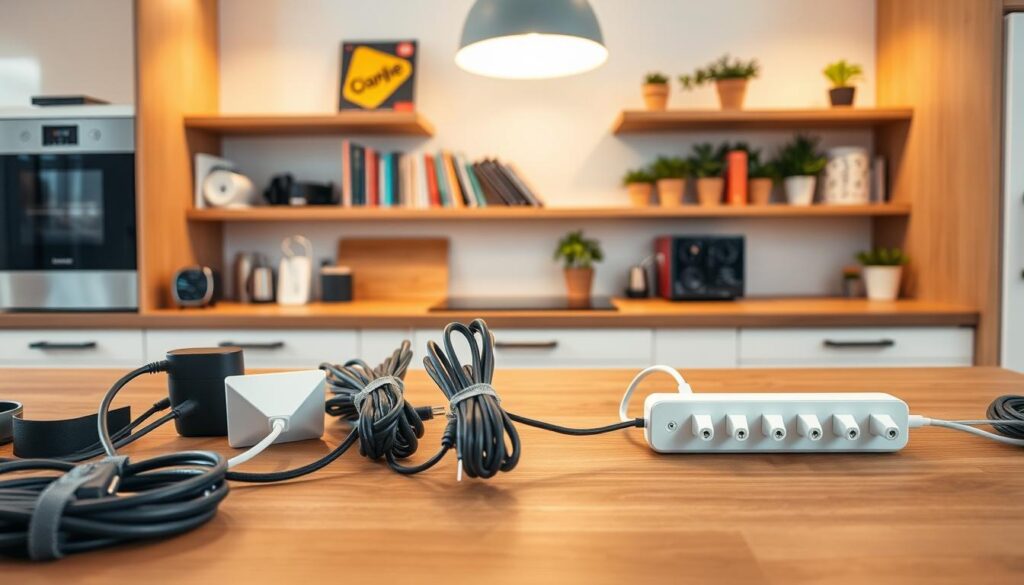
Small appliances like blenders, toasters, and coffee makers often come with long, unruly cords. We recommend using adhesive cord keepers or simple silicone wraps to secure excess length directly to the back of the device. This simple adjustment ensures that your cords stay flush against the appliance when not in use.
For appliances that stay on the counter, consider using a dedicated cable organizer to bundle multiple cords together. This prevents the “spaghetti effect” that often occurs behind your toaster or mixer. Keeping these areas clear makes wiping down surfaces much faster and more efficient.
Cable Solutions for Charging Stations
Many modern kitchens feature a dedicated nook for tablets, phones, and smart displays. While this is convenient, it often leads to a messy pile of charging cables. You can apply principles similar to desk cable management to create a clean charging zone in your kitchen.
Utilize a small charging box or a hidden drawer insert to house your power strips and adapters. By routing cables through a single opening, you create a streamlined look that keeps your kitchen counters looking professional. This approach also protects your chargers from accidental spills or food debris.
Keeping Utensil Cords Tidy
Identifying which plug belongs to which appliance can be a headache when you have several items stored in a cabinet. We suggest using repurposed items like bread bag tags or small adhesive labels to mark each cord. This cable tidy trick saves you from pulling the wrong plug during a busy cooking session.
If you store appliances in deep drawers, use cord ties to keep them bundled neatly. This prevents the cords from snagging on other kitchen tools or getting tangled with one another. Proper storage ensures that your equipment remains in good condition for years to come.
| Tool Type | Best Use Case | Primary Benefit |
|---|---|---|
| Adhesive Clips | Small Appliances | Keeps cords flush to the unit |
| Charging Boxes | Phone/Tablet Stations | Conceals power strips and adapters |
| Bread Tags | Cord Identification | Quickly labels appliance plugs |
| Velcro Ties | Drawer Storage | Prevents tangling during storage |
Creative Storage Ideas for Cables
Effective organization comes from seeing everyday items in a new way. You don’t need to buy expensive gadgets for great cable management at home. By using items you already have, you can keep your space tidy and useful.
DIY Cable Management Solutions
Using empty toilet paper rolls for cord storage is a clever idea. Just fold your cable, put it in the tube, and mark it for easy spot. This stops tangles and keeps your drawers neat.
For a simple cable organizer, try binder clips on your desk. They keep your charging cords handy and prevent them from getting lost.
Decorative Baskets and Boxes
Decorative baskets and boxes are great for hiding wires. They store many items in one spot but keep them easy to find. Here are some tips for better storage:
- Use small fabric bins to group cables by device type.
- Place a decorative box on a shelf to hide power strips and excess length.
- Choose containers with lids to keep dust away from your electronics.
Wall-Mounted Solutions
For limited drawer space, use your walls for extra storage. A small pegboard or adhesive hooks can hang your cables. This is perfect for long cords that might get tangled in a bin. It keeps your space clean and organized, making it safer and nicer to look at.
Establishing a Cable Maintenance Routine
Setting up your space perfectly is not just about the start. It’s about keeping it up over time. We think effective cable management grows with your tech needs. By spending a little time on your space, you keep it working well and safe.
Regular Inspections
Check your cords every month. Look for wear, fraying, or exposed copper that could start fires. If you find damage, swap out the cable right away to keep your wire management top-notch.
“For every minute spent organizing, an hour is earned.”
Reassessing and Reorganizing
Technology changes fast, and so should your setup. Every few months, check if your cable tidy still works for you. It’s a good time to get rid of unused cords and add new devices without a mess.
Being proactive stops “cable creep” in your space. Clear paths mean better air flow and easier access for updates. Use this table to stay on top of your maintenance.
| Task | Frequency | Goal |
|---|---|---|
| Visual Inspection | Monthly | Safety check |
| Deep Reorganization | Quarterly | Efficiency |
| Label Verification | Bi-Annually | Accessibility |
Teaching Others in Your Space
Keeping your space tidy is a team effort, in offices or homes. Teach others how to use your cable tidy system. When everyone knows the value of organized cords, your efforts will pay off.
Preventing Cable Damage
We often focus on how things look, but keeping cables safe is just as important. A clean desk is nice, but keeping your electronics working long-term is key. Taking care of your cords means they’ll last for years.
Importance of Proper Wrapping
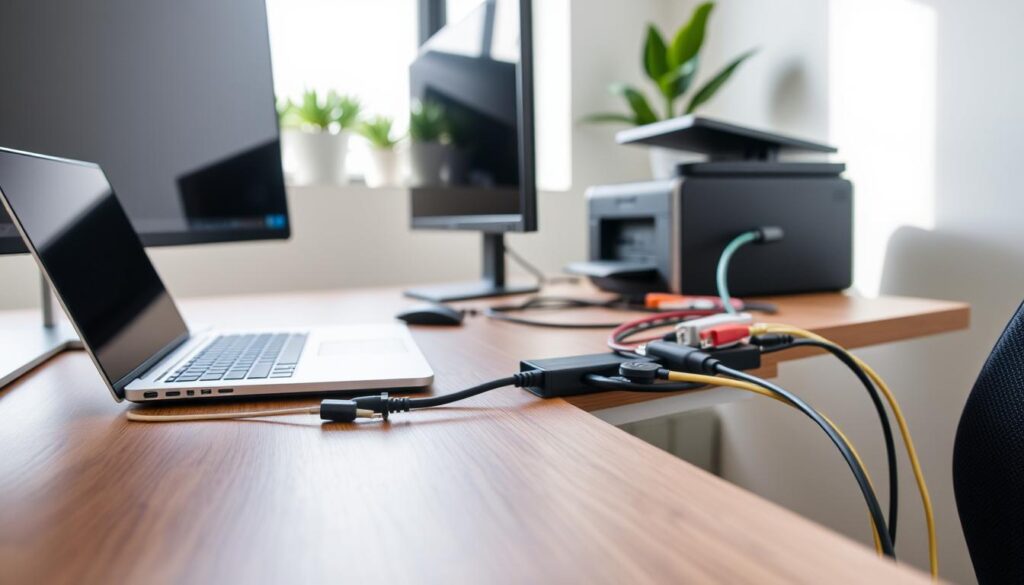
Wrapping cords tightly around your hands or devices can harm them. It puts stress on the wires inside, causing them to fray or break. This leads to problems with connecting things.
Instead, use a loose, circular loop to wrap your cords. This method stops the cable from kinking and keeps the outer jacket safe. Just a few extra seconds to wrap your cords right can make a big difference.
“The quality of your connections is the foundation of a reliable system.”
Using Cord Protectors
Places where lots of people walk can damage your gear. Using protective sleeves or spiral wraps helps keep cables safe. These tools protect against pets, furniture, and people walking by.
Cable clips can also help keep cords in place. By keeping them off the floor, you avoid damage from being stepped on. This is a key part of keeping your cables organized.
Avoiding Over-Tensioning
It might seem good to pull a cable tight to make it straight, but it’s not safe. Too much tension can damage the connectors at both ends. This can cause loose ports or broken pins.
Always leave a bit of slack in your connections. If a cord is too short, it’s better to get a longer one than to force it. Good cord management means respecting your hardware’s limits. This keeps your setup safe and lasting.
Eco-Friendly Cable Management Solutions
Living sustainably begins with small daily choices, like how we manage our electronics. We think cable management is key to a greener lifestyle. Making better choices can cut waste and energy use.
Recyclable Materials
Choose tools for organizing cords made from biodegradable or recycled materials. Modern organizers use bamboo, organic cotton, or recycled plastics. These choices reduce landfill waste and keep your space neat.
Using natural twine or hemp for wire bundling is also a good idea. These materials are compostable and add a stylish, rustic look to your office. Making these small changes can have big environmental benefits.
Sustainable Products to Consider
Smart technology is great for a greener home. Look for surge protectors with automatic shutoff switches. They save energy by cutting power when devices are off.
Also, pick cable sleeves from recycled polyester or sustainable fabrics. They’re durable and protect your cords, making your electronics last longer. This reduces the need for frequent replacements and lessens environmental impact.
Repurposing Old Cables
Don’t throw away damaged or old cords without thinking. Old USB cables can be used for gardening or securing items. If a cable can’t be fixed, recycle it at a certified center.
See your cable management as a chance to improve. By using what you have and making smart buys, you help the environment. Every small step towards reducing, reusing, and recycling makes a difference for our planet.
Customizing Cable Management Solutions for Your Needs
We think cable management should fit your lifestyle and needs. Everyone has a different setup, from simple workstations to big entertainment areas. Tailoring your approach keeps your space both useful and nice to look at.
Adapting to Different Spaces
The way your room is laid out affects how you manage cords. For open offices, floor raceways hide wires in busy areas. Wall mounts are better for keeping surfaces free and easy to get to.
Think about your power outlets when planning. A good cable holder stops cords from getting lost behind big furniture. This makes it easier to switch devices.
Solutions for Small Apartments
In small apartments, you need to think creatively. Using wireless tech like mice and keyboards cuts down on cables. This makes your desk look cleaner.
When you can’t avoid wires, use vertical space to keep them off the floor. Small cable clips are great for keeping wires tidy without messing up your space.
DIY Solutions for Gamers and Content Creators
Gamers and creators deal with lots of cables for monitors and more. A good desk cable management plan stops signal problems and damage. Grouping cables by use makes fixing issues easier.
Use hook-and-loop fasteners to keep your setup neat. This makes it easy to change things up when you get new gear. Here’s a guide to pick the right tools for you.
| User Profile | Primary Goal | Recommended Tool |
|---|---|---|
| Remote Worker | Minimalist Desk | Adhesive Cable Clips |
| Hardcore Gamer | High-Speed Stability | Cable Sleeves |
| Apartment Dweller | Space Efficiency | Wireless Peripherals |
| Content Creator | Easy Access | Cable Management Box |
Future-Proofing Your Cable Management
Creating a workspace that lasts means thinking ahead about your tech setup. Design your space with room for new gadgets as they arrive. This way, adding new devices won’t mean redoing your whole system.
Anticipating New Gadgets
Technology changes quickly, but you can keep up with smart planning. Make sure to have extra space in your setup to avoid bad cable management. Modular solutions from Chatsworth Products help you adjust as your needs evolve.
Embracing Wireless Trends
Wireless tech is making fewer cords necessary for everyday tasks. Keep an eye on these changes to cut down on traditional cables. Adding smart home devices can make your space simpler, as long as you keep power cables tidy.
Building a Scalable System
A good plan is flexible and uses top-notch parts. Investing in durable, reusable tools makes your space better for the long haul. Keeping things organized now means your space will be ready for future tech.