
 Zoe Nora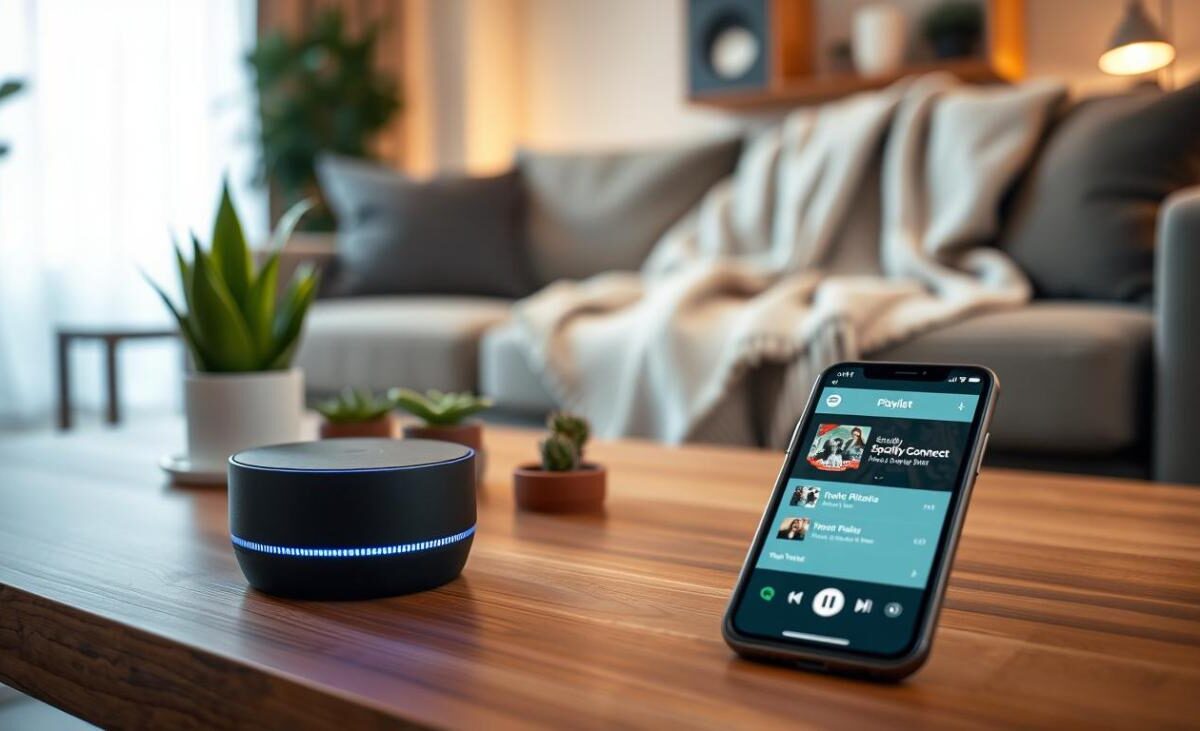
Did you know over 80% of music listeners now prefer wireless audio? This change has transformed how we enjoy sound at home. We no longer need to be tied to big equipment to get great sound.
Today’s tech lets us use phones or tablets as our audio system’s remote. By picking the right Spotify Connect speaker, you control your sound environment. These speakers use your local Wi-Fi for clear, uninterrupted music.
Unlike Bluetooth, which can drop out, a dedicated streaming speaker offers steady performance. We think upgrading your home audio is the best way to enjoy your favorite tunes. Let us show you the best options to improve your listening every day.
Key Takeaways
- Wireless audio technology has become the standard for modern home listening.
- Using a smartphone as a remote offers unmatched convenience for users.
- Wi-Fi based systems provide superior stability compared to traditional Bluetooth.
- High-fidelity sound is now accessible through simple, integrated hardware.
- Selecting the right device ensures a seamless and high-quality audio experience.
What is Spotify Connect and How Does It Work?
Ever wondered how your music moves smoothly from your phone to speakers? It’s all thanks to Spotify Connect. This tech uses your local Wi-Fi to link your device and speakers. Unlike Bluetooth, it keeps a strong connection to your network for better sound.
Understanding Spotify Connect Features
With a Spotify Connect speaker, your phone acts as a remote. Music streams straight from the internet to your speakers, not through your phone. This lets you control music, change volume, and skip tracks without being tied to the speakers.
Many speakers also work as voice control speakers. You can manage your music with voice commands. This means you can take calls or use other apps without stopping your music. It’s a big step up from old streaming methods.
Benefits of Using Spotify Connect
The biggest plus is saving your phone’s battery. Since your phone isn’t streaming, it uses less power. Plus, your music keeps playing even if you move away or your phone loses signal.
Using a top-notch wireless speaker with Spotify Connect means better sound. Since the music comes from the cloud, you avoid the sound quality issues of Bluetooth. Here’s why it’s a favorite among music lovers.
| Feature | Spotify Connect | Standard Bluetooth |
|---|---|---|
| Audio Quality | High (Direct Stream) | Compressed |
| Battery Impact | Minimal | High |
| Range | Wi-Fi Coverage | Limited (30ft) |
| Multitasking | Seamless | Interrupted |
How to Set Up Spotify Connect
Starting is easy. Just make sure your phone and speakers are on the same Wi-Fi. Open Spotify and tap the “Devices” icon at the bottom.
Choose your device to connect. When it’s linked, your app will show a green icon. You’re all set for a great listening experience at home.
Top Features to Look for in a Spotify Connect Speaker
Choosing the right speaker for your home is about finding the perfect mix of sound quality and connectivity. When looking for a Spotify Connect speaker, don’t just look at how it looks. Look at what’s inside that makes your music sound great.
It’s important to consider how well the speaker handles data and sound. A good streaming speaker should offer clear, rich sound that fills your room.
Sound Quality
The main goal of any speaker is to play music clearly and deeply. Look for speakers with a wide sound range and low distortion, even at high volumes.
Many speakers use special technology to balance sound levels automatically. This means your music will always sound clear, no matter the genre or room size.
Wireless Connectivity Options
A good wireless speaker needs a strong Wi-Fi signal to avoid interruptions. Unlike Bluetooth, a Spotify Connect speaker gets its music directly from the cloud. This saves your phone’s battery and lets you control the music without interrupting it.
Make sure your speaker supports dual-band Wi-Fi for the best connection. This ensures your music plays smoothly without any breaks.
Design and Portability
Your speaker should match your home’s style and be easy to move around. Some people want a fixed unit for a dedicated music area. Others need a small streaming speaker for easy transport.
Think about the speaker’s size and weight before buying. A good wireless speaker is small but powerful enough to fill your room with sound.
| Feature | Standard Bluetooth | Spotify Connect |
|---|---|---|
| Audio Range | Limited (30 feet) | Unlimited (Wi-Fi range) |
| Battery Impact | High (Streaming from phone) | Low (Direct cloud stream) |
| Sound Quality | Compressed | High-Fidelity |
| Multi-Room | Rarely supported | Fully supported |
Best Spotify Connect Speakers in 2023
Choosing a top-notch streaming speaker can change how you enjoy music. It’s important to pick the right one. Many models now work as a full smart home device, fitting into your daily life.
Sonos Era 100: Exceptional Sound and Smart Features
The Sonos Era 100 is a top Spotify Connect speaker for sound lovers. It has Bluetooth, Amazon Alexa, and Apple AirPlay 2 for easy use.
This speaker is great for a multi-room speaker. It lets you play music everywhere in your home. Its design is small but packs a big sound punch.
Bose Portable Smart Speaker: Versatile and Powerful
The Bose Portable Smart Speaker is perfect for on-the-go use. It’s tough and sounds amazing, just like Bose.
It’s also a voice control speaker. You can control your music without touching anything. It works well indoors or outdoors.
Ultimate Ears MegaBlast: Perfect for Outdoor Use
The Ultimate Ears MegaBlast is ideal for outdoor fun. It’s weatherproof and plays sound all around you.
“The best audio gear should be as mobile as your lifestyle, providing consistent quality regardless of the environment.”
This wireless speaker keeps playing music, even without power. It’s great for anyone needing a reliable, portable smart home device.
| Model | Primary Use | Voice Control | Portability |
|---|---|---|---|
| Sonos Era 100 | Home Audio | Yes | Low |
| Bose Portable | Versatile | Yes | High |
| UE MegaBlast | Outdoor | Yes | High |
Comparing Spotify Connect Speakers
Finding the right wireless speaker means balancing cost and features. It’s important to see how different speakers perform in real life. This way, you’ll know your choice will make you happy for a long time.
Price Range and Affordability
Looking for a music streaming device shows you many prices. High-end speakers have great sound but cost more. If you already have good audio gear, you might not need a new system.
Devices like the WiiM Pro can add streaming to your old stereo for less money. This is cheaper than buying a new Spotify Connect speaker. It’s a smart way to update your sound without throwing away what you already have.
“The best audio system is the one that brings you closer to the music you love, regardless of the price tag on the hardware.”
Functionality and User Experience
The daily use of your music streaming device matters a lot. A great unit connects quickly to your phone or tablet. It should have little lag and work well all over your home.
Whether you want a portable wireless speaker or a fixed unit, the app should be easy to use. You should be able to control the volume, skip songs, and manage playlists easily. A good Spotify Connect speaker should feel like part of your digital music collection.
Compatibility with Other Devices
Today’s homes have lots of smart tech, so compatibility is key. Your music streaming device should work well with your smart home. This keeps your audio setup flexible as you add new tech.
- Multi-room support: Check if the device can sync with other speakers in your home.
- Voice assistant integration: Ensure the unit works with your preferred smart home platform.
- Connectivity standards: Look for support for both Wi-Fi and Bluetooth to maximize your options.
The best wireless speaker fits seamlessly into your life. By looking at these key features, you can choose wisely. This will improve your listening experience for years.
How to Choose the Right Spotify Connect Speaker
Your listening experience is all about how you use your new gear. Choosing the right Spotify Connect speaker is more than just a brand. It’s about finding something that fits your lifestyle and home.
Assessing Your Listening Environment
Before buying, think about where you’ll listen most. Big rooms need strong speakers, while small ones do better with focused sound. If you’re setting up a desk or reading area, look into desktop speakers.
Also, think about your room’s sound. Hard floors can make sound echo. Soft rugs or curtains can help, making your wireless speaker sound better.
Considerations for Music Genre Preferences
What kind of music you like matters a lot. For bass-heavy music, get a speaker with a subwoofer. For acoustic or classical, look for clear mid-range and crisp highs.
“The best audio system is the one that makes you want to listen to your favorite songs all over again, regardless of the technical specifications.” — Anonymous Audio Enthusiast
Evaluating Speaker Size and Placement
Getting the sound right is all about where you put your wireless speaker. Try to keep it at ear level for the best sound. Don’t hide it in tight spots, as it can mess up the sound.
| Room Size | Recommended Speaker Type | Placement Tip |
|---|---|---|
| Small (Office/Bedroom) | Compact Bookshelf | Place on a desk or nightstand |
| Medium (Living Room) | Portable Smart Speaker | Center on a shelf or side table |
| Large (Open Floor Plan) | High-Output System | Use stands for optimal dispersion |
Finding the perfect Spotify Connect speaker means it should fit your home and sound great. Think about your space and listening habits to choose wisely.
User Reviews: What Customers Are Saying
Real-world feedback is the best way to see how a device works in your daily life. Many people like the simplicity of a Spotify Connect speaker for their home audio. Hearing from others can help you avoid problems before buying.
Positive Feedback and Experiences
Most users love the seamless integration this technology offers. They say it syncs quickly with the app, starting music fast without the usual Bluetooth lag. This makes it a big plus for those who want a smooth listening experience.
Also, owners of a portable speaker often talk about its battery life and sound quality. They say controlling music from their phone while the speaker streams saves their phone’s battery. This efficient power management is a favorite feature among many.
Common Complaints and Concerns
Some users face issues during the first setup. A common problem is the Spotify Connect speaker not showing up in the device list. These problems usually come from network setup mistakes, not the speaker itself.
Some owners of a portable speaker get upset when it loses connection during a firmware update. While rare, these cases show how important a stable Wi-Fi connection is. We’ve summarized the general feelings about these devices in a table below.
| Feature Category | User Sentiment | Key Benefit |
|---|---|---|
| Ease of Setup | Mostly Positive | Quick App Sync |
| Sound Quality | Highly Satisfied | Rich Audio Profile |
| Connectivity | Mixed | Stable Wi-Fi Range |
| Portability | Very Positive | Lightweight Design |
Setting Up Your Spotify Connect Speaker
We want to make sure your music starts right with an easy setup. Whether you picked a top-notch voice control speaker or a small portable speaker, getting it set up is key. It unlocks smooth audio streaming.
Step-by-Step Guide to Configuration
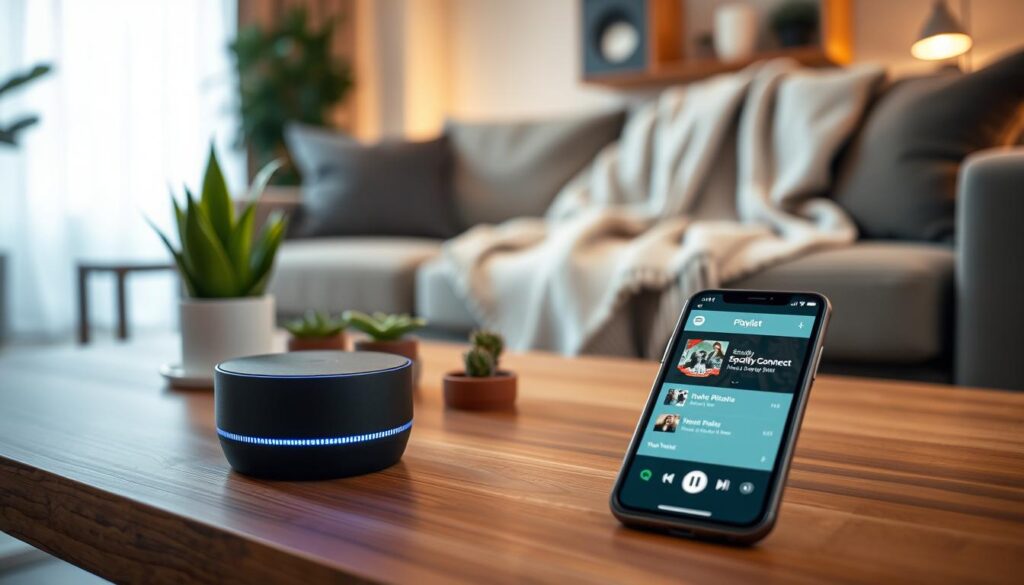
First, plug your device into power and connect to your Wi-Fi. Download the app for your device to link your phone and speaker.
After it’s online, open the music app on your phone or tablet. Find the Spotify Connect icon next to the playback controls. Tap it to see a list of devices. Choose your Spotify Connect speaker to start playing music.
Troubleshooting Common Issues
Even with great tech, you might run into small problems. If your device isn’t listed, check if your phone and speaker are on the same Wi-Fi. A quick router or speaker restart usually fixes it.
If your portable speaker drops the signal, move it closer to your router. For voice control speakers, make sure the mic isn’t muted and the device is updated. These steps help keep your music playing smoothly.
Enhancing Your Spotify Connect Experience
Improving your home audio is more than just playing music in one spot. After setting up your Spotify Connect, you can dive into advanced settings. These settings can make your home a full sound environment.
Multi-Room Audio Setup
Multi-room audio systems let you play music in different rooms at once. This creates a unified listening experience. You can enjoy your favorite songs anywhere in the house.
A top-notch multi-room speaker setup ensures smooth sound across your home. It’s great for parties or just enjoying music while you work or relax.
Integrating with Smart Home Devices
Connecting your Spotify Connect speaker with smart home devices can enhance your system. This integration brings voice control and automated routines, making life easier.
Linking your audio to a smart home device lets you start music with voice commands. This makes managing your media simple and keeps your home tech in sync.
Discovering New Playlists and Features
To get the most from your setup, explore all the app’s features. Try personalized daily mixes and genre stations for new sounds.
Keep your Spotify Connect speaker updated with the latest app versions. This ensures you get the newest streaming features. By trying new settings, you’ll find unique and enjoyable music every day.
Maintenance Tips for Your Spotify Connect Speaker
Keeping your Spotify Connect speaker in top shape is key. Regular care and smart software updates are crucial. A few minutes of effort each week can keep your speaker sounding great for years.
Cleaning and Care Instructions
Keeping your speaker clean is essential. Use a soft, dry microfiber cloth to wipe it down weekly. This helps prevent dust and damage.
Stay away from harsh chemicals and abrasive cleaners. They can harm your speaker’s finish or internal parts. For fabric grilles, use a lint roller or soft brush to clean without pushing debris into the drivers.
Keep your speaker out of direct sunlight and humid areas. A stable, dry place helps prevent corrosion and keeps your speaker working well.
Software Updates and Improvements
Keeping your firmware up to date is also important. Manufacturers often release updates to fix issues and add new features. These updates keep your Spotify Connect speaker working smoothly with your network.
Updates usually include security fixes and performance boosts. Enable automatic updates in the app to catch every update. This keeps your speaker running smoothly.
If you face connectivity or playback problems, check for updates. Regular software updates ensure your speaker stays reliable in your home audio setup.
Future Trends in Streaming Speakers
The world of high-fidelity music playback is changing fast. Now, a music streaming device is more than just a player. It’s becoming the heart of our home entertainment.
Today, the focus is on smarter connections and easier-to-use interfaces. This means your next Spotify Connect speaker will do more than today’s models.
Evolving Technology in Home Audio
High-resolution audio is now expected, not just a bonus. Makers are working on lossless streaming for those who want studio sound at home.
Artificial intelligence is also changing how we use our speakers. A modern streaming speaker adjusts sound based on your room. This ensures the best sound, no matter where you are.
Emerging Brands and Innovations
New brands are shaking up the market. They offer innovative features at good prices, challenging the old guard.
These newcomers focus on open-source and modular designs. Choosing a music streaming device from them means updates for years to come.
Keeping up with these changes helps you choose better when you upgrade. As the streaming speaker world grows, we’ll see more focus on green materials and easy connections between devices.
Conclusion: The Best Spotify Connect Speaker for You
Choosing the right hardware changes how you enjoy your favorite music. A good Spotify Connect speaker is key to a modern home audio system.
Your choice depends on your budget and sound preferences. A good streaming speaker lets you control music from anywhere, without hassle.
Top Picks for Every Listener
The Sonos One is great for those who want smart features and clear sound. For outdoor use, the Ultimate Ears MegaBlast is tough and reliable. The Bose Portable Smart Speaker is perfect for those who want a premium sound and build.
Achieving Seamless Audio Performance
Try out these speakers in your home to see if they fit your life. Getting a dedicated Spotify Connect speaker makes your music listening better. Pick the one that fits your daily routine for better sound.