
 Zoe Nora
Did you know over 70% of music listeners now prefer wireless streaming? This change has made enjoying high-fidelity sound in our homes easier. Adding a best AirPlay speaker to your daily routine makes audio playback seamless.
Finding the right AirPlay speaker for your home or on-the-go needs is key. With so many options, choosing the top AirPlay speaker can be tough. We aim to make this easier for you.
If you use an iPhone, you deserve a reliable and immersive audio experience. We’ve picked out premium and affordable AirPlay speakers for every budget. Let us help you enhance your sound system with confidence.
Key Takeaways
- Wireless audio technology provides superior convenience for modern homes.
- Compatibility with Apple devices ensures a smooth listening experience.
- Selecting the right hardware improves sound quality for music and podcasts.
- Budget-friendly options exist without sacrificing performance.
- Our guide helps you navigate the current market with ease.
What is an AirPlay Speaker?
AirPlay has changed how we enjoy music, making our homes sound great. A wireless speaker with AirPlay means better sound and easy connection with Apple devices.
Defining AirPlay Technology
AirPlay is a special tech from Apple for sending audio and video wirelessly. It uses your home Wi-Fi to stream music from iPhones, iPads, and MacBooks.
An Apple AirPlay compatible speaker receives audio over your network. It gets high-quality sound from your device, unlike other wireless tech.
How AirPlay Works
AirPlay uses your network, not a direct connection. This means better sound and less dropouts, unlike Bluetooth.
With Wi-Fi, you can move around without stopping the music. This makes an AirPlay speaker for home perfect for consistent sound.
Benefits of Using AirPlay Speakers
One big plus is spatial audio, making music feel like a movie. It adds depth and makes songs come alive.
These speakers also work great in many rooms at once. They’re perfect for parties or relaxing, offering top-notch sound quality.
Choosing a wireless speaker with AirPlay keeps your sound system up-to-date. It uses strong Wi-Fi for a better listening experience that’s easy to manage.
Key Features to Look for in AirPlay Speakers
Choosing the right speaker for your home is about looks and sound. A good AirPlay speaker should look great and sound amazing. Look for these key features to get the best speaker for your home.
Sound Quality
The sound quality of a speaker is crucial. Look for speakers with separate tweeters and woofers for better sound. Also, check if they can adjust the sound to fit your room.
Design and Build
A best AirPlay speaker should match your home’s style and be well-made. Look for speakers made from materials like aluminum or wood. These materials not only look good but also help the sound quality.
Wireless Connectivity Options
Good streaming is key for a great listening experience. A good AirPlay speaker for iPhone users should stay connected well. Make sure it has dual-band Wi-Fi to avoid interference.
| Feature Category | Why It Matters | What to Look For |
|---|---|---|
| Audio Fidelity | Clarity and depth | Multi-driver setup |
| Build Quality | Durability and resonance | Aluminum or wood |
| Connectivity | Streaming stability | Dual-band Wi-Fi |
| Compatibility | Ease of use | AirPlay speaker for iPhone |
The best AirPlay speaker for you is one that meets your needs and style. By focusing on these features, you’ll find a speaker that will be a part of your home audio for years.
Top AirPlay Speaker Brands to Consider
Choosing a top AirPlay speaker means picking a brand that lasts. Good brands update their software and keep their hardware working well for years.
Look for brands that focus on making your devices work together smoothly. This way, you can start playing music right away.
Apple
Apple is great for those already using iOS. Their speakers are easy to set up, often automatically when you’re near an iPhone or iPad.
Apple speakers work well with Siri, letting you control your music with just your voice. This makes switching between devices easy.
Sonos
Sonos is perfect for a AirPlay speaker for home. They’re known for their great multi-room audio and easy app.
Sonos lets you connect different speakers for a single sound in your home. Their software is easy to use, making complex setups simple.
Bose
Bose is all about sound quality and new tech. Their wireless speaker with AirPlay has special drivers for clear, deep sound.
Bose also has cool noise-cancellation in their portable speakers. Buying from Bose means you get top-notch build and sound that music lovers love.
Best AirPlay Speakers for Budget Buyers
We think everyone should have great sound, even if they’re on a tight budget. Finding an affordable AirPlay speaker doesn’t mean you have to give up on quality. Many small devices now offer sound that’s as good as bigger, pricier systems.
Affordable Options
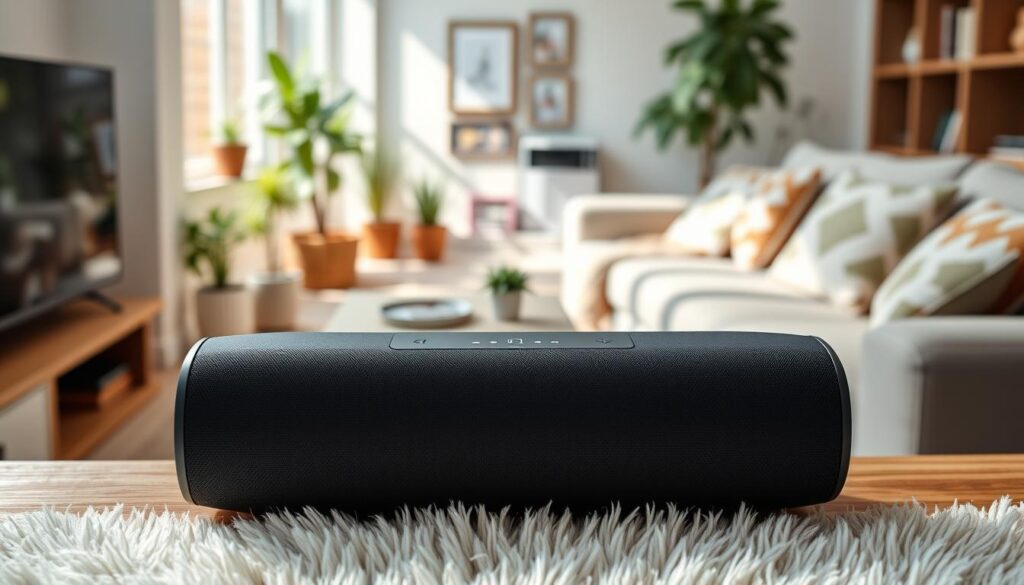
The market has many entry-level devices that work well for Apple users. The HomePod mini is a great entry point into the Apple smart world. It has rich sound and works well with other devices.
Choosing an AirPlay speaker for iPhone lets you stream high-quality audio from your favorite apps. These speakers often have smart features like voice control and can connect to multiple rooms. You can grow your setup over time without spending a lot at first.
Value for Money Recommendations
If you want flexibility, a portable AirPlay speaker is a smart choice for your home. These speakers let you move your music from one room to another without losing connection. We look for models that offer good battery life, durability, and sound quality.
The table below shows some top picks for those looking to get the most out of their audio while keeping costs down.
| Model Name | Primary Benefit | Best Use Case |
|---|---|---|
| HomePod mini | Smart Integration | Small Rooms |
| Audio Pro Addon C3 | Portability | Outdoor/Travel |
| IKEA Symfonisk | Design Versatility | Home Decor |
Choosing the right device depends on your lifestyle. Whether you need something portable or deep smart home integration, there’s a quality option for you. Investing in these budget-friendly speakers means you get premium sound every day.
Premium AirPlay Speakers for Audiophiles
True audiophiles know that the best AirPlay speaker is more than a device. It’s a tool for precision. They look for wireless speakers that focus on sound quality, making every note clear.
High-End Selections
Choosing a high-end wireless speaker with AirPlay means picking top-notch components. These speakers use advanced technology to keep sound pure. They also have special designs for a wide, immersive sound.
For audiophiles, it’s all about the best sound. Even a portable AirPlay speaker can offer deep bass and clear highs. These speakers are made from high-quality materials to reduce sound distortion.
“The goal of high-fidelity audio is to disappear the equipment, leaving only the music as the artist intended it to be heard.”
Features That Impress
Today’s premium speakers do more than just sound great. They offer flexible connections for your home. Many have eARC (Enhanced Audio Return Channel) for better TV sound. They also support high-quality audio formats for top streaming quality.
| Model | Key Feature | Audio Profile |
|---|---|---|
| Reference Series A | eARC Connectivity | Neutral & Precise |
| Studio Master B | Advanced DAC | Warm & Detailed |
| Elite Wireless C | Multi-Driver Array | Wide Soundstage |
Choosing the right wireless speaker with AirPlay is an investment in your listening experience. By focusing on quality and advanced tech, your home audio setup stays top-notch. These premium options offer the best of both worlds: convenience and professional sound.
Features of Multi-Room Audio Systems
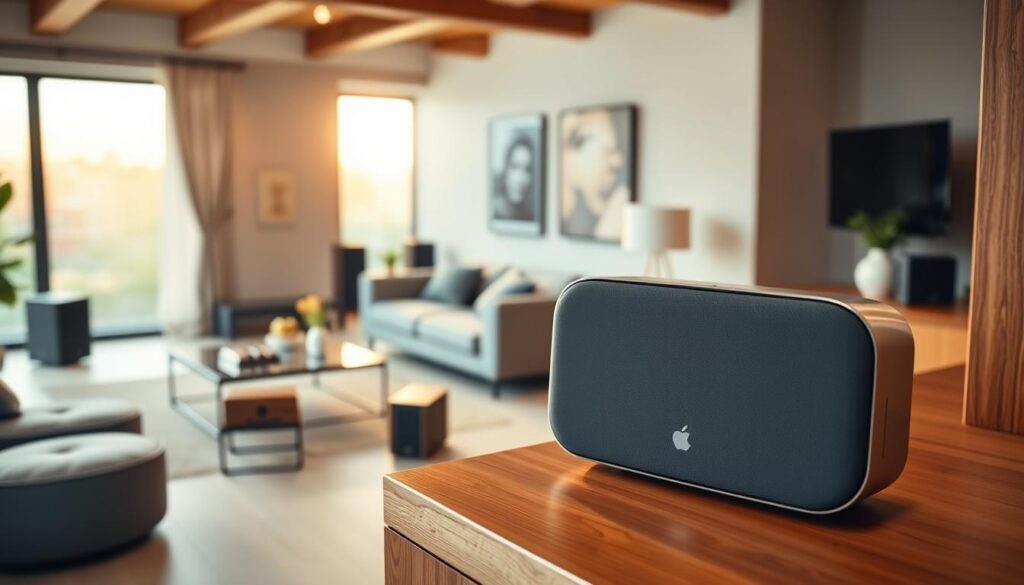
Music sounds best when it follows you from room to room. With an Apple AirPlay compatible speaker in every room, your home becomes a sound paradise. This multi-room audio setup lets you control your sound with your iPhone or iPad.
Synchronization Capabilities
AirPlay 2 is the heart of this tech. It keeps audio in sync across rooms, avoiding any lag. Precision is key for streaming top-quality audio to many devices at once.
“Music is the shorthand of emotion, and when it flows seamlessly through your home, it transforms the very atmosphere of your living space.”
It’s easy to make all speakers play the same song. Whether you pick a top AirPlay speaker or a smaller unit, the sound stays perfect. This control keeps your audio clear and in sync, no matter the number of rooms.
Ideal for Large Homes
Big homes can be tough to keep sound consistent. An AirPlay speaker for home use fills these gaps, making sure music reaches every corner. It’s great for parties or just enjoying a podcast while moving around.
- Cohesive Atmosphere: Keep the same vibe playing in the kitchen, living room, and patio.
- Centralized Control: Use your Apple device as a master remote for all connected hardware.
- Scalability: Easily add more units to your network as your needs grow over time.
Investing in a strong system makes your home a sound sanctuary. Customizing your audio environment is what makes smart homes special.
AirPlay vs. Other Wireless Streaming Technologies
When you look at wireless audio, AirPlay stands out against other options. Choosing a wireless speaker with AirPlay means you get top-notch streaming and easy Apple device integration.
Comparing with Bluetooth
Bluetooth is everywhere for streaming audio, but it’s not always the best. It’s great for quick connections, but it uses compressed data. This can hurt the sound quality.
Bluetooth also has a shorter range and lower bandwidth than Wi-Fi. If you want consistent, high-resolution audio, Wi-Fi is better.
“The beauty of modern audio lies in the ability to stream high-quality sound without being tethered to a physical source.”
Advantages Over Chromecast
Google Chromecast is a strong competitor, but AirPlay has its own perks for Apple fans. The main benefit is how well it works with Apple devices. You get instant playback control across all your gadgets.
Many people find an affordable AirPlay speaker easier to use than others. You can control your audio right from your iPhone or Mac. No need for extra apps.
Whether you want a fixed unit or a portable AirPlay speaker, AirPlay keeps your music in sync. This stability is hard to find with other streaming techs that face network issues.
- Superior Bandwidth: Wi-Fi streaming supports higher bitrates than standard Bluetooth.
- Ecosystem Synergy: Seamless control for Apple device owners.
- Multi-Room Potential: Easier synchronization across multiple devices in your home.
How to Set Up Your AirPlay Speaker
Setting up your wireless audio system is the final step toward achieving high-fidelity sound in your home. Whether you are a tech enthusiast or a casual listener, getting your AirPlay speaker configured correctly ensures a seamless listening experience across your living space.
Step-by-Step Installation Guide
Most modern devices follow a standardized process that relies on your local network. Follow these steps to get your hardware running in minutes:
- Plug your device into a power outlet and wait for the indicator light to signal it is ready for pairing.
- Open the Apple Home app on your mobile device to begin the discovery process.
- Select your new AirPlay speaker for iPhone from the list of available accessories.
- Follow the on-screen prompts to connect the unit to your Wi-Fi network and assign it to a specific room.
Once the configuration is complete, you can rename your device to make it easier to identify when casting audio. This simple naming convention helps when you own more than one top AirPlay speaker in your collection.
Troubleshooting Common Issues
Even with the best hardware, you might occasionally face minor technical hurdles. If you experience connectivity drops, the first step is to restart both your router and the speaker to refresh the network handshake.
Synchronization delays often occur when your Wi-Fi signal is weak or congested. We recommend placing your device closer to your router or using a mesh network system to improve signal stability. If the issue persists, ensure your firmware is updated to the latest version provided by the manufacturer.
AirPlay Speaker Accessories You Might Need
Adding specific accessories can greatly improve your audio system. Your best AirPlay speaker sounds great, but the right setup can make it even better. Investing in the right hardware can make your home audio setup look and sound professional.
Cables and Mounts
Getting your speakers in the right spot is key for great sound. Use wall mounts or floor stands to place them at ear level. This boosts clarity and depth, which is crucial for an Apple AirPlay compatible speaker in a home theater.
Keeping your space tidy is also important. Use high-quality, shielded cables to keep your signal clean. Even with an affordable AirPlay speaker, the right mounts can make it look like a high-end part of your decor.
Additional Audio Enhancements
Consider adding acoustic isolation pads or special feet to your speakers. These help reduce unwanted vibrations and improve bass. They keep your sound crisp and clear, no matter the volume.
Don’t forget about power management for a smooth experience. Good power adapters or surge protectors can protect your gear from power spikes. These small steps ensure your system stays reliable for years.
| Accessory Type | Primary Benefit | Best For |
|---|---|---|
| Wall Mounts | Saves space and improves sound dispersion | Small rooms and kitchens |
| Isolation Pads | Reduces vibration and tightens bass | Bookshelf speakers |
| Cable Organizers | Maintains a clean, clutter-free look | Permanent installations |
| Surge Protectors | Protects sensitive internal electronics | High-end audio setups |
Future Trends in AirPlay Technology
The world of wireless audio is changing fast. Makers are aiming for better sound quality and deeper smart home links. We think future updates will make the sound even clearer.
The Evolution of Streaming Standards
Big names like Apple and Sonos are making data flow better. Getting a top AirPlay speaker today means your home is ready for new tech. You’ll enjoy smoother sound and quicker response times as these updates come.
Predictions for AirPlay Audio Quality Improvements
We’re looking forward to new tech that streams in high resolution. Future portable AirPlay speakers will likely last longer and withstand the elements better. Whether you’re looking for something affordable or top-notch, there’s something for everyone.
Choosing a quality wireless speaker with AirPlay keeps your setup up-to-date. Check out the latest models to find the perfect match for your music tastes. Share your favorite listening moments with us to help others discover great sound systems.