
 Zoe Nora
Since the first Amazon Echo came out in 2014, home audio has changed a lot. Now, you can find devices from small, affordable ones to high-end ones that cost almost $400. With so many choices, picking the best smart speakers for you can be tough.
Remember, a higher price often means better physical parts, like bigger speakers or high-def screens. But it doesn’t always mean the AI is smarter. When looking at a voice-activated speaker, check the sound quality, privacy, and if it works with your other devices. We want to guide you to find tech that makes your life better.
Key Takeaways
- Higher prices usually mean better hardware, not smarter AI.
- Think about your current setup, like Apple, Google, or Amazon, before buying.
- Decide if you want a device with a screen or just audio.
- Look at the privacy and data handling of each device.
- See if the device can control your smart home devices easily.
What is a Smart Speaker?
Smart speakers are internet-connected audio systems that respond to your voice. They act as an AI assistant speaker, connecting simple hardware to complex digital services.
These devices can check the weather or set a timer for you. They use cloud computing to understand your voice and give quick answers.
Defining Smart Speakers
A virtual assistant speaker combines microphones, a speaker, and wireless tech. It can hear your voice even when music is on.
After hearing your voice, it sends it to the cloud. There, it figures out what you want and responds. Companies like Amazon, Google, and Apple offer these services, letting you pick what works best for you.
Key Features of Smart Speakers
Smart speakers are great because they’re hands-free. You can control your home without touching anything.
They do more than just play music. A virtual assistant speaker can:
- Voice Recognition: Tell different voices apart in your home.
- Smart Home Control: Control lights, thermostats, and cameras with your voice.
- Information Retrieval: Get answers, news, or traffic updates instantly.
Choosing the right AI assistant speaker depends on your phone or computer ecosystem. Your experience will be better if the speaker fits your digital habits.
Benefits of Using a Smart Speaker
Adding a smart home speaker to your life brings more than just music. It turns into a personal assistant, helping you manage your day easily. You can use voice commands to stay productive, even when your hands are busy.
Hands-Free Convenience
The main perk of a smart home speaker is doing things without touching a screen. It’s great when you’re cooking, cleaning, or taking care of kids. You can keep everything running smoothly with just your voice.
- Setting multiple timers and alarms for cooking or appointments.
- Locating a misplaced smartphone by triggering a ring command.
- Translating phrases in real-time during conversations.
- Playing interactive games or trivia to keep the family entertained.
Smart Home Integration
Using your speaker as a home automation device gives you control over your home. You can change the temperature, dim lights, or lock doors from your chair.
This tech is a big help for people with mobility issues. It lets them control their space on their own. Families can also check in on elderly relatives easily, offering peace of mind.
Access to Information and Entertainment
A smart home speaker is your quick link to the world’s info. You can get weather updates, traffic, or news while getting ready for work.
These devices also bring endless fun. As a home automation device, they connect to streaming services. You get top-notch audiobooks, podcasts, and music that matches your mood. Getting informed and entertained has never been easier.
Popular Smart Speaker Options
Choosing a connected speaker often depends on what we already use. Our phone, music services, and preferred virtual assistant are key. By matching our speaker with our current setup, we get a smooth experience at home.
Amazon Echo Series
The Amazon Echo lineup is great for those who love Alexa. These devices work well with many smart home products. For example, the Echo Dot Max offers great sound for about $120.
Google Nest Audio
For Google service fans, the Google Nest Audio is a top pick. It’s great at answering questions and managing your calendar with Google Assistant. You can get this model for around $100, which is a good deal.
Apple HomePod Mini
If you’re all about Apple, the HomePod Mini is perfect. It’s small but packs a punch with high-quality sound. It’s priced at $129 and is best for Siri users.
Sonos One
For top-notch sound, the Sonos One is the way to go. It supports many voice assistants but shines with its sound quality. It’s ideal for those who love great music.
| Model | Primary Ecosystem | Approximate Price |
|---|---|---|
| Google Nest Audio | Google Assistant | $100 |
| Echo Dot Max | Amazon Alexa | $120 |
| Apple HomePod Mini | Apple Siri | $129 |
| Sonos One | Multi-Platform | $219 |
Smart Speaker Compatibility
Getting your new tech to work with what you already have is key to a smooth experience. When picking a smart home speaker, check if it works well with your current devices. A speaker that doesn’t connect with your other gadgets can cause more trouble than it’s worth.
Smart Home Devices
Many smart speakers are the heart of your home automation system. For example, the Echo Dot Max and HomePod Mini have built-in hubs. These hubs make it easy to connect lights, locks, and thermostats without extra setup.
Make sure your speaker supports the protocols of your current appliances. Whether it’s Zigbee, Matter, or Thread, the right connections keep your virtual assistant speaker running smoothly.
“The true power of a smart home lies not in the individual devices, but in how seamlessly they work together to simplify our daily lives.”
Music Streaming Services
Music is a big reason people buy smart speakers. But not all speakers work with every music service. Check if your favorite app is supported before you buy.
If you’re in the Apple world, the HomePod Mini’s AirPlay is a big plus. It lets you stream music from your device without hassle. Make sure your favorite service is supported to avoid the need to manually cast music all the time.
Virtual Assistants
The brain of your device is its virtual assistant. Most speakers use Google Assistant, Amazon Alexa, or Apple Siri. Each has its own strengths in search, device control, and app support.
- Google Assistant: Great for search and Chromecast integration.
- Amazon Alexa: Works with the most smart home devices and skills.
- Apple Siri: Focuses on privacy and works well with iPhones.
Choosing an assistant that fits your digital life makes daily tasks easier. Matching your speaker to your habits creates a seamless smart home experience.
Important Features to Consider
When we look for a new smart speaker, we need to think beyond the brand name. The inside parts are key to how well it works for us every day. By focusing on certain hardware details, we can make sure our choice is worth it in the long run.
Sound Quality
For music fans, sound quality is top priority. We should check the driver size and power to judge its sound. For example, a standard Google Home speaker has a 58-millimeter driver for clear sound in smaller spaces.
Bigger speakers, like the Nest Hub Max, aim for a bigger sound. They use two 10-watt tweeters and a 30-watt woofer for better bass and highs. The right choice depends on whether you want music in the background or a full room sound.
Voice Recognition
Being able to hear us clearly is key for easy use. We should look at the microphone setup before buying. A basic speaker might have three microphones for voice commands from afar.
More advanced speakers, like the Echo Dot Max, have a four-microphone array. This setup helps block out background noise and picks up our voices better. Reliable voice recognition means our commands are heard right away, every time.
Design and Size
The look and size of a device matter a lot for our home decor. We can pick between small speakers for tight spots or bigger ones for a display. Small speakers fit well on shelves or in kitchens.
Bigger devices have more screen and power, but need more space. We should measure our space to find a speaker that looks good and works well. The best speaker is one that has functional power and fits our style.
How to Choose the Right Smart Speaker for You
Choosing a smart speaker is not just about the price. It’s about how it fits into your home. Think about what tasks you want to automate and how often you’ll use it.
Assessing Your Needs
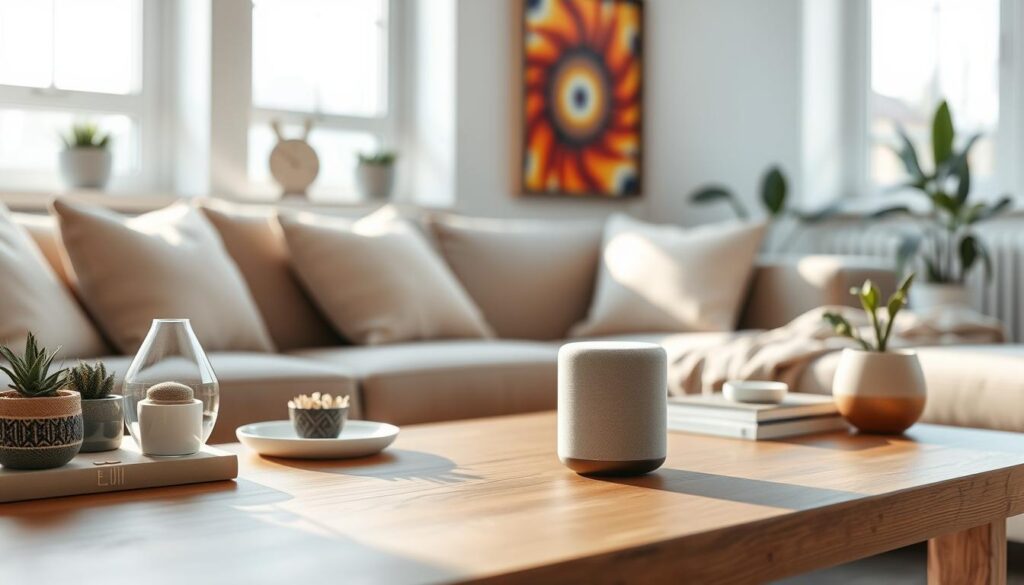
First, figure out what you need it for. If it’s for the kitchen, look for a model with a screen for recipes. For great music, choose one with big drivers and good sound engineering.
Consider if you want it to work well with your phone or computer. Sticking to one brand can make setup easier. Make sure it supports your favorite music services.
Budget Considerations
Many think you need to spend a lot for a good smart speaker. But, affordable ones can be just as smart. The extra cost in pricier models usually goes to better sound, screens, or mics.
Start with a basic model if you’re new. You can add more later. Only splurge if you want top-notch sound or visuals.
Space and Placement
Think about where you’ll put it. A small voice-controlled speaker is great for tight spots. For bigger rooms, choose one that can fill the space with sound.
| Use Case | Recommended Feature | Ideal Device Type |
|---|---|---|
| Kitchen Tasks | Visual Display | Smart Screen Speaker |
| Music Listening | High-Fidelity Audio | Premium Large Speaker |
| Bedside/Office | Compact Design | Mini Smart Speaker |
| Home Automation | Hub Connectivity | Smart Hub Speaker |
Setting Up Your Smart Speaker
We can make our homes better by setting up our new gadgets right away. Getting your connected speaker ready is easy and makes sure you enjoy it fully.
Unboxing and Initial Setup
First, we need to find a good spot for our device. It’s best to avoid walls or corners for better sound.
Once we’ve picked the right spot, we plug it in. The device will light up or make a sound to show it’s ready for the next step.
Connecting to Wi-Fi
To get the most out of our connected speaker, we need to connect it to our Wi-Fi. We usually use the app on our phone to help us do this.
The app will look for networks and ask for our Wi-Fi password. After connecting, the device might update to the latest version.
Configuring Voice Assistants
Next, we link our personal accounts to the device. This lets the assistant access our calendars, music, and smart home controls.
We might set up Google’s Gemini for Home or Apple’s Siri. We can also connect our phones via Bluetooth or use AirPlay for better sound.
Many devices come with built-in hubs to manage other gadgets. By finishing these steps, our connected speaker becomes a key part of our home.
Privacy and Security Concerns
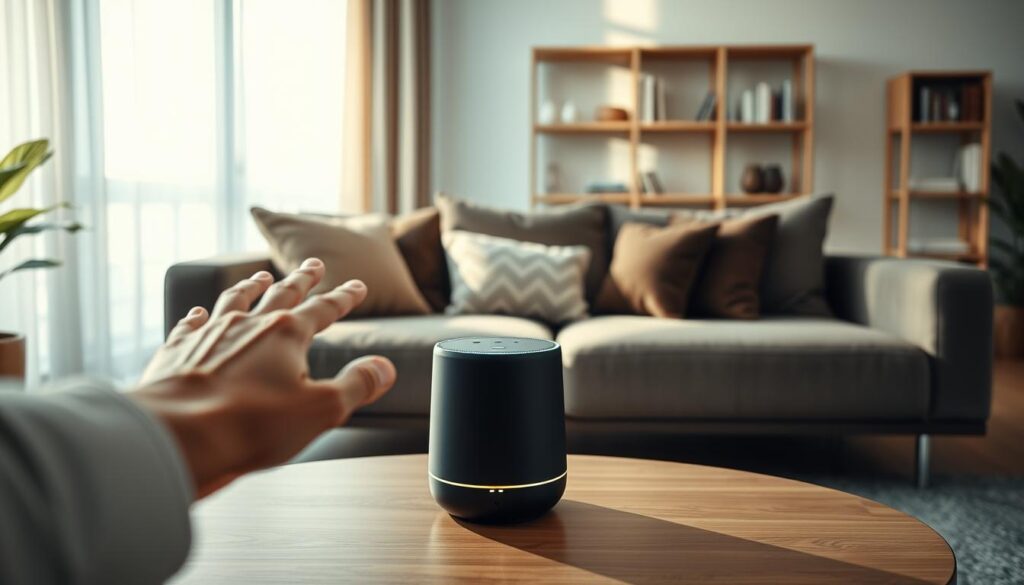
Before you bring a new device into your home, think about its privacy impact. Every voice-controlled speaker listens for a specific word to connect to servers. Knowing how your talks are handled helps you decide about your home’s tech.
Understanding Data Collection
Modern devices need cloud processing to understand your voice. When you talk to your voice-controlled speaker, your voice goes to company servers. For example, Amazon uses its servers to improve Alexa, moving away from local processing.
These devices might link your actions to your account data for a better experience. Remember, microphones are always ready to listen, even when not in use. Some devices have cameras too. Being careful about what you say near these devices is key to keeping your digital life private.
Tips for Protecting Your Privacy
There are simple ways to keep your home safe while using a voice-controlled speaker. By controlling your settings, you can keep your talks private.
- Review Privacy Settings: Check your account dashboard often to delete voice history or choose not to have your talks reviewed.
- Use Physical Mute Buttons: Most devices have a switch to turn off the microphone for extra security.
- Manage Camera Access: If your device has a camera, use the shutter or cover it when not in use.
- Strategic Placement: Don’t put devices with cameras in places like bedrooms or bathrooms where privacy is important.
By following these steps, you can enjoy smart tech without risking your safety. We suggest checking these settings right after setting up your voice-controlled speaker to start with a secure setup.
Enhancing Your Home with Smart Speakers
We can make our daily lives better by adding smart features to our homes. By using a smart home speaker, we can make our homes more responsive.
Multi-Room Audio Setup
Setting up a seamless sound system in your home is a great upgrade. With multiple devices, your favorite music can follow you everywhere. This makes your home feel more connected.
For this to work, you need stable Wi-Fi. Imagine enjoying the same music in every room at once.
Using for Home Automation
Today’s devices are more than just speakers. They can control your home’s systems. For example, the Echo Dot or HomePod Mini can manage lights and thermostats.
“The true power of technology lies in its ability to simplify our lives by working quietly in the background.”
These devices make it easier to control your home. You don’t need extra gadgets or complicated wiring. This makes life easier for everyone in your household.
Voice Control for Everyday Tasks
Using voice commands can make your life even easier. With virtual assistants, you can do many things with just a few words. For example, you can say “Good morning” to start your day.
- Adjusting the thermostat to a comfortable temperature.
- Turning off all non-essential lights and appliances.
- Providing a quick summary of the daily weather and calendar events.
As these systems get better, we use them more. This home automation device technology keeps our homes comfortable and efficient.
Future Trends in Smart Speakers
The world of home audio is changing fast. Digital tools are getting smarter. Soon, every smart speaker will be at the heart of our daily lives.
Advancements in AI Technology
Assistants like Alexa+ and Gemini for Home are getting better. They understand us better than ever before. This makes them more than just speakers; they become part of our family.
We expect these devices to know what we need before we ask. It’s like having a personal assistant at home.
Increasing Smart Home Integration
Connecting everything smoothly is what makers aim for. Soon, smart speakers will handle all our tasks without us needing to say a word. They’ll control lights, security, and even the weather with ease.
Sustainability and Eco-Friendly Options
Big tech companies are now focusing on being green. Look for products made from recycled materials and that use less energy. Choosing eco-friendly options is good for your home and the planet.
What features do you want in your smart speaker? Let us know. Join the talk about the future of home audio.