
 Zoe Nora
Did you know millions of creators use special hardware every day? This gear connects your instruments to your computer.
Without a good audio interface, getting high-quality sound is hard. Choosing the right hardware is key to a good home studio.
It can be tough to understand all the technical details. But, we’re here to make it easier. By knowing what you need, you can find the best audio interface for your recordings.
Key Takeaways
- Understand the vital role of hardware in your signal chain.
- Identify your specific input and output requirements early.
- Prioritize low-latency performance for a smoother recording experience.
- Consider future expansion needs to protect your investment.
- Focus on build quality to ensure long-term studio reliability.
What is an Audio Interface?
An audio interface is key in modern recording setups. It connects your analog instruments, like guitars or microphones, to your computer’s digital recording software.
Without it, your computer can’t handle high-fidelity audio signals well. It translates your sound into something your computer can work with, ensuring your music is captured clearly.
Definition and Function
An interface does two main things: it converts analog signals to digital and vice versa. When you sing or play, it turns those sound waves into digital data for your computer.
It also changes digital files back into sound waves for you to hear. This seamless conversion lets you monitor your music in real-time without delay.
Importance in Music Production
Choosing the right audio interface for music production is crucial. These devices have high-quality preamps that boost weak signals for recording.
Clean preamps are essential to avoid noise or distortion in your tracks. Using a dedicated interface keeps your recordings professional from the start.
Audio Quality Overview
When looking for the best audio interface, focus on sample rate and bit depth. Higher numbers mean clearer and more accurate sound.
The table below shows what makes a good audio interface:
| Feature | Function | Impact on Sound |
|---|---|---|
| Preamps | Boosts signal level | Determines noise floor |
| ADC/DAC | Converts signal type | Affects clarity and depth |
| Sample Rate | Frequency resolution | Captures high-end detail |
| Bit Depth | Dynamic range | Reduces quantization error |
Knowing these basics helps you find the best audio interface for you. Whether you’re starting out or are experienced, a good audio interface for music production is key.
Types of Audio Interfaces
Knowing how your gear talks to your computer is key for top-notch recording. The connection type affects your setup’s speed, stability, and quality. We sort these devices by their data transfer methods to guide you to the best audio interface for your needs.
USB Audio Interfaces
The USB audio interface is a top pick for home studios and mobile producers. They work with almost any computer, thanks to USB 3.0 or USB-C connections. This ensures fast and reliable data transfer.
“Simplicity is the ultimate sophistication in the modern home studio environment.”
These interfaces are easy to use, making them great for beginners and intermediate users. You can find many models that offer excellent sound quality at a good price.
Thunderbolt Audio Interfaces
Thunderbolt tech offers super-fast speeds and low latency. It’s the go-to for professionals needing to handle big projects with many plugins. This connection type is essential for high-track-count recording.
Though pricier, the benefits for demanding workflows are worth it. For a professional studio, a Thunderbolt-based audio interface keeps your system running smoothly during complex mixing tasks.
PCIe Audio Interfaces
PCIe cards offer the lowest latency by connecting directly to your computer’s motherboard. This internal link avoids the delays of external cables. It’s perfect for those needing the lowest possible latency for live monitoring.
- Direct connection: Bypasses external bus limitations.
- Stability: Offers rock-solid performance for large-scale production.
- Integration: Ideal for desktop workstations that rarely move.
While less portable, these cards are reliable. Picking the right audio interface depends on weighing mobility against processing power needs.
Key Features to Consider
Choosing the right audio interface is crucial for your studio. It’s the heart of your recording setup. Picking the right one early saves you from future upgrades and keeps your work smooth.
Number of Inputs and Outputs
The number of inputs and outputs you need depends on your equipment. Solo artists might get by with a simple two-input device. But, a professional audio interface often has more channels for drums, synthesizers, or other gear.
Think about your future needs when looking at these ports. Having a few extra inputs is better than constantly unplugging gear.
Preamp Quality
Preamps connect your microphone to your digital setup. High-quality preamps are key for clear, noise-free recordings. They keep your audio clean before any digital processing.
Choosing a unit with good preamps improves your track’s quality. You’ll hear less background noise and your instruments will sound more natural.
Latency Issues
Latency is the delay between playing a note and hearing it. It can mess with your creative flow if not handled right. A professional audio interface should have low-latency monitoring for real-time sound.
Opt for a device with strong drivers and fast connectivity to reduce latency. Low latency is crucial for a natural feel during long recording sessions.
Connectivity Options
A reliable connection is key to bringing your creative ideas to life. When picking an audio interface, think about how it connects to your computer. This ensures low latency and high stability.
USB vs. Thunderbolt
The USB audio interface is a top choice for today’s producers. USB 2.0 and 3.0 ports work with almost every laptop and desktop.
For super-fast and low-latency recording, Thunderbolt is better. It’s less common but offers huge bandwidth for big studios.
Analog vs. Digital Connections
Modern gear often has different connection types. Knowing the audio interface comparison helps pick the right inputs for your gear.
- Analog Connections: Use XLR for microphones and TRS jacks for balanced line-level signals like synthesizers or guitars.
- Digital Connections: Use ADAT or SPDIF ports to add more channels by connecting external preamps or converters.
MIDI Compatibility
Many musicians use external gear to create their sound. If you have hardware synthesizers, drum machines, or MIDI controllers, make sure your device has MIDI ports.
This lets your computer send and receive data, keeping your gear in sync. A well-connected audio interface is the heart of your creative setup, making sure everything works together.
How Many Inputs Do You Need?
Choosing the right number of inputs for your setup depends on your recording goals. It’s not just about the cost. It’s about making sure your equipment supports your creative process fully.
Solo Musicians vs. Bands
For solo artists, a USB audio interface with two inputs is ideal. It lets you record a mic and a guitar or keyboard at the same time. This setup is simple, perfect for artists who focus on their performance.
Bands or ensembles need a more powerful audio interface for music production. They require four, eight, or more inputs to capture every instrument clearly. This is crucial for recording a full drum kit or a live band.
Recording Instruments and Vocals
Think about the gear you’ll use when deciding on inputs. Most interfaces have XLR for mics and 1/4-inch for instruments like guitars or synthesizers.
Make sure your audio interface has enough phantom power for condenser mics. Having extra inputs is better than running out during a session. It saves you from constantly swapping cables.
Futureproofing Your Setup
Always think about your music career’s future. Investing in a larger USB audio interface now can save you from future upgrades. It prevents the need for a whole new system later.
If you plan to add more gear, like external preamps or synthesizers, look for interfaces with digital expansion options like ADAT. This futureproofing ensures your audio interface for music production stays central to your studio as your gear collection grows.
Budget Considerations
Finding the right audio interface requires careful planning. It’s important to balance your budget with your recording needs. This balance is key to making a good choice.
Entry-Level Options
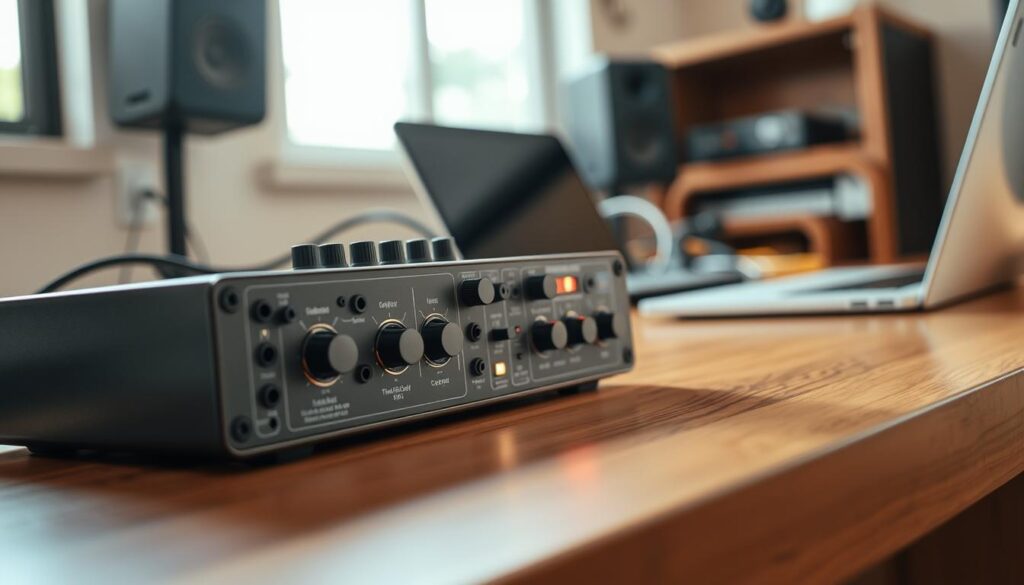
For beginners, an affordable audio interface is a great starting point. These interfaces offer clean preamps and reliable connections. They’re perfect for those just starting out.
The Behringer U-Phoria UMC204HD is a top pick for beginners. It provides clear sound and enough inputs for basic home studio needs.
Mid-Range Features
In the mid-range, you get better converters and stronger build. These interfaces also have features like better headphone amps and more flexible routing.
Our audio interface comparison shows mid-range is great for serious hobbyists. You get improved stability and lower latency, making recording smoother.
High-End Interfaces
For a professional audio interface, you’re investing in top components and advanced signal processing. These units are built for longevity and high-quality sound in demanding settings.
The RME Babyface Pro FS is a top example of high-end engineering. It offers unmatched reliability and professional-grade conversion, perfect for critical ears.
“The quality of your signal chain is only as strong as its weakest link, so choose your interface with the future in mind.”
| Tier | Primary Focus | Best For |
|---|---|---|
| Entry-Level | Value | Beginners |
| Mid-Range | Performance | Serious Hobbyists |
| High-End | Precision | Professionals |
Brand Reputation and Reliability
When you buy studio gear, the brand’s reputation matters a lot. A good brand history shows they make reliable products. Look for companies that update their drivers often and build quality products.
Popular Brands to Consider
The market has many brands, but some stand out. Focusrite is a top choice for home studios. They mix professional features with easy-to-use designs.
Universal Audio, RME, and PreSonus also have great reputations. They focus on low-latency and high-quality preamps, making them top picks for the best audio interface.
Customer Support and Warranty
Good support is as important as the product itself. Always check the warranty before buying. A strong warranty gives you peace of mind.
Top audio interfaces come with great support. They have online help and forums for troubleshooting. This ensures you get help when you need it.
User Reviews and Feedback
Reading audio interface reviews is key. Real feedback from musicians can reveal issues not shown in ads. Look for reviews on long-term performance to avoid problems.
| Brand Category | Reliability Level | Support Quality | Market Standing |
|---|---|---|---|
| Industry Leaders | Very High | Excellent | Top Tier |
| Mid-Range Experts | High | Good | Very Popular |
| Budget Friendly | Moderate | Standard | Accessible |
Choosing the top audio interfaces means balancing your needs with the brand’s history. We suggest considering these factors to keep your studio running smoothly for years.
Specialized Audio Interfaces
Specialized hardware makes our workflow smoother by offering features just for us. A general audio interface can do many things, but specific designs do better for certain tasks. Choosing the right tool means less time fixing problems and more time making music.
For Podcasting
Podcasters need tools that are different from musicians. Many modern units have loopback functionality. This lets us record computer audio and our microphones together. It’s key for interviews or streaming games.
For spoken-word creators, ease of use is crucial. We want devices with easy mute buttons and gain controls. Even an affordable audio interface can have these features without losing quality.
For Home Recording
For home music production, we focus on preamp quality and low latency. These devices are the heart of our studio, capturing every instrument clearly. They also need to be portable for recording in small spaces.
“The best gear is the one that disappears into the background, allowing the artist to focus entirely on the performance rather than the technical setup.”
For Live Performances
Live sound needs rugged gear and reliable connections. We look for hardware that’s tough and keeps a stable link to our laptops. Interfaces with many outputs are popular for sending tracks to the mixer and keeping a monitor mix.
| Application | Key Feature | Primary Benefit |
|---|---|---|
| Podcasting | Loopback | Captures remote audio |
| Home Recording | High-Gain Preamps | Clean signal capture |
| Live Performance | Rugged Chassis | Durability on stage |
Additional Functionalities
Modern recording hardware has more to offer than just converting signals. An audio interface does more than just change analog to digital. It has features that can make your creative work easier and save time.
Built-in DSP Processing
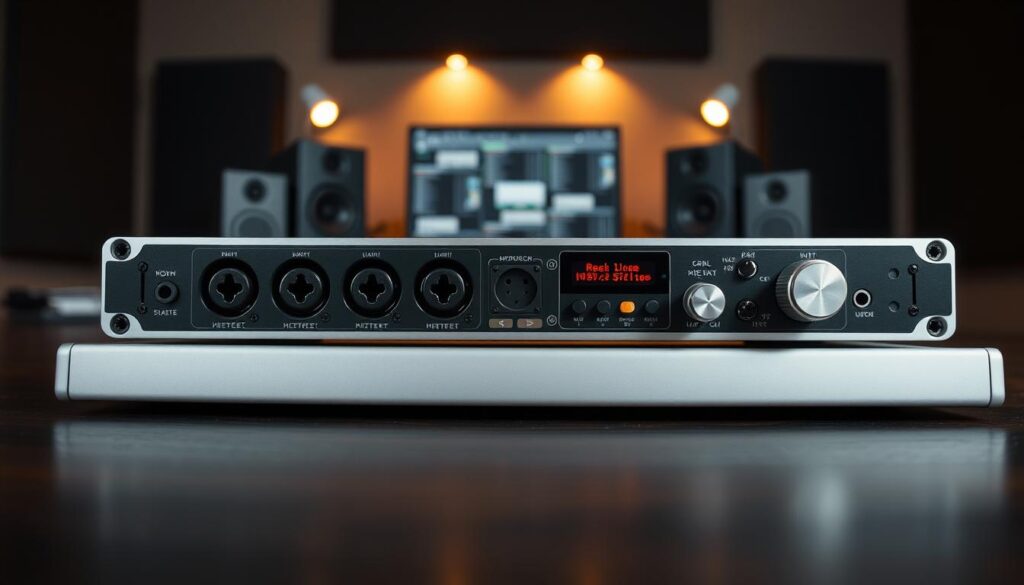
Today’s professional audio interfaces have built-in Digital Signal Processing (DSP). This lets you add effects like compression or reverb right on the hardware. It helps your computer’s CPU by reducing lag during recording.
This is a big plus for monitoring. You can give a polished mix to vocalists without any delay. It makes the whole process feel more natural and professional.
Effects and Software Bundles
When you buy a new unit, you get a lot of tools. You’ll find digital audio workstations, virtual instruments, and top-notch plugins. These bundles let you start producing right away without spending more money.
Using these tools is a great way to learn mixing skills. Our audio interface comparison shows these packages are very valuable. They turn a simple device into a full audio interface for music production system.
Mobile Audio Interfaces
For those who travel, being portable is key. Mobile units are small, durable, and power from your laptop or tablet. You don’t need a big power supply to record great audio on the go.
These devices still sound great, even though they’re small. They’re perfect for field recording, podcasting, or capturing ideas anytime. A good audio interface that fits in your bag means you’re always ready to work.
| Feature Type | Benefit | Target User |
|---|---|---|
| Built-in DSP | Zero-latency monitoring | Professional Studios |
| Software Bundles | Cost-effective production | Beginners |
| Mobile Design | Portability and ease | Field Recorders |
| MIDI I/O | Hardware integration | Electronic Musicians |
Setting Up Your Audio Interface
Setting up your hardware right keeps your creative flow going. A good audio interface connects your instruments to your computer. A clean setup saves you from future headaches.
Installation and Drivers
Modern devices need special software to work with your computer. Always get the latest drivers from the manufacturer’s site. Stable drivers are key for both Windows and Mac to avoid problems.
After downloading, follow the installation steps carefully. A computer restart after installation helps your USB audio interface work with your digital audio workstation.
Configuration Tips
After setting up, adjust your software to match your hardware. Go to your recording software’s settings and pick your device as the main input and output. Choose the right sample rate and buffer size for top-notch performance.
For recording, use a low buffer size to cut down on delay. For big mixes, up the buffer size to ease your computer’s load. Finding this balance is crucial for smooth recording.
Common Troubleshooting Tips
Even with a great setup, you might hit some bumps. For unexpected noise or connection problems, try these fixes:
- Make sure your USB cable is firmly plugged in at both ends.
- Check that no other apps are using your audio interface at the same time.
- Try using a different USB port, like one on your computer instead of a hub.
If issues keep coming up, look for firmware updates. Most makers have support pages for your USB audio interface. Keeping your system up to date keeps your studio running well for years.
Upgrading Your Audio Interface
When your current gear stops you from creating, it’s time to think about a change. As you get better, your old setup might not capture the sound you want. A professional audio interface can bring out the best in your music and make your workflow smoother.
Signs It’s Time for an Upgrade
Not having enough input channels is a big sign you need a new audio interface. If you’re always switching cables for drums or bands, it’s time for an upgrade. Also, if your recordings sound bad, it might be because of low-quality preamps.
Professional units have better conversion and less noise. This is key for clear recordings. If you’re always fixing tech issues instead of making music, it’s time for a reliable upgrade.
Compatibility with Existing Gear
Before buying new gear, make sure it works with what you already have. Check if your mics, monitors, and headphones fit the new interface’s connections. Most use XLR or TRS, but double-check your cables.
Also, make sure your computer can run the new drivers. A smooth transition means less stress and more focus on your music. Compatibility is crucial for a hassle-free upgrade.
Investing in Quality
Choosing a top-notch device is a smart long-term choice. It might cost more upfront, but a professional audio interface lasts longer and sounds better. You’re investing in quality that will benefit your studio for years.
| Feature | Entry-Level Interface | Professional Interface |
|---|---|---|
| Preamp Quality | Standard/Basic | High-Fidelity/Transparent |
| Input Count | 1-2 Channels | 8+ Channels |
| Build Material | Plastic/Lightweight | Metal/Rugged |
| DSP Processing | None | Integrated/Advanced |
Conclusion
Creating a professional home studio needs careful planning. You must understand your recording needs well. We’ve looked at key factors for a top-notch setup, like input counts and USB-C and Thunderbolt connectivity.
Summarizing Your Path to Better Audio
Finding the best audio interface is about balancing your budget and future needs. Whether you pick the Focusrite Scarlett Solo 4th Gen for a small setup or the RME Babyface Pro FS for advanced work, your choice affects every track’s sound quality.
Making an Informed Decision
Choose gear that fits your music style and computer. Check out our latest audio interface reviews. Compare preamps and DSP in models like the SSL 2+ MkII or the UA Volt 876. These reviews help you see which features are most valuable for your work.
Taking the Next Step
The market has many great audio interfaces for all types of recording. Try out different units and see how they work with your digital audio workstation. Getting started on your path to professional sound begins with the right equipment.