
 Zoe Nora
Did you know over 70% of home theater owners struggle with poor bass? It’s not just about buying expensive gear. Proper integration is key to great sound.
Getting into audio tech can be tough. But, learning subwoofer connectivity is easier than you think. Our subwoofer setup guide will show you how to avoid common audio problems.
With the right setup, your living room can sound like a professional studio. We’ll guide you through the crucial steps for top-notch sound.
Key Takeaways
- High-end equipment does not guarantee great sound without correct installation.
- Physical placement significantly impacts the quality of your bass output.
- Signal management is just as important as the hardware itself.
- A systematic approach prevents common audio performance issues.
- Proper configuration turns a standard room into an immersive theater.
Understanding Subwoofer Connectivity
Mastering subwoofer connectivity is key to a great home audio experience. Setting up a sound system is like building a bridge between your media and your ears. A solid bridge lets your gear perform its best.
What is Subwoofer Connectivity?
A subwoofer is a special speaker for the lowest sounds, below 80 Hz. Subwoofer connectivity is the link between this speaker and your main audio source, like an AV receiver.
This connection is a special path for bass. It lets your main speakers focus on other sounds, not just the low ones. A good connection keeps the sound clean and clear.
Importance in Home Audio Systems
Good subwoofer connectivity is crucial for an immersive sound. Without it, your audio lacks depth and clarity. You need it for the impact of loud sounds or the quiet rumble of music.
When your subwoofer is set up right, it adds depth to your sound. It fills in what regular speakers miss, making your music and movies richer. Spending time on this setup means your system will sound professional.
Types of Subwoofers and Their Connections
Not all subwoofers are the same. Their design affects how you connect them to your system. Choosing the right hardware is key to a balanced audio setup.
Active vs. Passive Subwoofers
Active subwoofers are popular for home theaters. They have built-in amplifiers. You just need to plug them in and connect an audio signal.
Passive subwoofers need an external amplifier. This setup gives more flexibility for those who like custom amplifiers. But, it’s more complex to set up.
Wired Subwoofers
Wired subwoofers are the most reliable. They use physical cables for a clear signal. This is important for good sound in big rooms.
They usually use RCA cables or speaker wire. This traditional method keeps the audio signal strong and consistent.
Wireless Subwoofers
Wireless subwoofers make setup easy. They don’t need long cables. This lets you place them anywhere without worry.
For wireless pairing, you need a transmitter. It sends the audio signal to the subwoofer. This setup offers great freedom in arranging your room. Just make sure the signal isn’t blocked for the best sound.
Common Connection Methods
Finding the right subwoofer connection types is key to a balanced sound. A strong connection between your audio parts ensures low-frequency effects are clear and strong. Whether setting up a new system or upgrading, knowing how to connect your equipment is crucial for top-notch sound.
RCA Connections
The single-cable Sub In connection is often the simplest and most effective way to connect. It uses a standard RCA cable to send the LFE signal from your AV receiver to the subwoofer. This method keeps the signal clean and stable, reducing interference.
Speaker Wire Connections
For those with older amplifiers or stereo receivers without a dedicated subwoofer output, speaker wire connections are a good alternative. This method takes the audio signal from the main speaker terminals. It lets the subwoofer match the frequency of your main speakers perfectly.
HDMI Connections
Modern home theaters often use HDMI ARC or eARC for easy audio integration. While not as common for direct subwoofer connections, HDMI enables advanced digital communication between devices. This setup makes managing subwoofer audio inputs easier by using a single digital interface.
| Connection Type | Signal Quality | Ease of Setup | Best Use Case |
|---|---|---|---|
| RCA (LFE) | Excellent | Very Easy | Modern AV Receivers |
| Speaker Wire | Good | Moderate | Stereo Amplifiers |
| HDMI | Superior | Easy | Soundbar Systems |
Setting Up Your Subwoofer
To get the best sound from your subwoofer, start with room placement. The right spot ensures your bass sounds great, not muddled. Follow a simple plan to improve your listening experience.
Placement for Optimal Sound
Find the best spot for your subwoofer with the “subwoofer crawl.” This method helps you find the perfect spot for clear bass.
- Place your subwoofer directly in your primary listening chair.
- Play a bass-heavy track that you are familiar with.
- Crawl around the floor of your room to listen for where the bass sounds the tightest and most defined.
- Mark that spot and move your subwoofer to that exact location.
This method works because sound waves behave differently depending on where they originate. By swapping the positions of the listener and the speaker, you can physically map out the room’s acoustic nodes. For more detailed tips, you can explore this subwoofer setup guide to refine your configuration further.
Connecting to AV Receivers
After finding the perfect spot, connect your subwoofer. Most modern receivers have a “Subwoofer Out” or “LFE” port. Use a high-quality RCA cable to connect it to your subwoofer’s line-level input.
For older receivers, you might need speaker-level inputs. Run speaker wire from the receiver to the subwoofer’s high-level inputs. Make sure the polarity is correct to avoid sound issues.
Using a Soundbar with a Subwoofer
Connecting a subwoofer to a soundbar is often easy. Many systems pair automatically. If your soundbar supports wireless connectivity, follow the pairing instructions. This subwoofer setup guide notes that keeping the subwoofer close to the soundbar is important for a stable signal.
If your soundbar uses a wired connection, look for a sub-out port. Consistency is key when balancing volume levels. Start with the subwoofer gain at halfway and adjust until the bass feels natural.
Troubleshooting Common Connectivity Issues
Even the most advanced audio systems can sometimes face technical problems. If your bass seems missing or not consistent, a step-by-step approach can help fix it fast. First, check your connections and receiver settings before thinking it’s a hardware issue.
No Sound from the Subwoofer
Start by making sure the subwoofer is getting power. Check that the power cable is plugged in well and the status light is on. If the light is off, test the outlet with another device to see if it works.
Then, look at your signal cables for damage or loose connections. A bad RCA cable can cause signal loss. If the cables look good, check your AV receiver settings. Make sure the subwoofer channel is turned on and the crossover frequency is right.
Connectivity Dropouts
Intermittent sound or signal dropouts often come from environmental interference or bad cables. If you have a wireless subwoofer, make sure the transmitter and receiver can see each other. Strong interference from devices like routers or cordless phones can mess with the signal.
For wired setups, keep your cables away from power cords to avoid noise. If the problem keeps happening, try using a different cable to see if it’s a wire problem. Consistent signal integrity is key for a great home theater experience.
Reverse Polarity Issues
Sometimes, your subwoofer might be on but the bass sounds weak. This can happen if the subwoofer and main speakers are out of phase. The phase switch on the back helps because speakers and subwoofers sound best when their woofers move in sync.
If you notice weak bass, flip the phase switch between 0 and 180 degrees while playing a bass-heavy track. You’ll likely notice a big improvement in depth and clarity in one of these settings. Adjusting this setting makes sure your audio components work together for a powerful soundstage.
Enhancing Sound Quality with Subwoofers
Getting your main speakers and subwoofer to work together is key for a great sound. When they’re in sync, you avoid muddy sounds and get a full, immersive experience. We think tweaking your system is the best way to improve your home audio.
Adjusting Crossover Settings
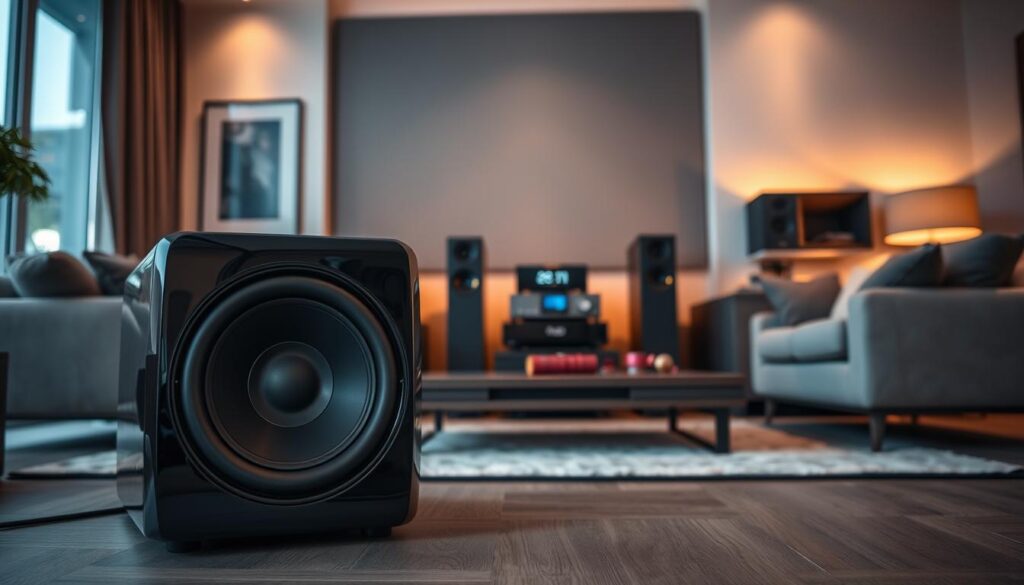
The crossover setting is where your main speakers stop and the subwoofer starts. Getting this right stops your speakers from trying to play low notes they can’t handle. Proper alignment ensures a smooth transition that keeps your audio crisp and clear.
If you have smaller speakers, you need to set the crossover higher. This helps because they can’t handle deep bass well. Here are some tips for your setup:
- For small speakers with 2- or 3-inch woofers, try crossover settings between 150Hz and 200Hz.
- For bookshelf speakers with 4- to 5-inch woofers, a range of 80Hz to 100Hz is usually ideal.
- For large floor-standing speakers, you can often set the crossover as low as 60Hz.
Room Calibration Techniques
Your room’s layout can affect sound quality, even with great equipment. Sound waves can bounce off walls and furniture, causing some frequencies to sound off. Modern AV receivers have automated room calibration programs to help fix this.
“Calibration is not just about volume; it is about time-alignment and frequency response. A well-calibrated room allows the listener to hear the music exactly as the artist intended, without the interference of the listening space.”
To use these tools well, place your calibration microphone at ear level in your main listening spot. The system sends test tones to each speaker to measure room effects. The software then applies digital signal processing to balance the output, ensuring your subwoofer works perfectly with the rest of your system.
Choosing the Right Cable for Subwoofer Connectivity
Getting deep, clean bass needs more than a strong subwoofer. It also needs the right connection. When setting up our home audio, we often overlook the cables that carry the signal. Good cabling keeps your audio clear and free from interference, key for optimal performance.
Different Types of Cables
Knowing your subwoofer wiring options is crucial for a better sound. Most homes use standard RCA cables, but their quality varies. Look for cables with strong shielding to block electrical noise from other devices.
- Shielded RCA Cables: These are the top choice for most home theaters, offering a solid path for bass signals.
- Balanced XLR Cables: These are better for long distances, offering less noise.
- High-Gauge Speaker Wire: For passive setups, these need careful matching with your amplifier for subwoofer cable compatibility.
Recommended Cable Lengths
When planning your setup, precision is key. Use a tape measure to mark the cable’s path from your AV receiver to the subwoofer. Don’t just measure the straight line; include bends and turns around furniture.
Short cable runs are best for keeping the signal strong. If a long cable is needed, choose high-quality, low-capacitance interconnects to avoid signal loss. Proper planning ensures your subwoofer connectivity stays clear, letting you enjoy music and movies without interference.
Integrating Subwoofers with Other Audio Equipment
Your subwoofer should work well with your speakers, not alone. Learning how to connect subwoofer units right makes bass feel like part of your main sound. The aim is to mix low frequencies smoothly with your system’s sound.
Compatibility with Speakers
It’s important to match your subwoofer with your speakers for a good sound. Make sure your subwoofer cable compatibility lets the signal flow well from the receiver to the subwoofer. If not, you might hear a sound gap or too much bass that messes up your music.
Try different phase settings to get your subwoofer and speakers in sync. When they work together, the sound is immersive and precise. Always check your receiver settings to make sure speakers are set to “small” for the subwoofer to handle bass.
Connecting to Gaming Consoles
Modern gaming consoles have great audio that a subwoofer can enhance. To keep performance high, send audio through an AV receiver, not directly to the display. This way, you keep subwoofer cable compatibility and manage signals for different devices.
When setting up your subwoofer with gaming, watch out for latency. A direct connection through a good receiver cuts down on delays, keeping sound in sync with the game. Consistency is key for a great experience in movies, music, and games.
Smart Subwoofer Features
The latest subwoofers offer control and ease like never before. They use advanced digital tech to make sure everyone gets great bass, no matter their tech skills.
Wi-Fi and Bluetooth Capabilities
Today’s audio gear focuses on flexibility with wireless tech. With wireless subwoofer pairing, you can put your sub anywhere without messy cables.
These wireless links keep sound quality high. They let you move your sub to find the best spot for sound in your room.
- Seamless connectivity with smart home ecosystems.
- Reduced signal interference compared to older analog methods.
- Quick synchronization with soundbars and AV receivers.
App Control Functionality
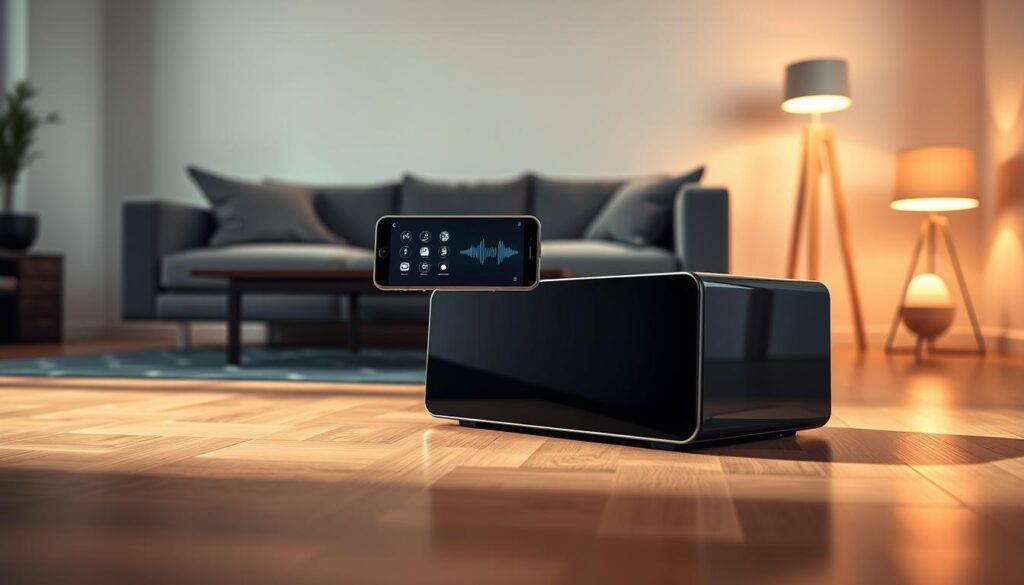
Smart subwoofers come with apps that let you control your sound like a pro. These apps let you tweak your subwoofer audio inputs from your couch.
Adjust settings like crossover frequencies and volume with a few taps. This ensures your system sounds amazing, whether you’re watching a movie or listening to music.
These digital tools make setting up your system easy. Managing your subwoofer audio inputs through an app avoids the hassle of manual knobs. This modern approach is the future of home theater convenience.
Comparing Subwoofers for Better Connectivity
Upgrading our home theater means looking at subwoofer connectivity options carefully. We need models with multiple input types to stay ahead of technology. Finding the best subwoofer connection methods early saves us from setup headaches.
Brands to Consider
Some brands are known for their versatile connectivity and solid build. SVS is famous for its wide range of input options, pleasing both music lovers and movie fans. Klipsch is known for reliable performance and easy setup, perfect for beginners.
REL Acoustics offers unique connections, like high-level inputs for your amplifier. Choosing a well-known brand means better support and consistent quality. Think about your room needs when picking a brand.
Key Features to Look For
Look for technical features that make your system flexible. Balanced XLR inputs cut down on noise in long cables. Flexible crossover controls help your subwoofer blend with speakers smoothly. These are key for the best subwoofer connection methods.
| Brand | Input Variety | Crossover Control | Build Quality |
|---|---|---|---|
| SVS | High | Advanced | Excellent |
| Klipsch | Medium | Standard | Good |
| REL | Specialized | Precise | Premium |
Make sure the subwoofer has a standby mode and auto-sensing to save energy. By focusing on these features, we get great sound and reliable connections for years.
Best Practices for Safe Subwoofer Connectivity
Protecting your investment means being careful with how you connect and house your subwoofer. We focus on keeping your hardware lasting longer and your sound clear. By following these safety tips, your system will stay reliable for many years.
Voltage and Power Considerations
Managing power well is key to a stable audio setup. Make sure your subwoofer is plugged into a grounded outlet to avoid electrical surges. Proper ventilation is critical, as these units get hot during long use.
Don’t put your subwoofer in closed cabinets or tight, unventilated spots. If it can’t breathe, it might overheat, shortening the life of its parts. Always leave at least a few inches of clearance around the back and sides of the amplifier panel.
“The quality of your sound is only as good as the foundation upon which your equipment rests.”
Avoiding Signal Interference
Keeping your signal clean means having a clear path for your cables. We suggest keeping power cords and audio signal cables apart. Running them together can bring unwanted electrical hum or buzzing into your audio.
Where you place your subwoofer matters a lot. Avoid putting it in cabinets or too close to walls, as this can cause unwanted resonances or bass ‘booming.’ Strategic positioning improves the accuracy of low frequencies and prevents cabinet vibrations against nearby surfaces.
Lastly, check your connections often to make sure they’re tight and clean. A loose connection can cause signal loss or short circuits. By keeping your cables organized and your unit well-spaced, you keep your home audio experience pristine.
Conclusion: Perfecting Your Sound Setup
Creating a top-notch audio setup needs careful planning at every step. Start by placing your equipment just right, then fine-tune your system.
Learning how to connect and adjust your gear can greatly improve your home theater. Brands like SVS, Klipsch, and REL make equipment that’s easy to tweak. Try different settings to find the perfect sound for your room.
Being patient is key to getting your sound just right. Spend time adjusting crossover points and volume levels. This will make your bass sound tight and clear. Your hard work will make movies and music feel more real.
We encourage you to share your progress in building your dream audio system. Talking with others can teach you new ways to improve your setup. Enjoy making a soundstage that brings your favorite media to life.